



Jump to content
View in the app

A better way to browse. Learn more.

Japanese Golf Clubs at Golf To Impress

A full-screen app on your home screen with push notifications, badges and more.

To install this app on iOS and iPadOS
  1. Tap the Share icon in Safari
  2. Scroll the menu and tap Add to Home Screen.
  3. Tap Add in the top-right corner.
To install this app on Android
  1. Tap the 3-dot menu (⋮) in the top-right corner of the browser.
  2. Tap Add to Home screen or Install app.
  3. Confirm by tapping Install.

mittle

Members
  • Joined

  • Last visited

Everything posted by mittle

  1. mittle replied to mittle's topic in Japanese Golf Clubs
    Haven't hit it yet...this weekend. I guess I wanted to get some opinions before I took it out. Thanks to all who responded. I'll let you know how it feels.
  2. mittle replied to mittle's topic in Japanese Golf Clubs
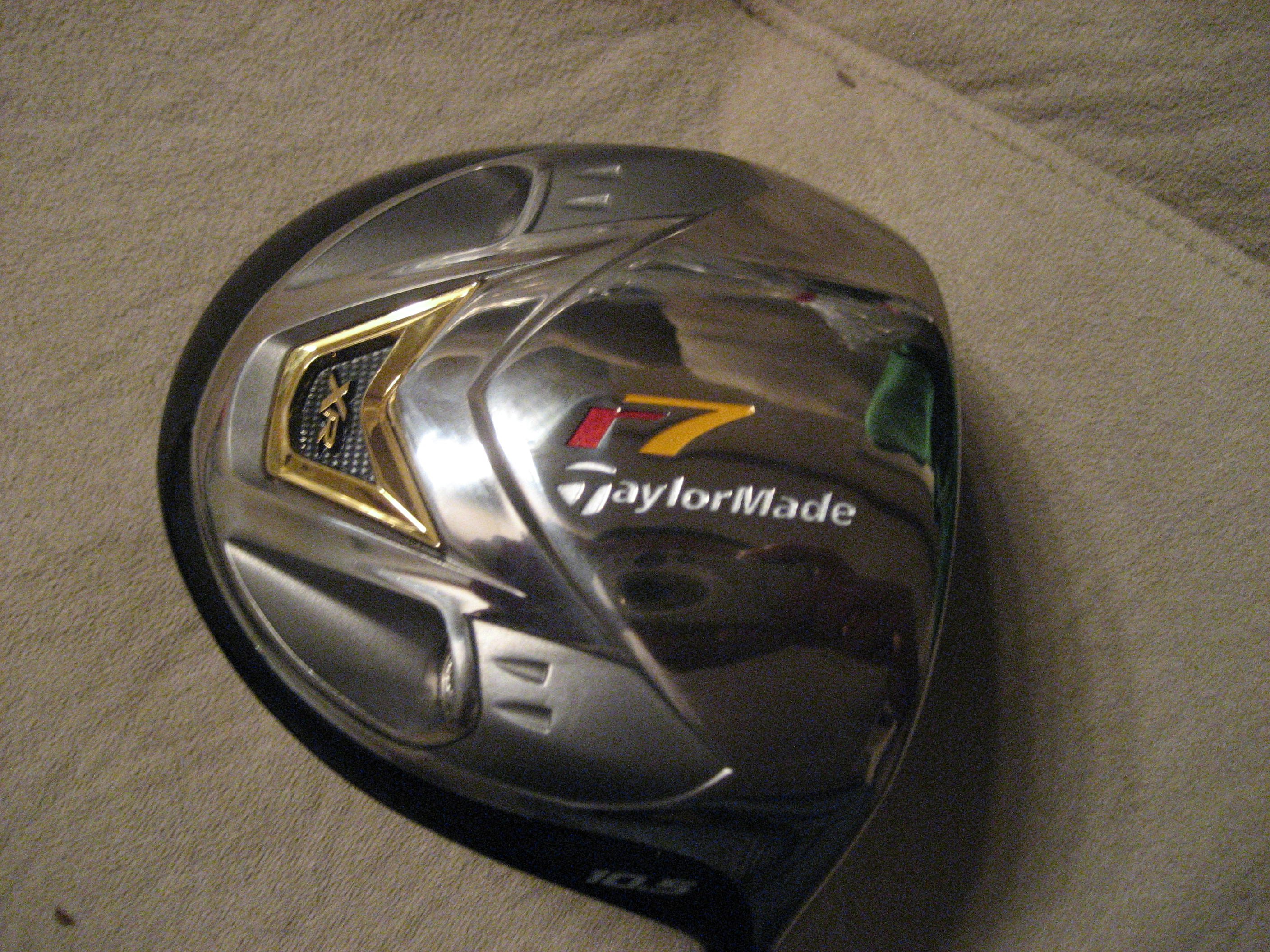
    Here are a few more pics. Thanks for your input.
  3. mittle posted a topic in Japanese Golf Clubs
    I recently purchased a R7 XR from a co-worker of mine. I'm sure he is not intentionally trying to pull one over on me but he is, nevertheless, clueless about this club-He picked it up in his travels. I am worried because there is no serial number on the hosel. I have heard many reasons for this from it was from the "tour van" to this Japan made model does not have a serial number imprinted on the club. The shaft is a REAX Plus which I know is aimed at the Asian market. Any comments or suggestions would be helpful. Thanks.
Configure browser push notifications

Chrome (Android)
  1. Tap the lock icon next to the address bar.
  2. Tap Permissions → Notifications.
  3. Adjust your preference.
Chrome (Desktop)
  1. Click the padlock icon in the address bar.
  2. Select Site settings.
  3. Find Notifications and adjust your preference.