



-
 How do the lagcy compare to the lagcys from 2008 aka Diablo forged
 -
ok so how should i contact you thanks RB
-
I bought a legacy 09 With a kai'li last year for the same price let me know if you are intrested
-
hi i would take it for 250
-
My boss is willing to pay $200 + shipping for this shaft, Let me know if you are intessted.
-
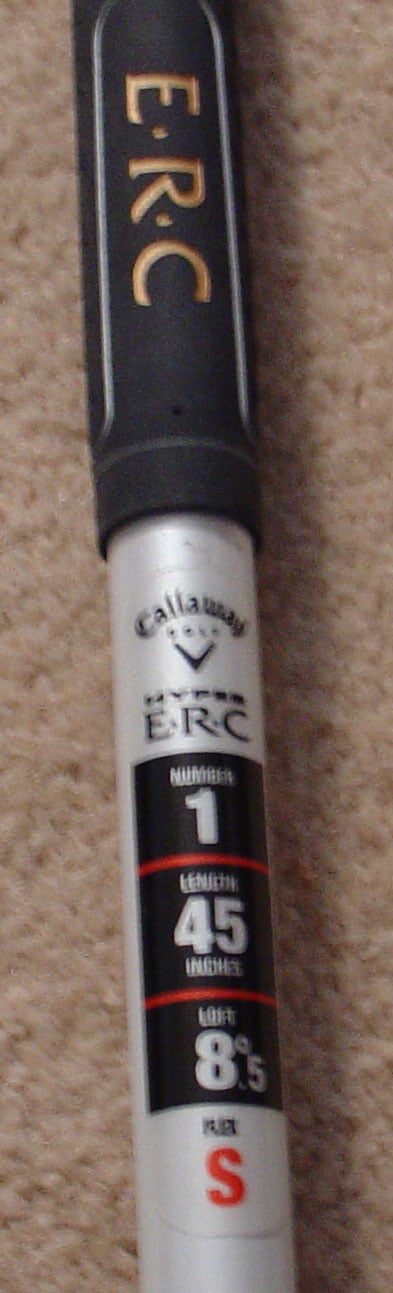
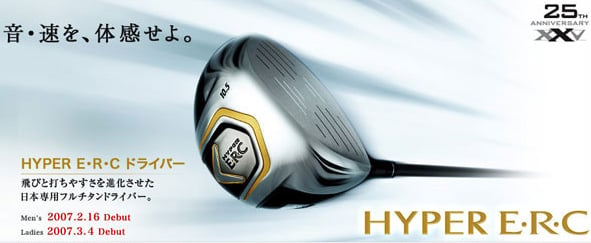
Callaway Japan introduces their new Hyper ERC Driver! This forgiving 460CC head is Callaway's longest driver yet! The Hyper ERC comes stock with a Speed Axis shaft designed by Graphite Design Japan exclusively for Callaway. This USGA conforming driver is made of exotic titanium. This driver is only available in Japan and can be purchased from Tour Spec Golf for $795 plus shipping from Japan. My boss buys many different drivers and shafts to find the best solution for himself. He is selling all the drivers he got last year that he is not keeping. Retails for $795, asking for $500. Item is also listed on eBay.




-
Thanks for the quick reply I am new to the Japanese equipment but otherwise very familiar with equipments i own a zelocity pure launch. I have a tendency to fade and sometimes ( I would prefer a draw) slice the ball and I am swinging at 100-110 mph good aggressive swing What’s the difference between the wa and ba versions and how much would you like for the combo Thanks RB
-
Hi i am looking for a driver with a roddio shaft like the W-6WA or W-7WA stiff head 9.5 or below preferr 8.5 good conditon only Kind Regards RB