




avarata
Members
-
Joined
-
Last visited
-
Open to trade with mallet-style putter + cash. Thanks.
-
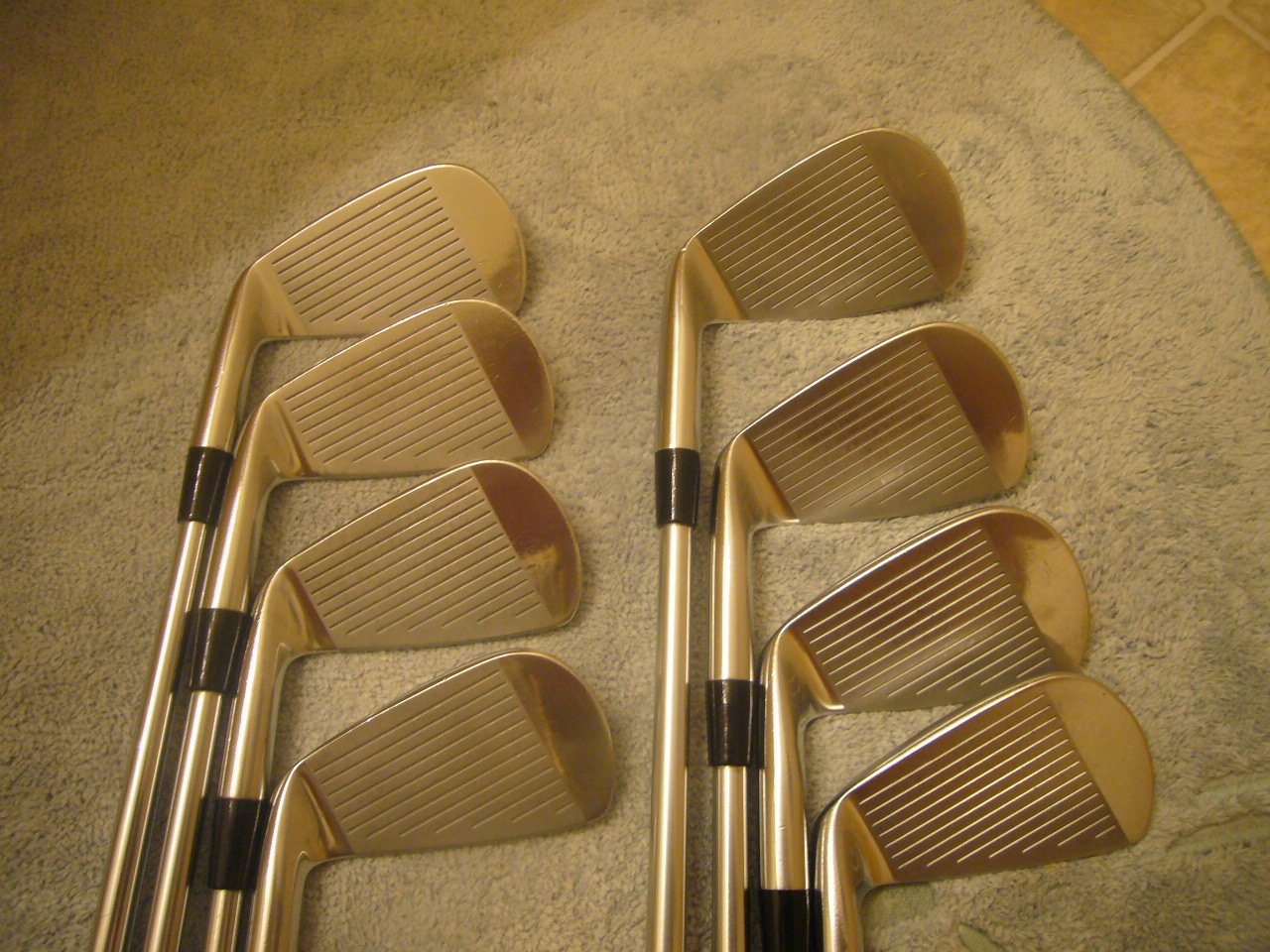
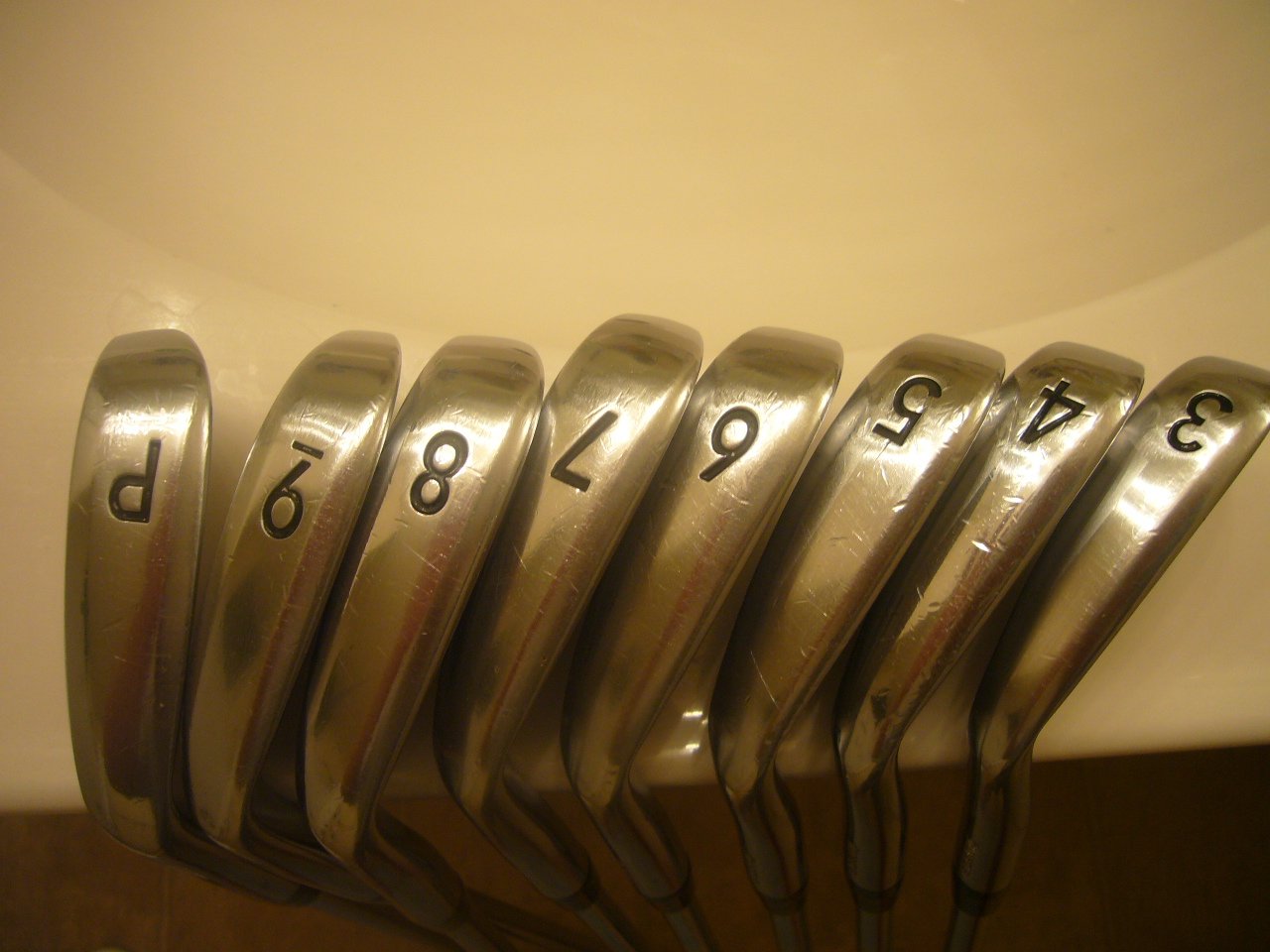
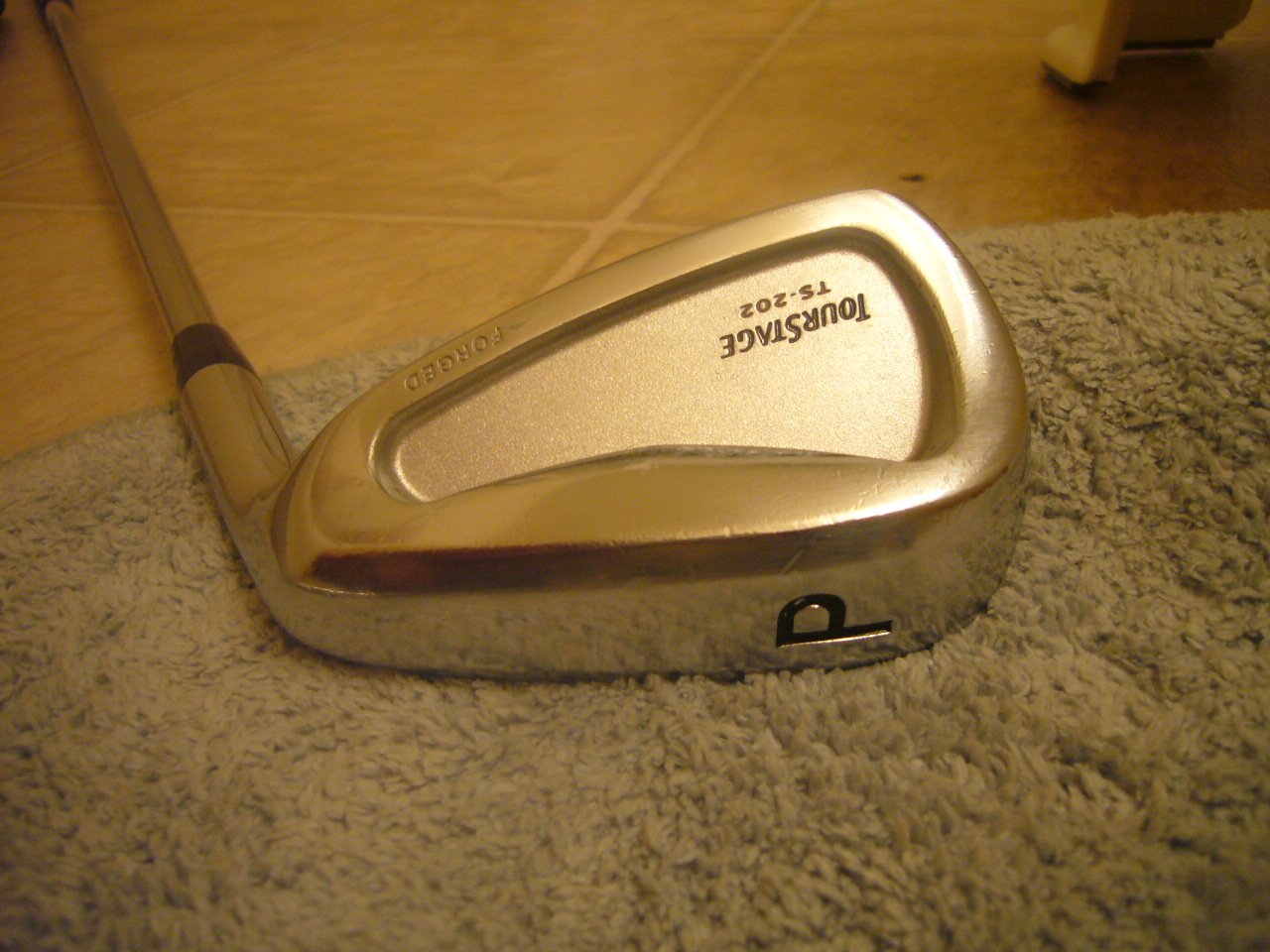
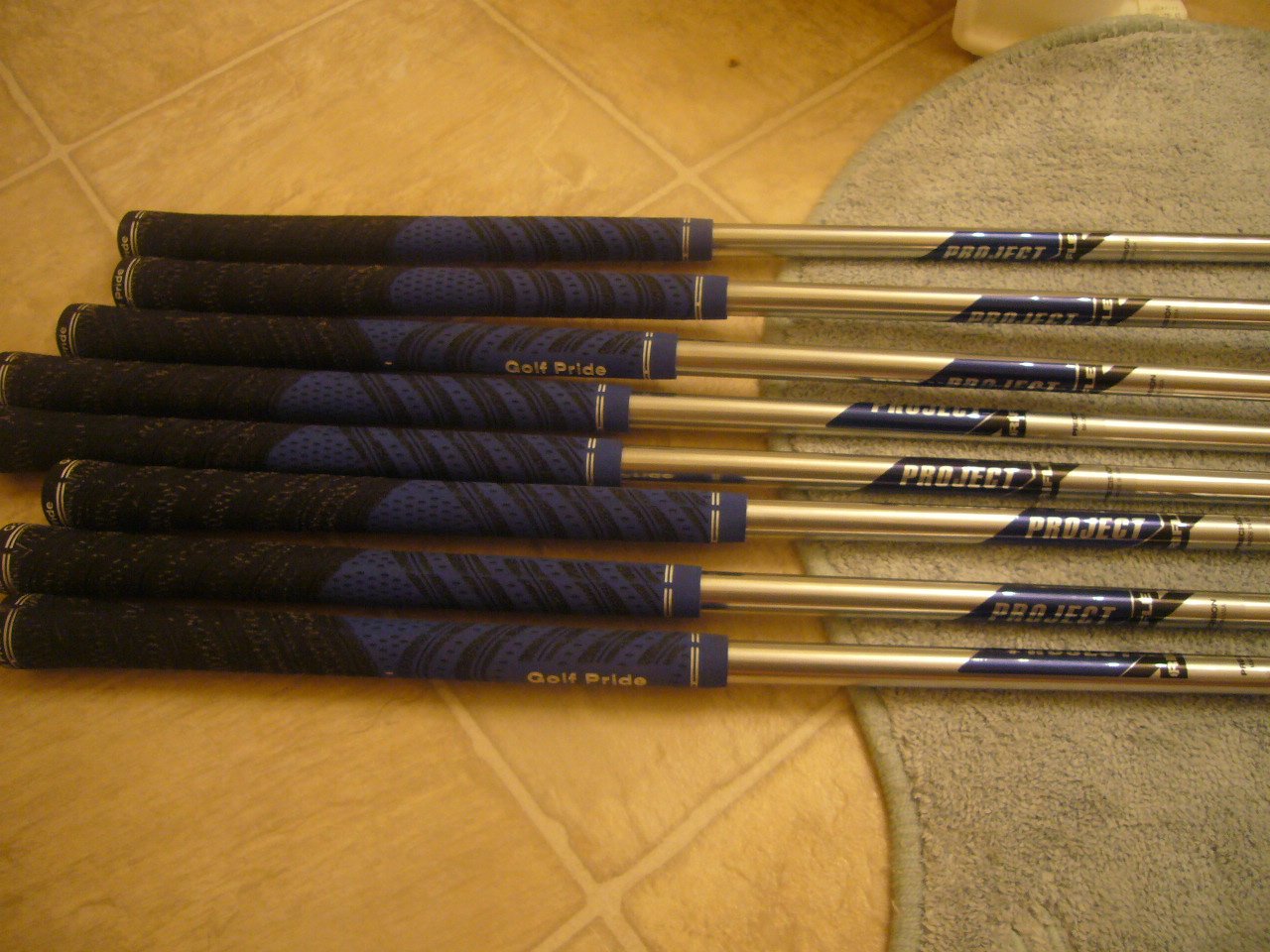
Here is your chance to get an extremely rare and much sought after set of ultra-premium, high-end Japanese Tourstage irons TS-202's are Endo forged irons with a cavity back pocket or undercut cavity. Tourstage is a brand of Bridgestone aimed to top amateurs and pro players. Tourstage crafts their clubs in Japan where the best foundries are. These are some of the softest, most forgiving irons you will ever play. This set features: - Reshafted by Royal Precision Project - X 5.5 with Satin finish (This Satin finish is not available any more) - Golf Pride New Decade MultiCompound Grip (Blue) - Heads show light bag chatter common for so soft a metal, please check it out with pics - Rated 8.5/10 $460 paypal'd and shipped (US 48 states. For other area, please contact me)

-
Hi Albert I am interested in your club and shaft. From my survey, S300 is equal to Project X 5.7.. I read some blogs. If it is true, I am OK with your shaft. :) Can you let me have some pics of head and grip and price you expect? Please drop an e-mail at [email protected] I will wait your response. Thanks. Darren
-
Hi Currently i used MP-32 with R300 shaft. I am interested in used tourstage TS-202 with steel shaft such as S200 or S300. Please let me know if you are interested. Thanks. Darren