




smartbomb
Members
-
Joined
-
Last visited
Everything posted by smartbomb
-
Further than the Ft-5. It plays close to the the FT-iq. The stiff shaft (since asian market?) is not as stiff as say a fujikara zcom stiff but close. Forgiveness is all there. Hyperbolic face makes it easy to fly of any part of the face, power weighting in the back promotes a draw. Stiff shaft and long length allow for more accuracy. Hope that helps! Sound is much more crisp as well
-
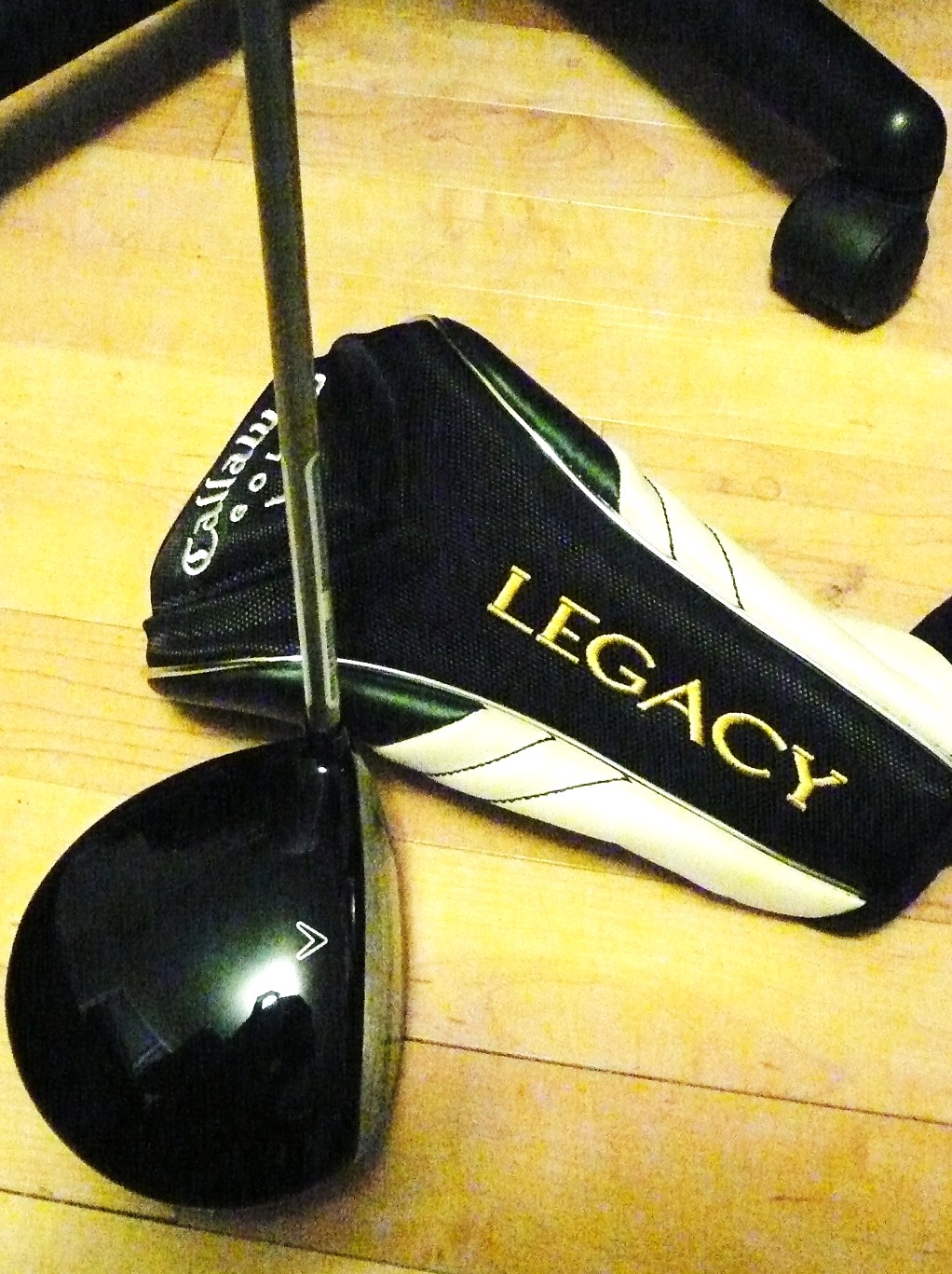
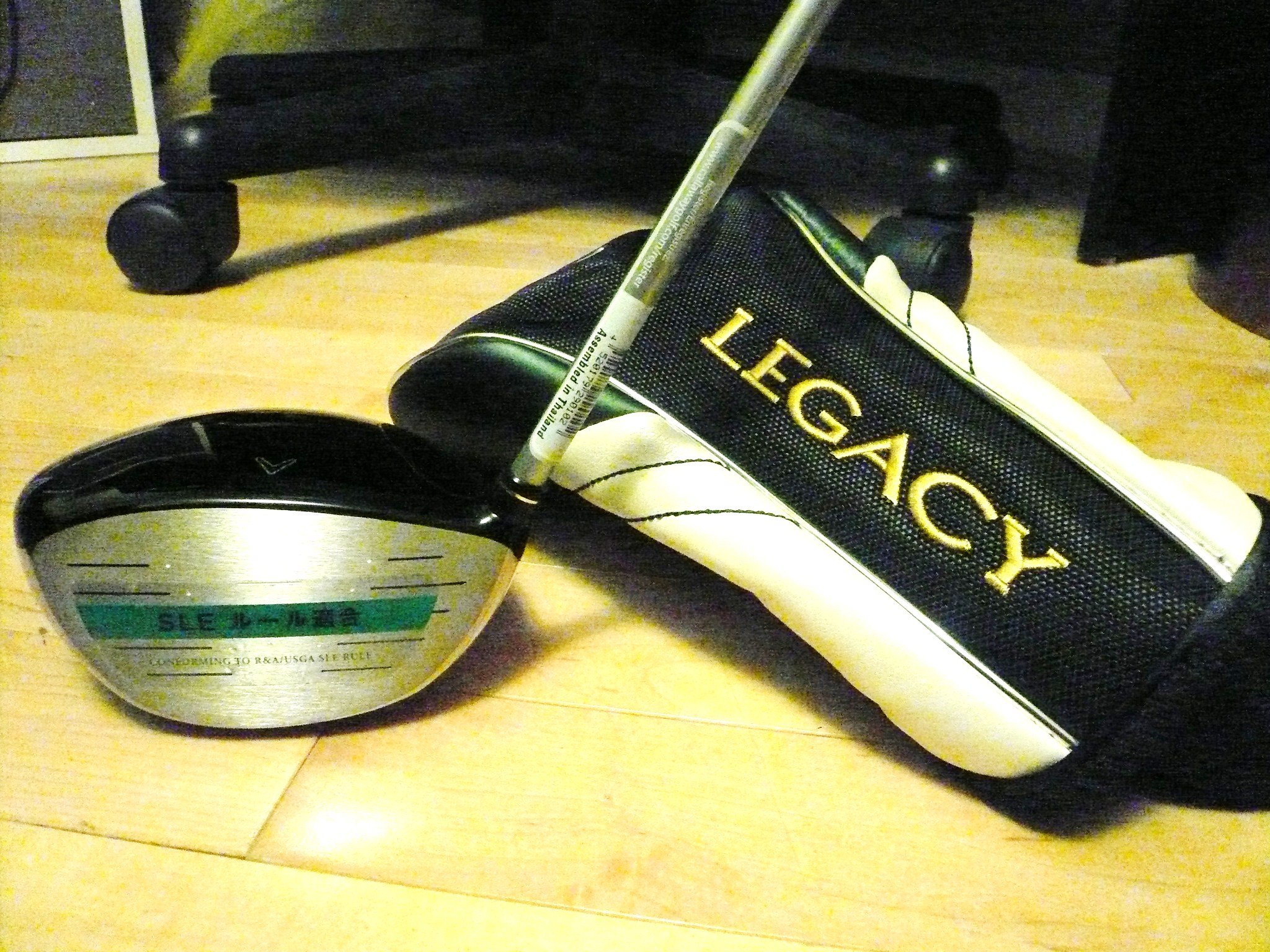
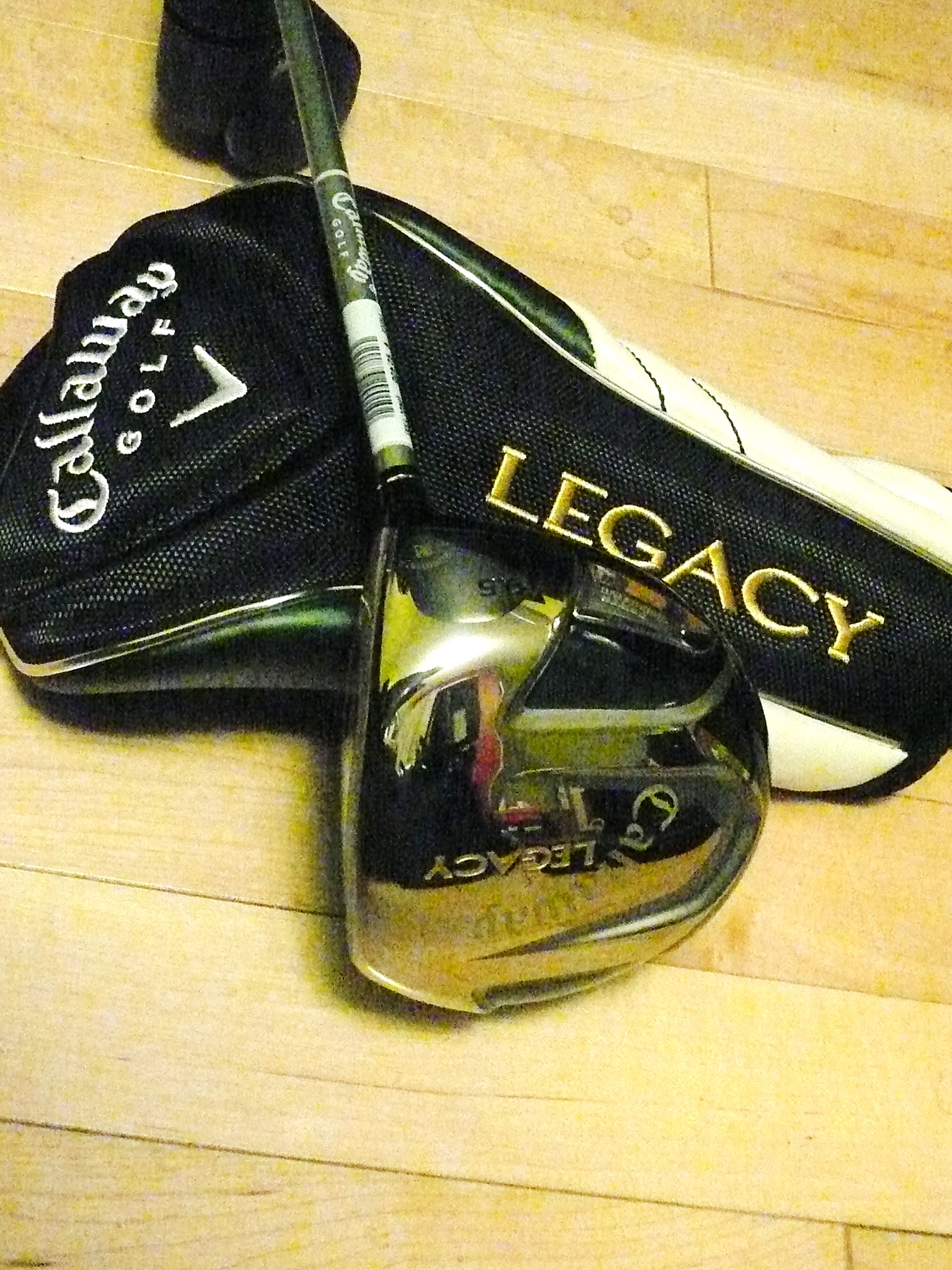
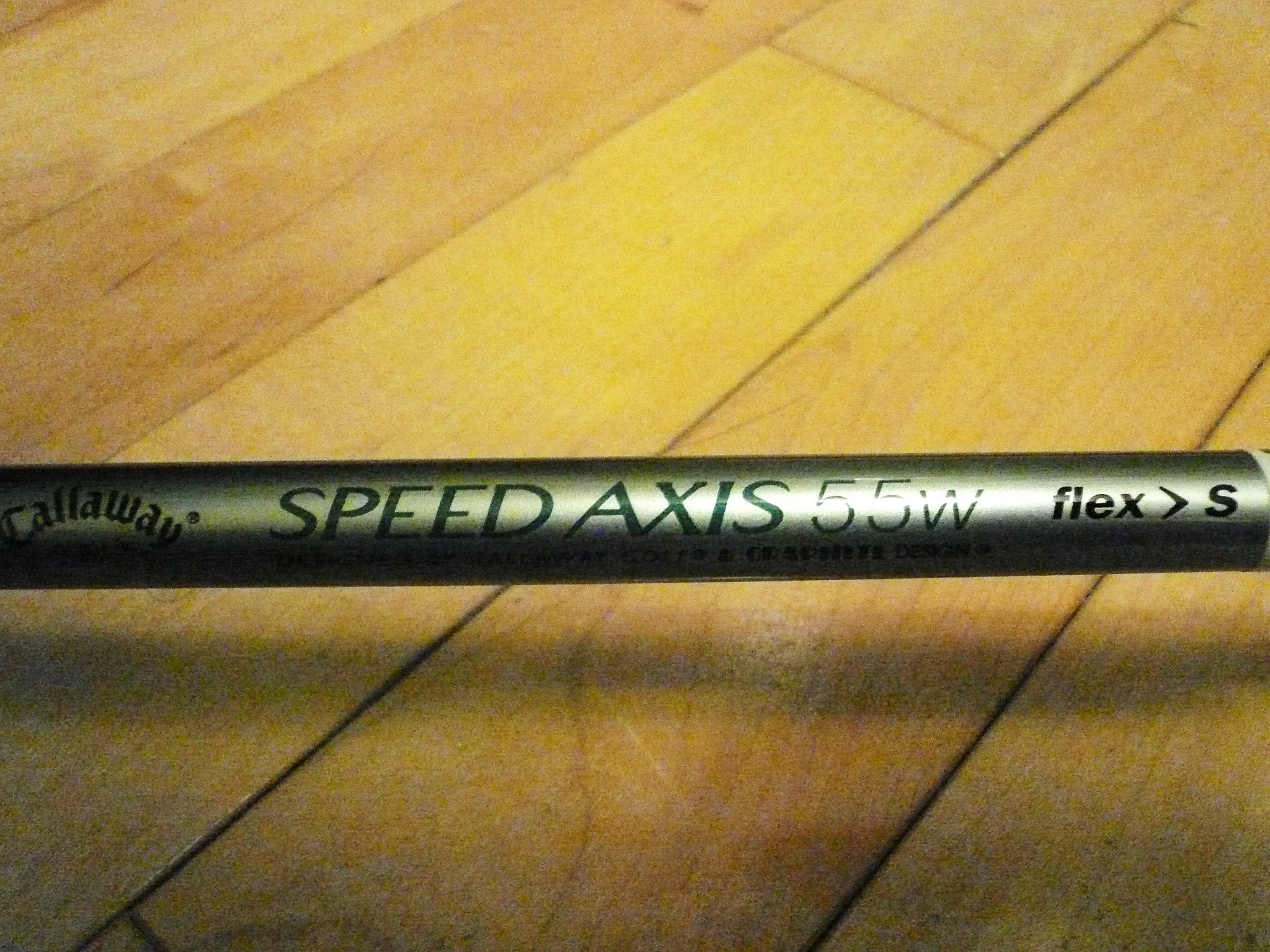
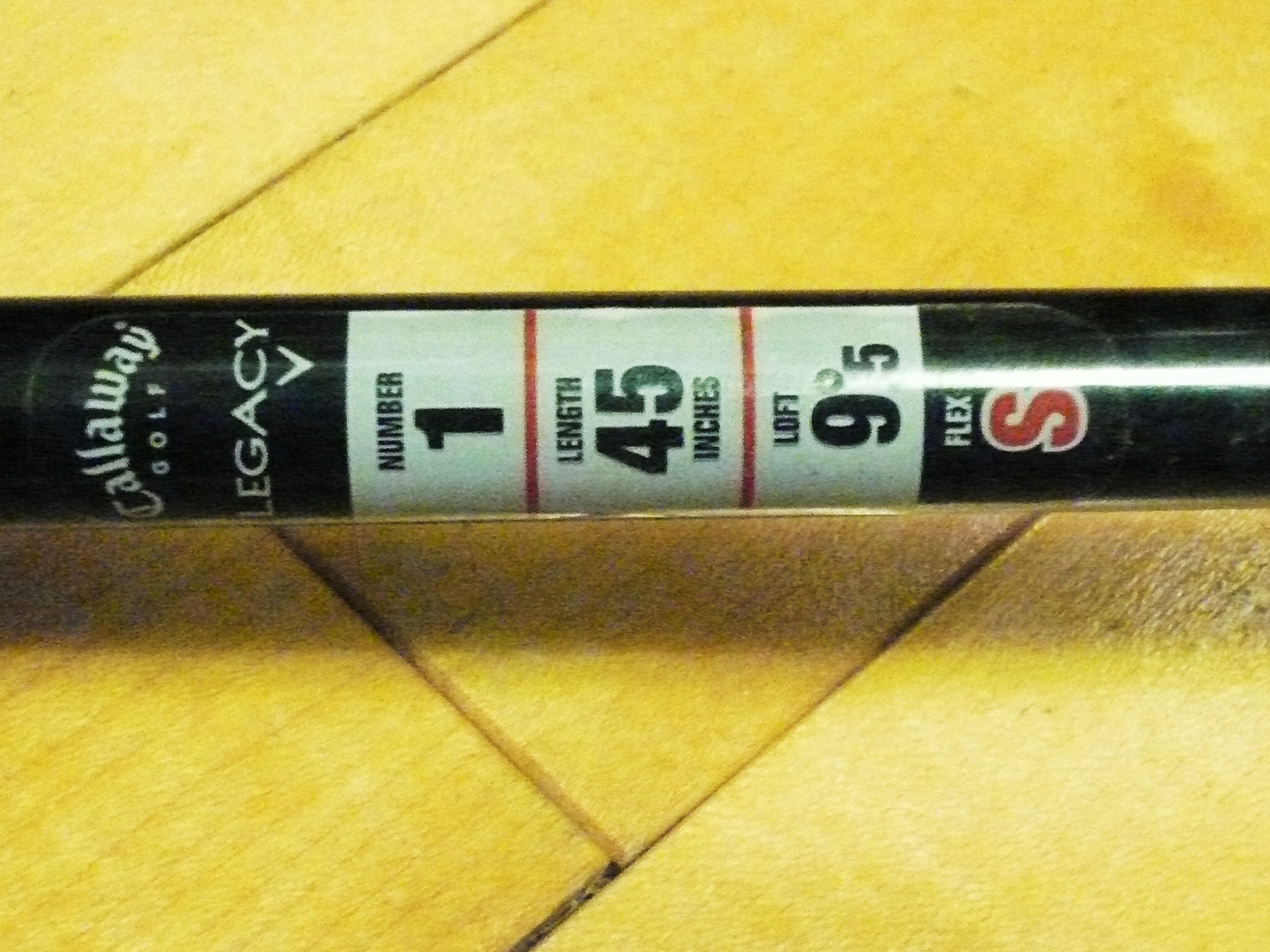
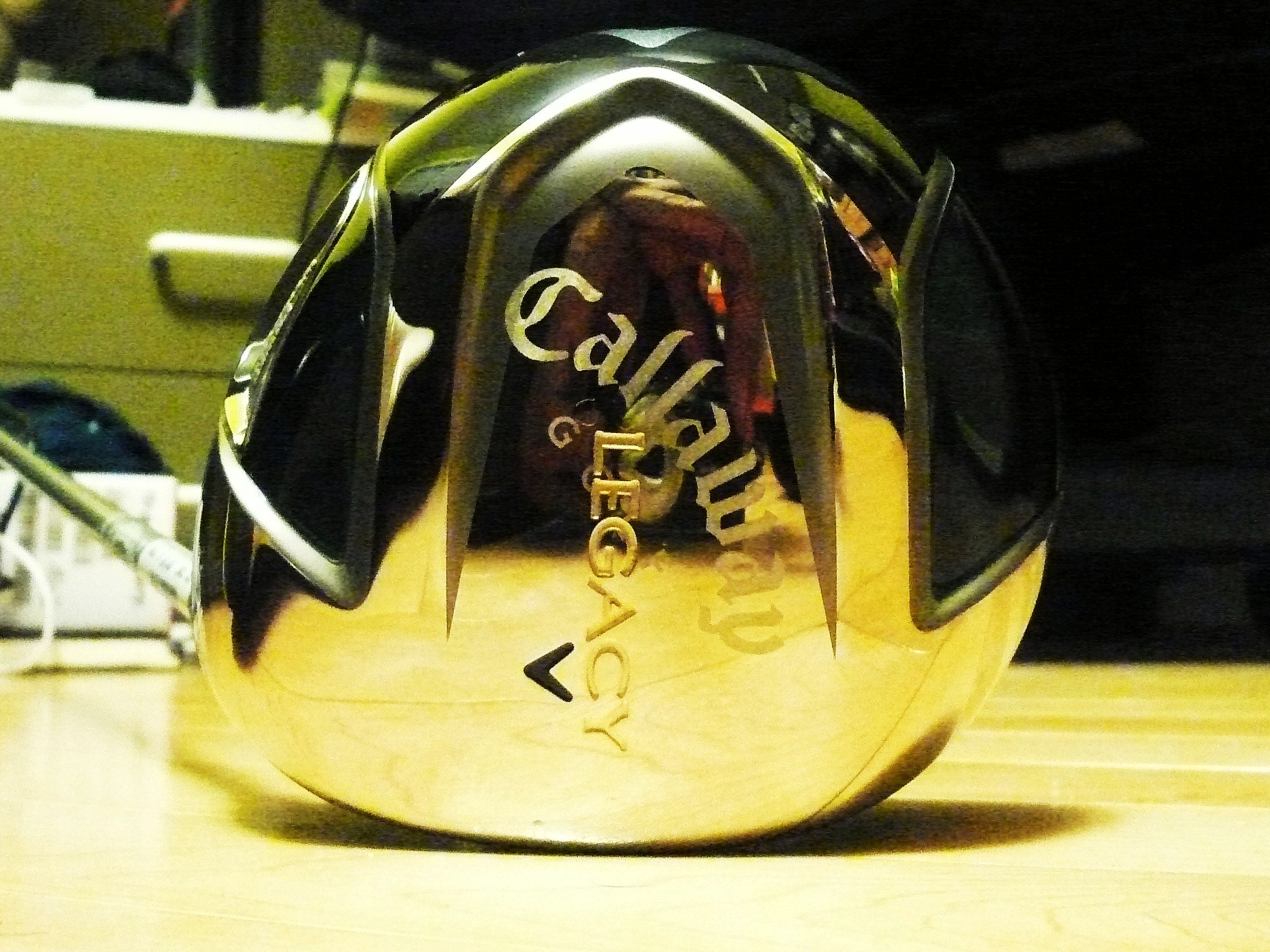
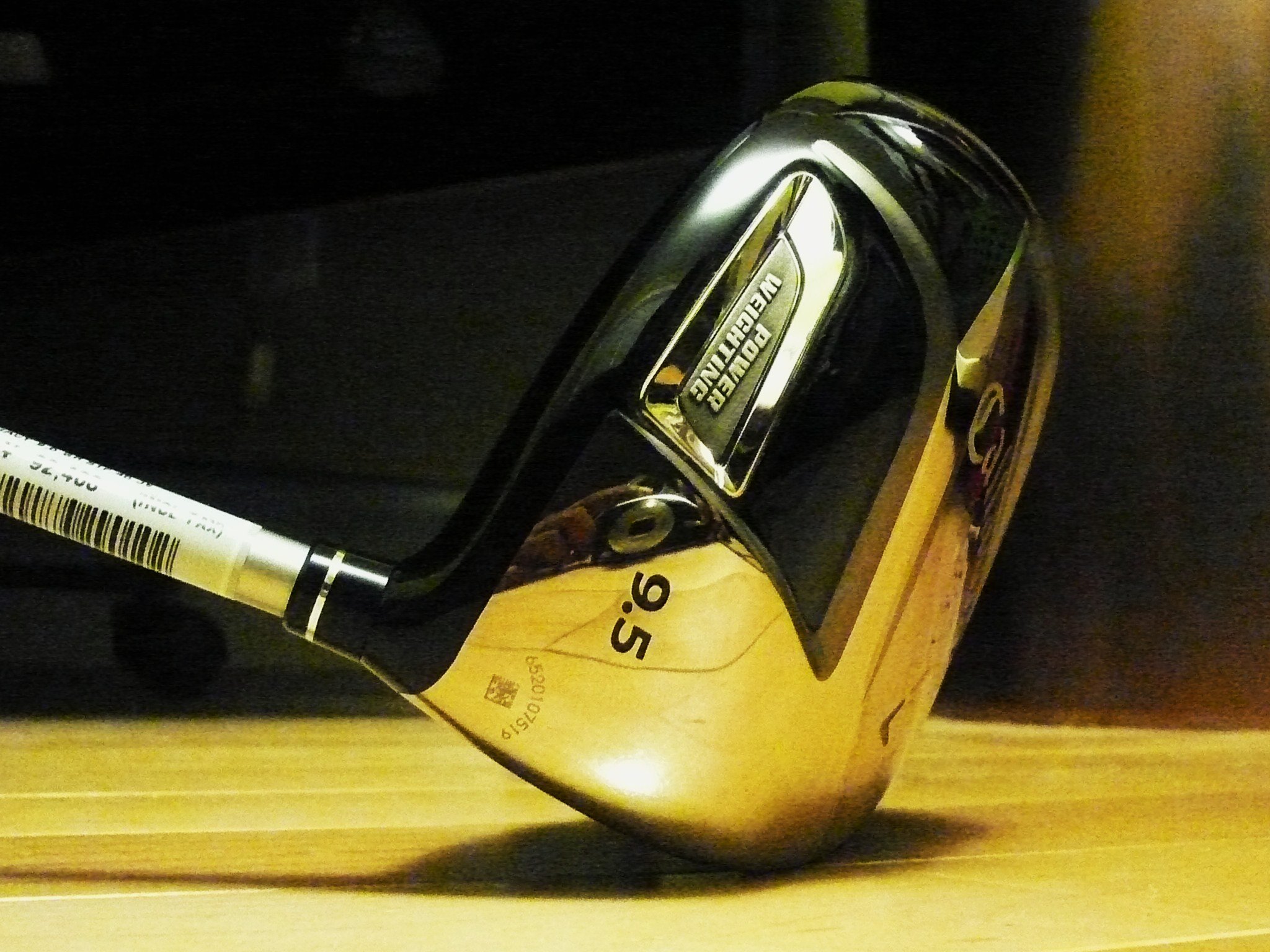
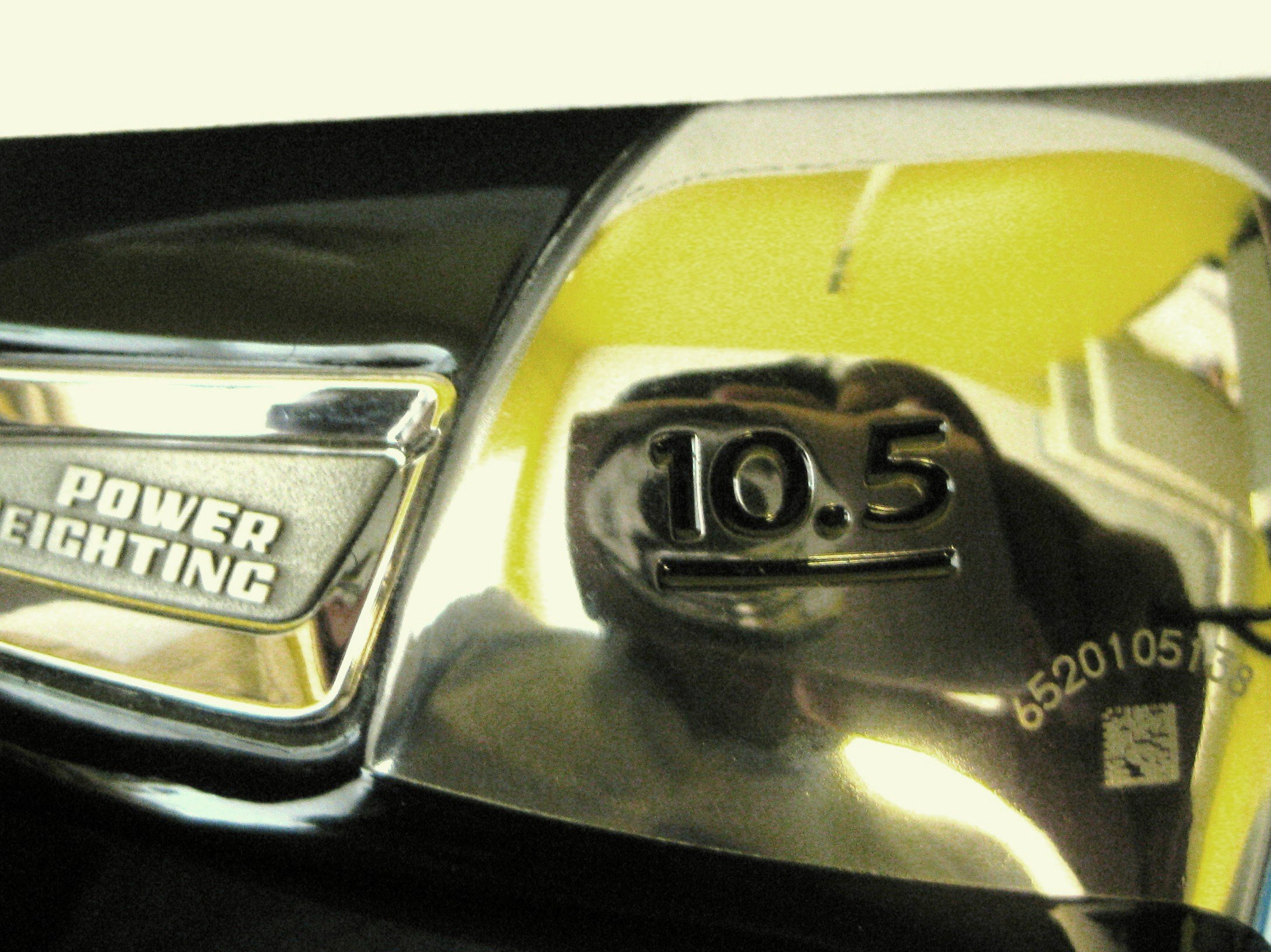
Tour Spec has a great review on this model in their pro shop. please read! $375 each shipped OBO!! in North America or $650 for both shipped OBO[/size in North America PAYPAL accepted overseas pls pm for shipping. Callaway Legacy Men's Right Hand 100% authentic guaranteed w/ stickers (face, shaft), SN# lasered on club head 9.5 degree Speed Axis 55W STIFF flex (stock shaft by Callaway and GRAPHITE DESIGNS) Callaway Grip 45 inch length Driver #2 10.5 degree 46 inch length These are brand new, never used. No nicks, dents, scratches. MINT. Headcover: MINT They were bought as backup drivers for myself and a friend, but since we bought new iron sets we have to let them go. 100 % authentic guaranteed or money back. Longer and more accurate than the Hyper X, ERC, FT-9! Truly a legacy of Callaway's commitment to golf equipment pm me with offers or questions, or more picture requests! shipping with tracking and insurance
-
Brand new Callaway Legacy, 9.5 stiff (stock shaft though) with headcover. any interest?