Jump to content
View in the app

A better way to browse. Learn more.

Japanese Golf Clubs at Golf To Impress

A full-screen app on your home screen with push notifications, badges and more.

To install this app on iOS and iPadOS
  1. Tap the Share icon in Safari
  2. Scroll the menu and tap Add to Home Screen.
  3. Tap Add in the top-right corner.
To install this app on Android
  1. Tap the 3-dot menu (⋮) in the top-right corner of the browser.
  2. Tap Add to Home screen or Install app.
  3. Confirm by tapping Install.

lisongyan

Members
  • Joined

  • Last visited

Everything posted by lisongyan

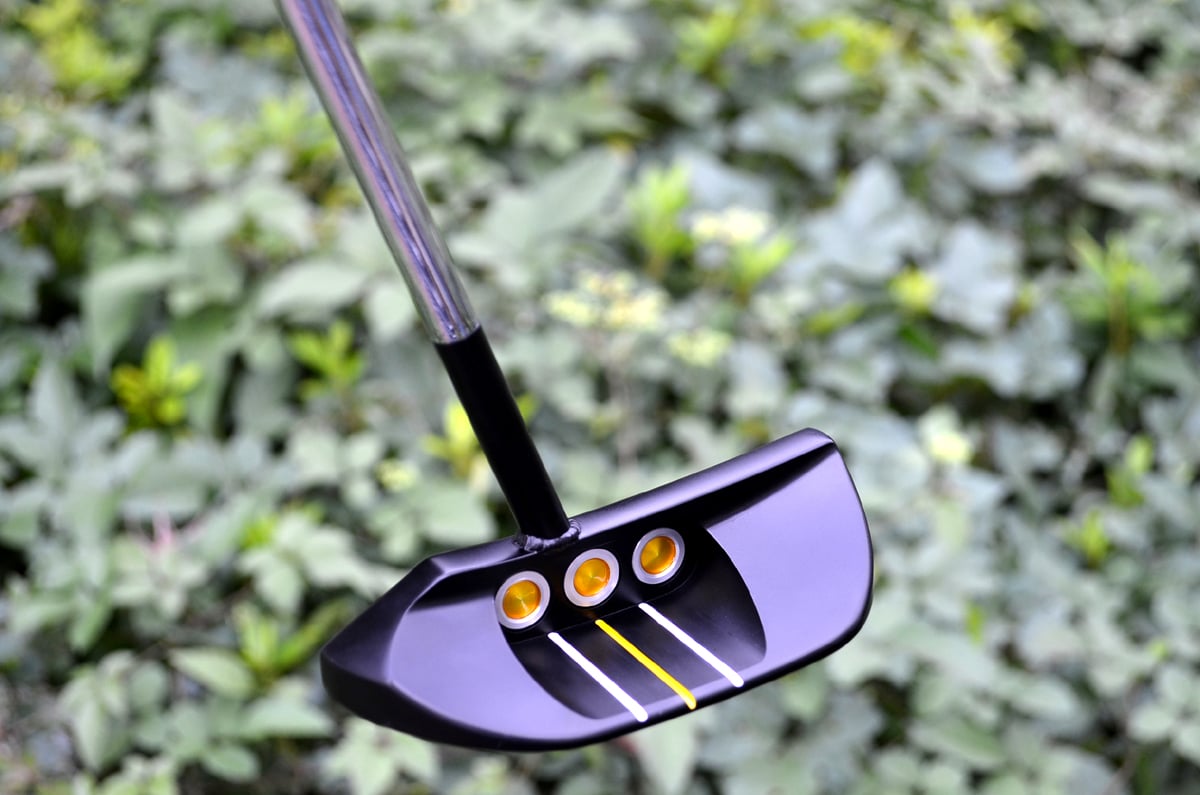
  1. Length 33" ,head weight 360g, S.W about D7
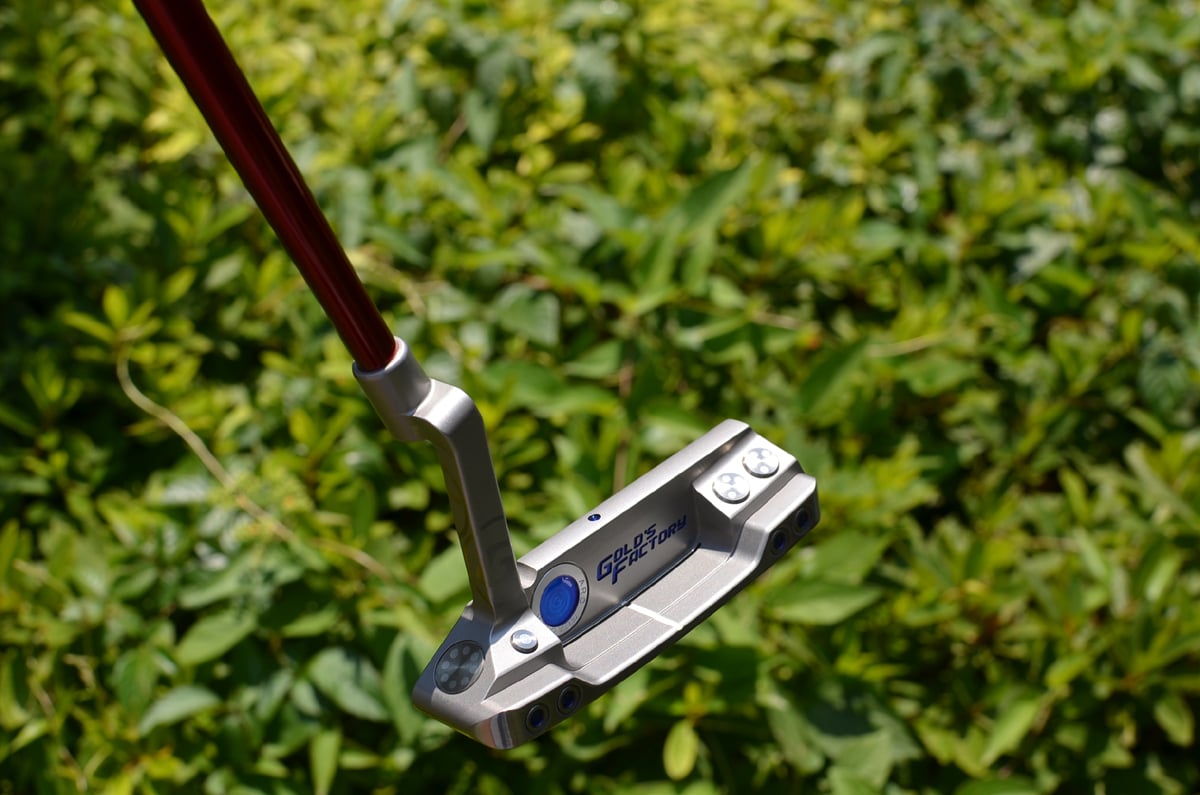
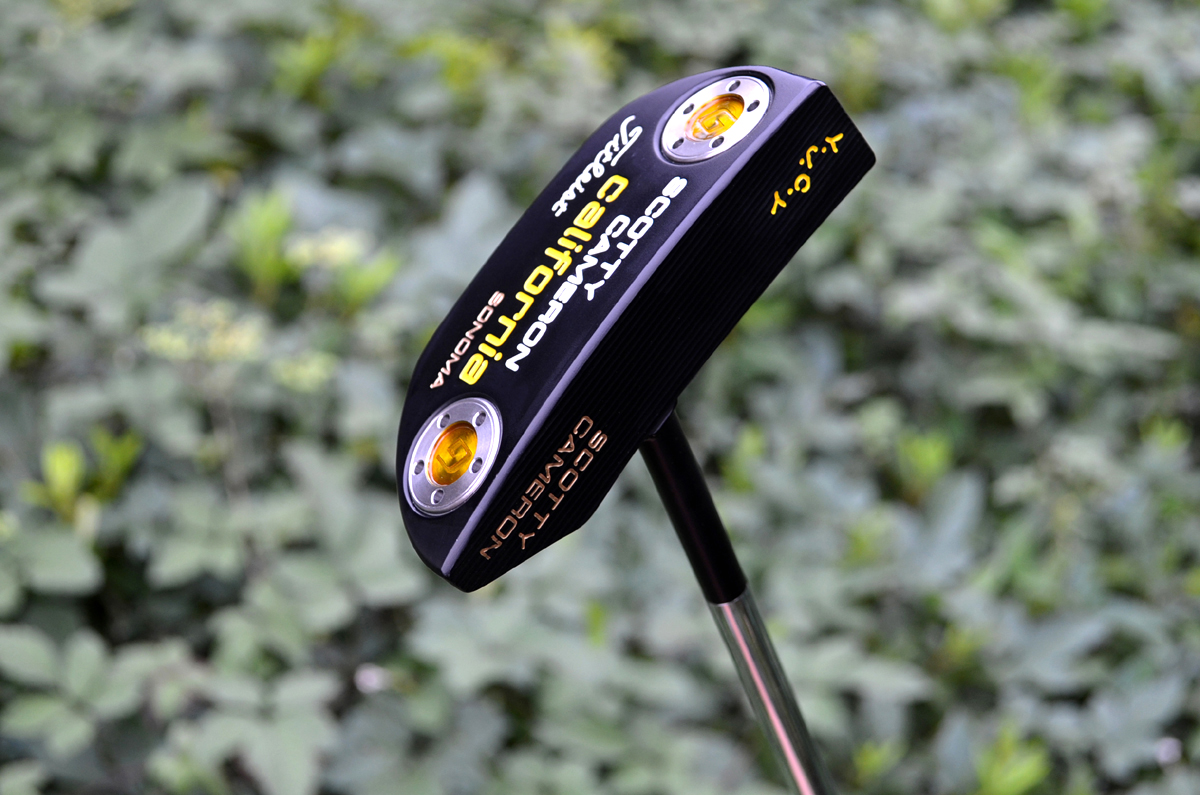
  2. My new gorgeous putter just coming! Thank u so much Tario!
  3. Hi!Guys! My crazy 435 labomba 198g with TRPX Xline S (D2 45.25")just amazing&incredible distance(280 average), The true best driver I ever hit(actually,I got TRPX S013 with messenger S, XV with boron,Ryoma D1 typeV with boron,435II with cb80II,435R with ly-02,T388 with boron,epon zero with cb50,etc...)! special Thx to Tario! Give me to much help!
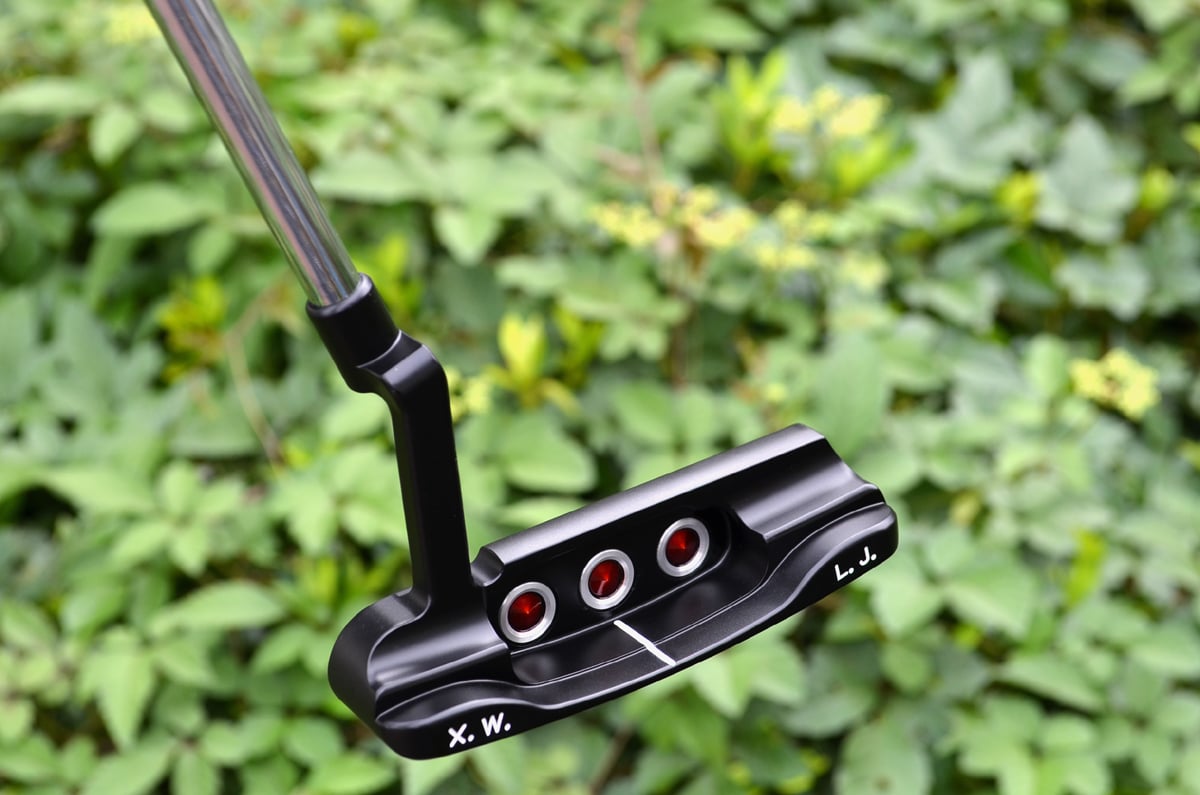
  4. Hi!Tario:what about our new red trinity?
  5. Thx guys! Special thanks to Tario, give me so much help! i show u guys more pics!
Configure browser push notifications

Chrome (Android)
  1. Tap the lock icon next to the address bar.
  2. Tap Permissions → Notifications.
  3. Adjust your preference.
Chrome (Desktop)
  1. Click the padlock icon in the address bar.
  2. Select Site settings.
  3. Find Notifications and adjust your preference.