docterusa
Members
-
Joined
-
Last visited
-
Please let me know if you have one of the newer SIT versions. preferably head only. Please let me know. Thanks
-
SOLD... PLEASE close.. Thank you
-
PRICE DROPPED - $699 shipped... Please email me any questions... GREAT BOMBER here... ONLY selling because I need lower loft.. Thanks
-
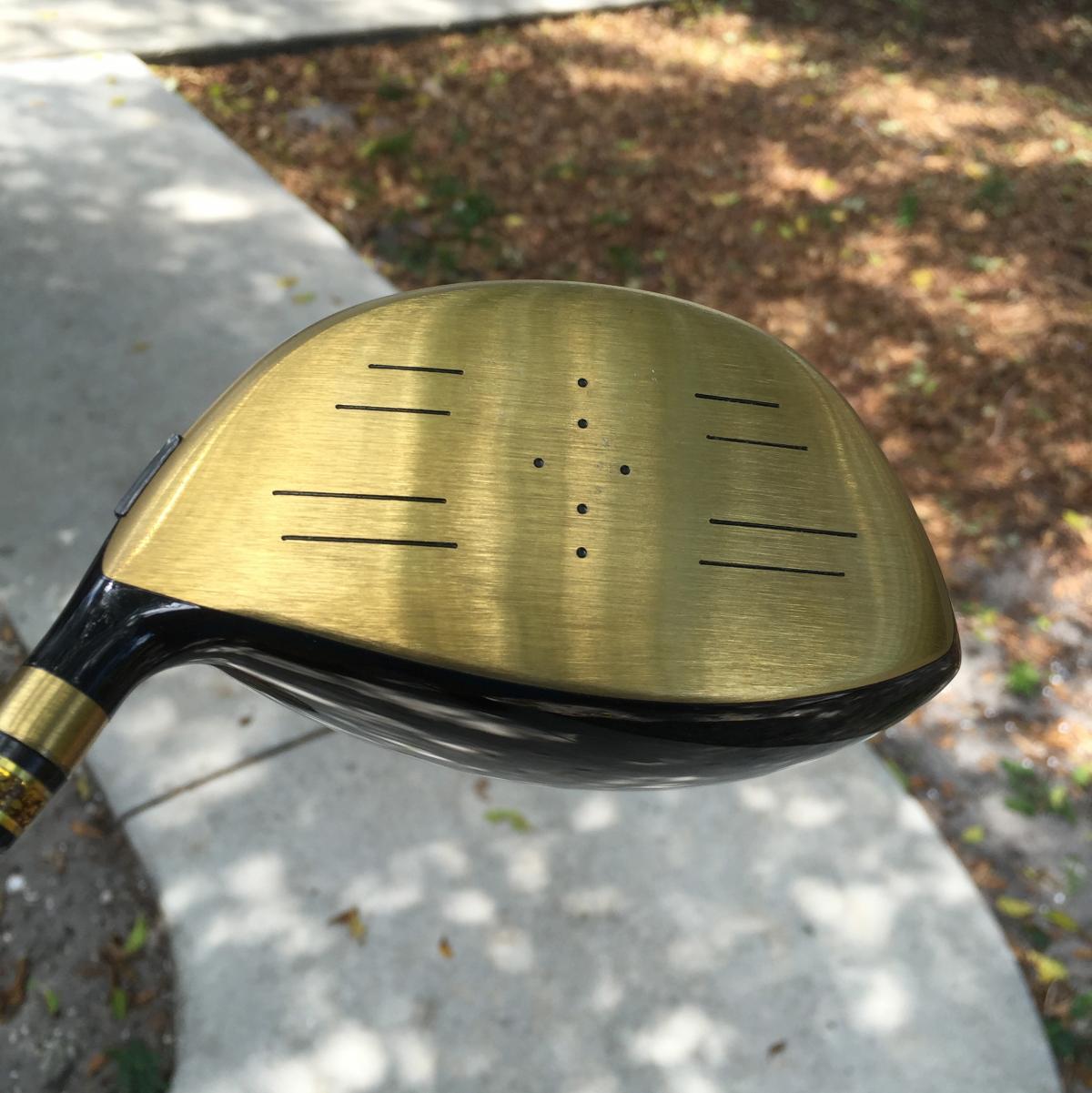
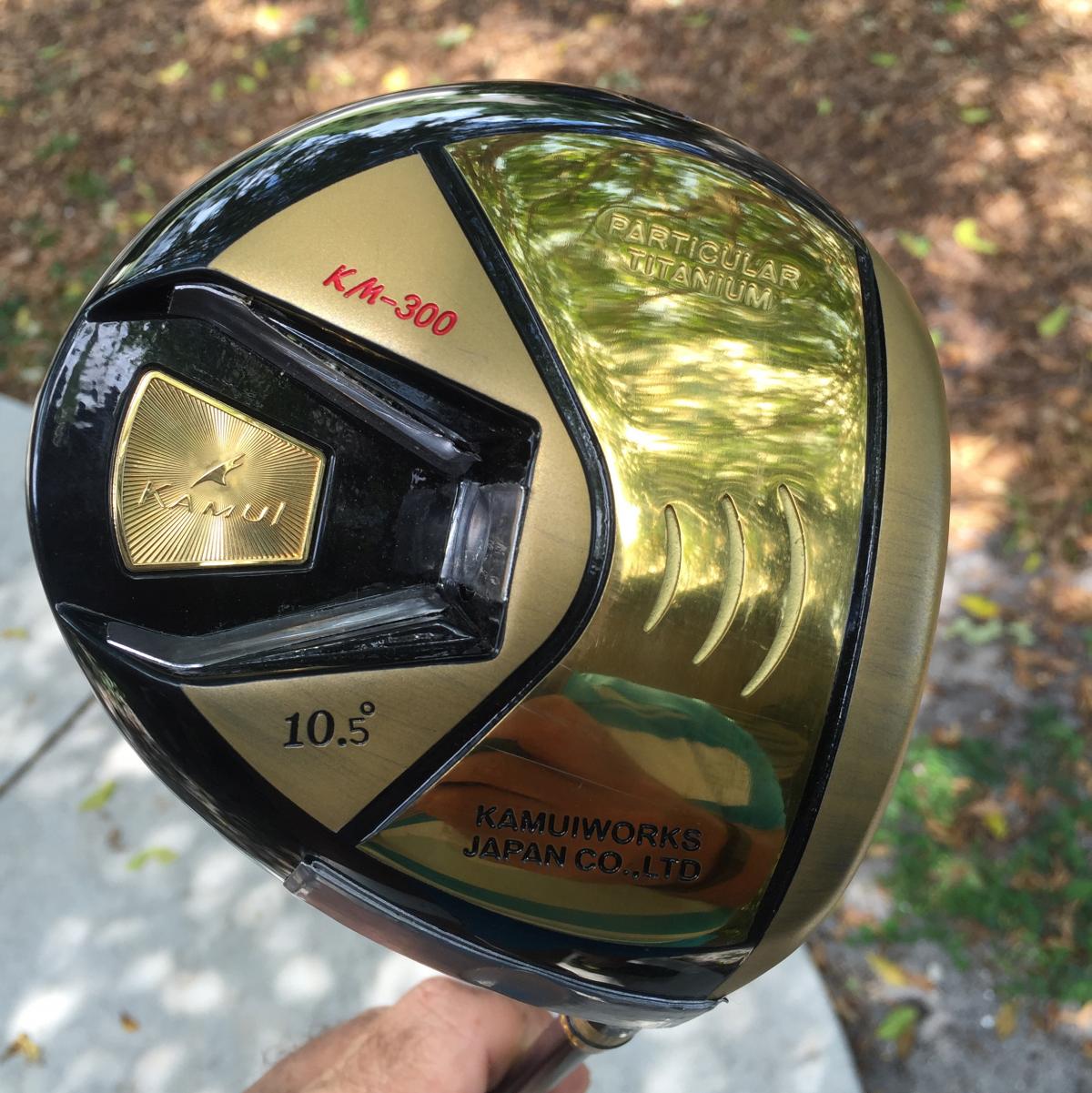
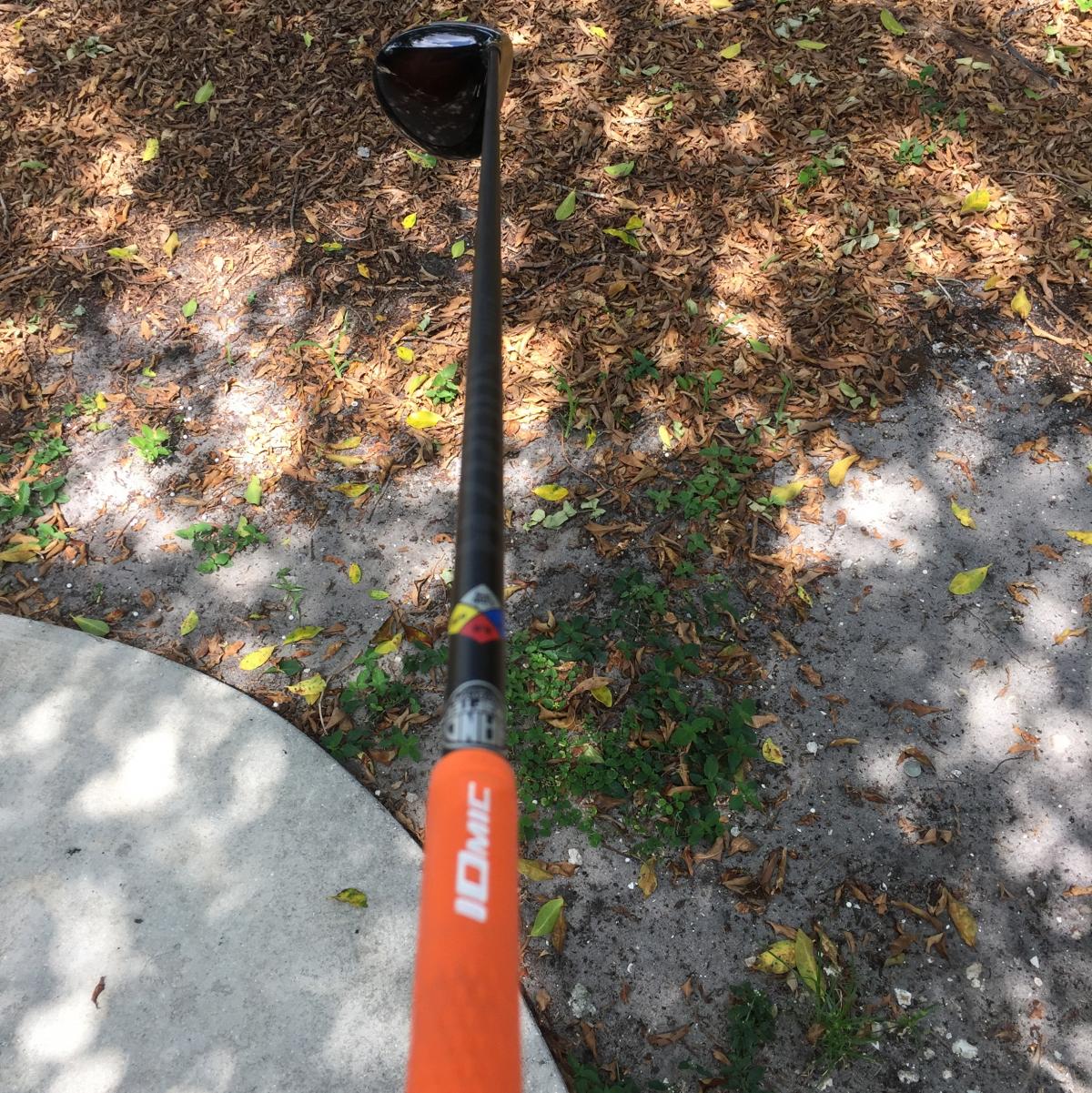
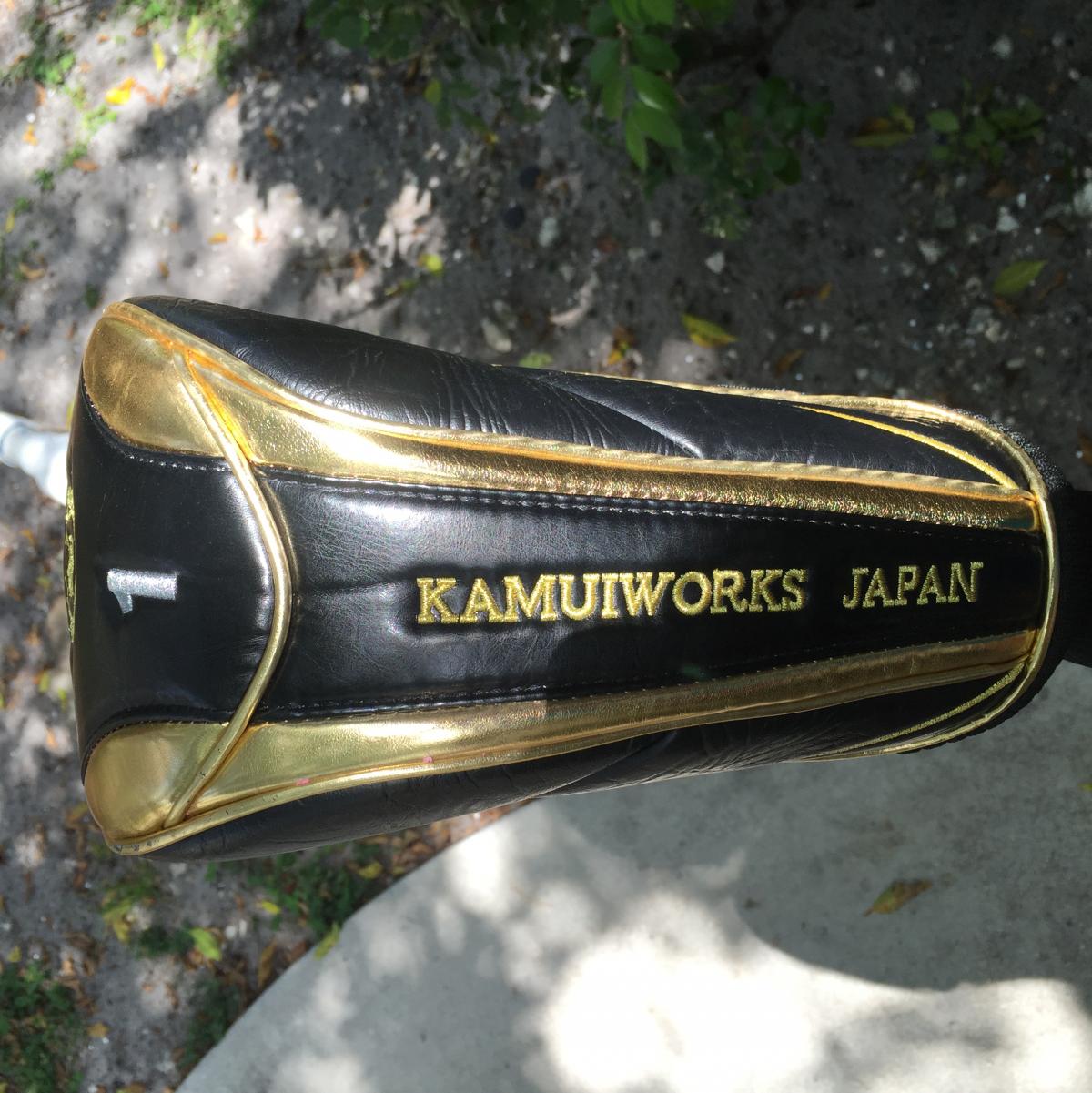
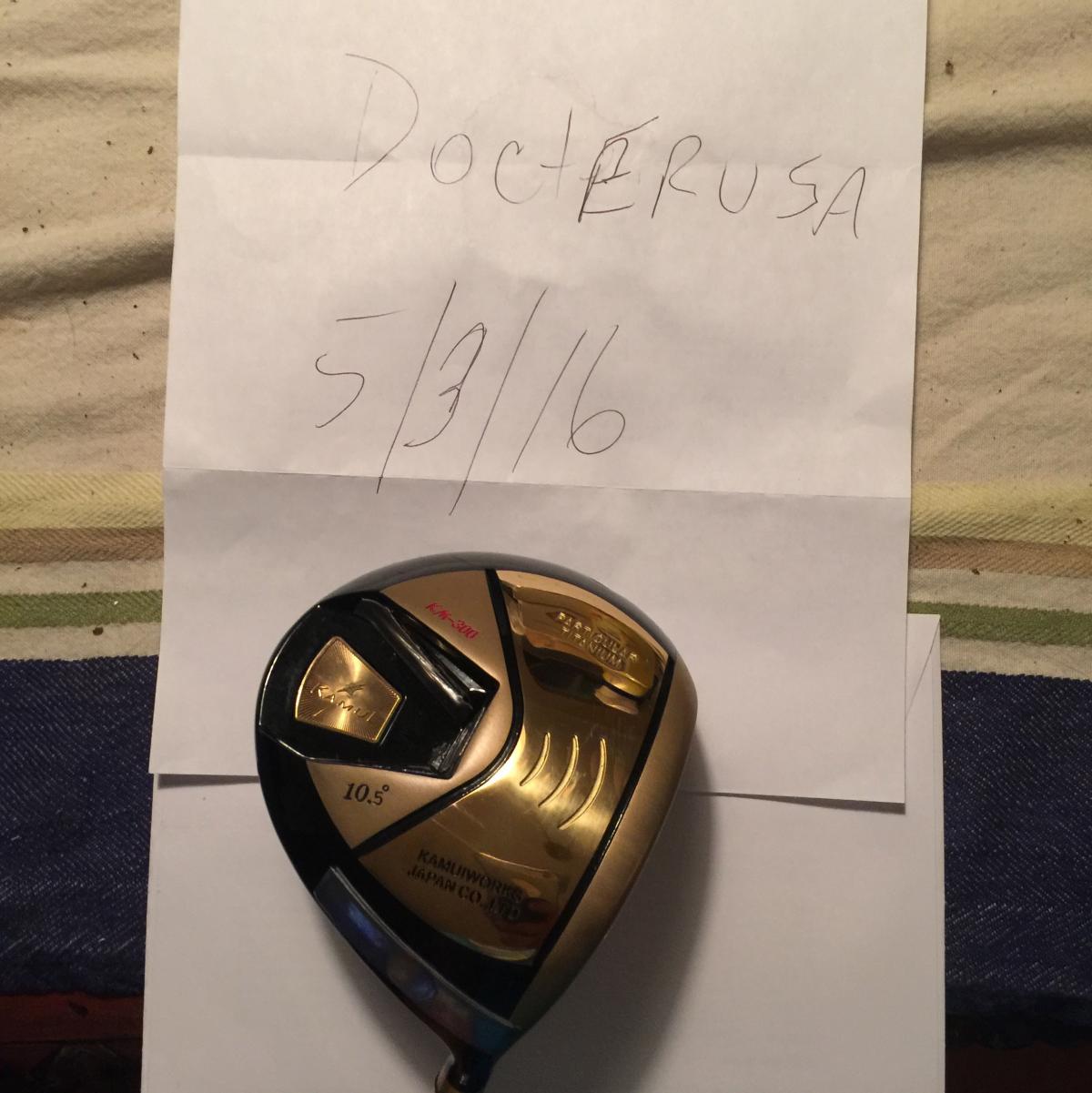
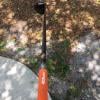
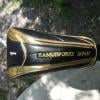
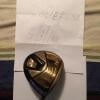
Just purchased this direct from Japan. Kamui KM-300 NON conforming 10.5. I had this professionally built with a HZRDUS 6.0 60gram Handcrafted shaft with orange and yellow cap IOMIC 2.0 grip. Just saw I need to have my name and address on all photos. I will update all the photos tomorrow but added a photo with my name and date for tonight.. I hit the club 15 times at most but need a lower loft. Ordered lower loft so this one needs to go. Club comes with head cover as pictured. The head is for a 90-100 swing speed It has the following configurations: 10.5 degree 2.4mm Face 1* closed 60* lie angle Length- 44.5" swing weight D2.5 Lead tape on head is making this D2.5 (Without lead tape swing weight is C9) Price was $750 NOW $699 shipped. This a couple of hundred less than buying new right now and you can have before the weekend and is like new. The HZRDUS 60 gram 6.0 shaft is a $300 shaft as it is the handcrafted tour issue.... Please email me if you have any questions.. If you need to know about my credibility please see me on the bay as docterusa. Thank you
-
pm sent