Jump to content
View in the app

A better way to browse. Learn more.

Japanese Golf Clubs at Golf To Impress

A full-screen app on your home screen with push notifications, badges and more.

To install this app on iOS and iPadOS
  1. Tap the Share icon in Safari
  2. Scroll the menu and tap Add to Home Screen.
  3. Tap Add in the top-right corner.
To install this app on Android
  1. Tap the 3-dot menu (⋮) in the top-right corner of the browser.
  2. Tap Add to Home screen or Install app.
  3. Confirm by tapping Install.

Bob J

Members
  • Joined

  • Last visited

  1. Someone tell me why this only happens on TSG? I’m on all sorts of chat forums and have never seen anything similar.
  2. The owners of TSG are not the moderators? Surprised all this crap remains.
  3. My question is: does anyone monitor these threads? Seeing a bunch of spam threads that have just been sitting there for hours.
  4. Thanks gents!
  5. Yes, great fitter in US. Iron game has never been better.
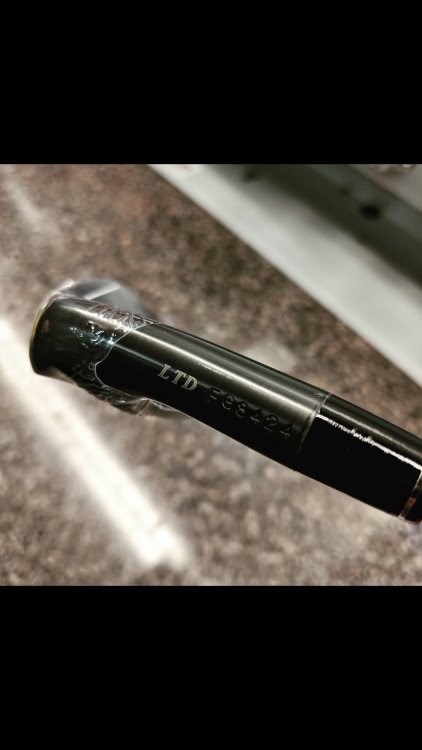
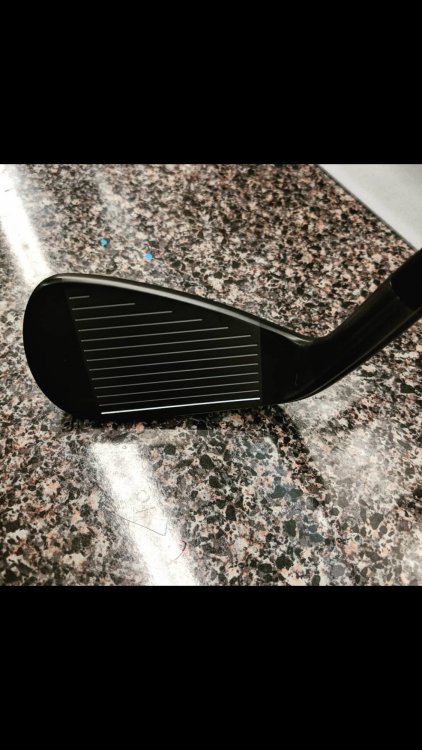
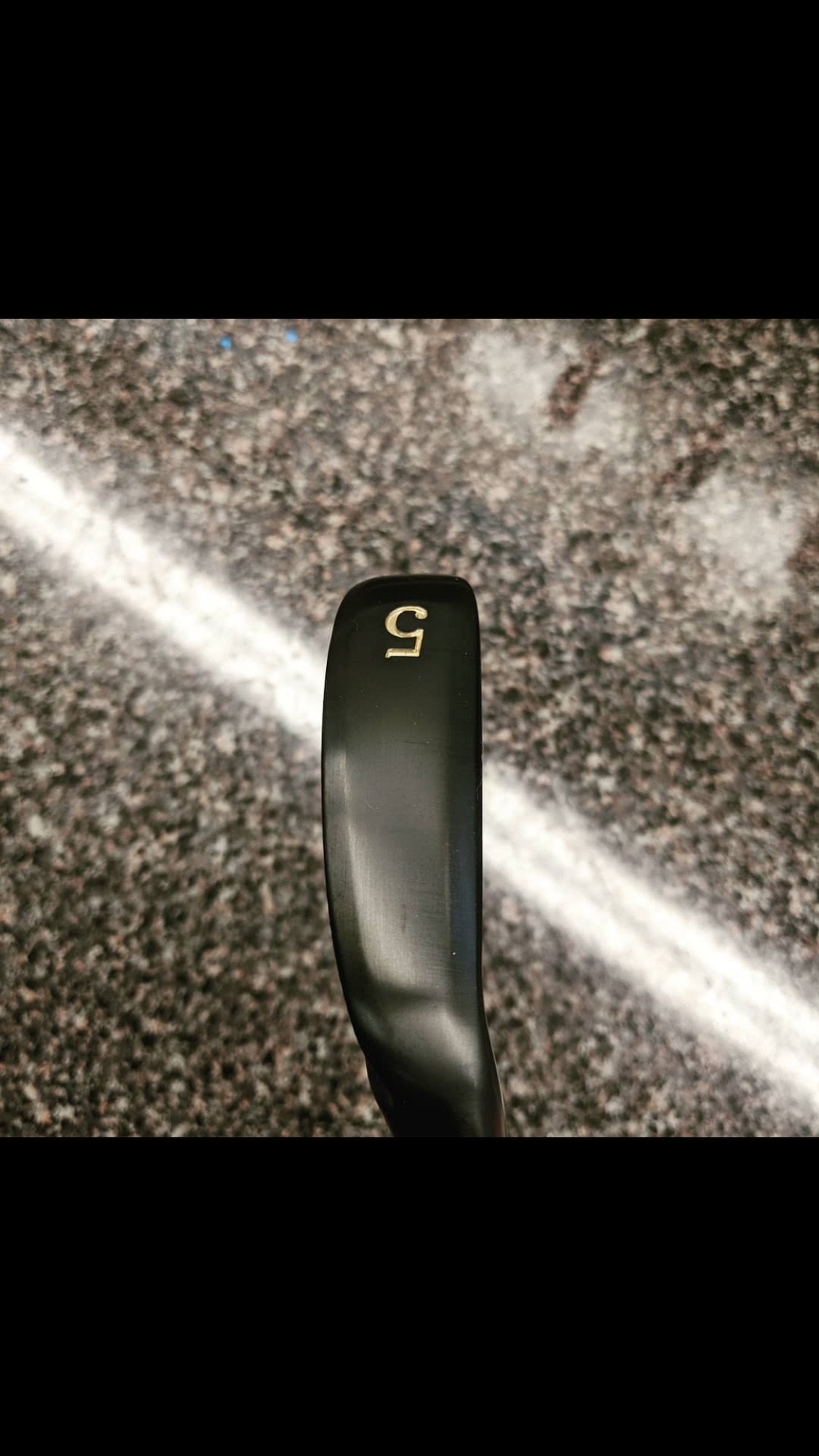
  6. My set of Epon 705 Limited Edition Blacks:

Configure browser push notifications

Chrome (Android)
  1. Tap the lock icon next to the address bar.
  2. Tap Permissions → Notifications.
  3. Adjust your preference.
Chrome (Desktop)
  1. Click the padlock icon in the address bar.
  2. Select Site settings.
  3. Find Notifications and adjust your preference.