Jump to content
View in the app

A better way to browse. Learn more.

Japanese Golf Clubs at Golf To Impress

A full-screen app on your home screen with push notifications, badges and more.

To install this app on iOS and iPadOS
  1. Tap the Share icon in Safari
  2. Scroll the menu and tap Add to Home Screen.
  3. Tap Add in the top-right corner.
To install this app on Android
  1. Tap the 3-dot menu (⋮) in the top-right corner of the browser.
  2. Tap Add to Home screen or Install app.
  3. Confirm by tapping Install.

Jt1022

Members
  • Joined

  • Last visited

Everything posted by Jt1022

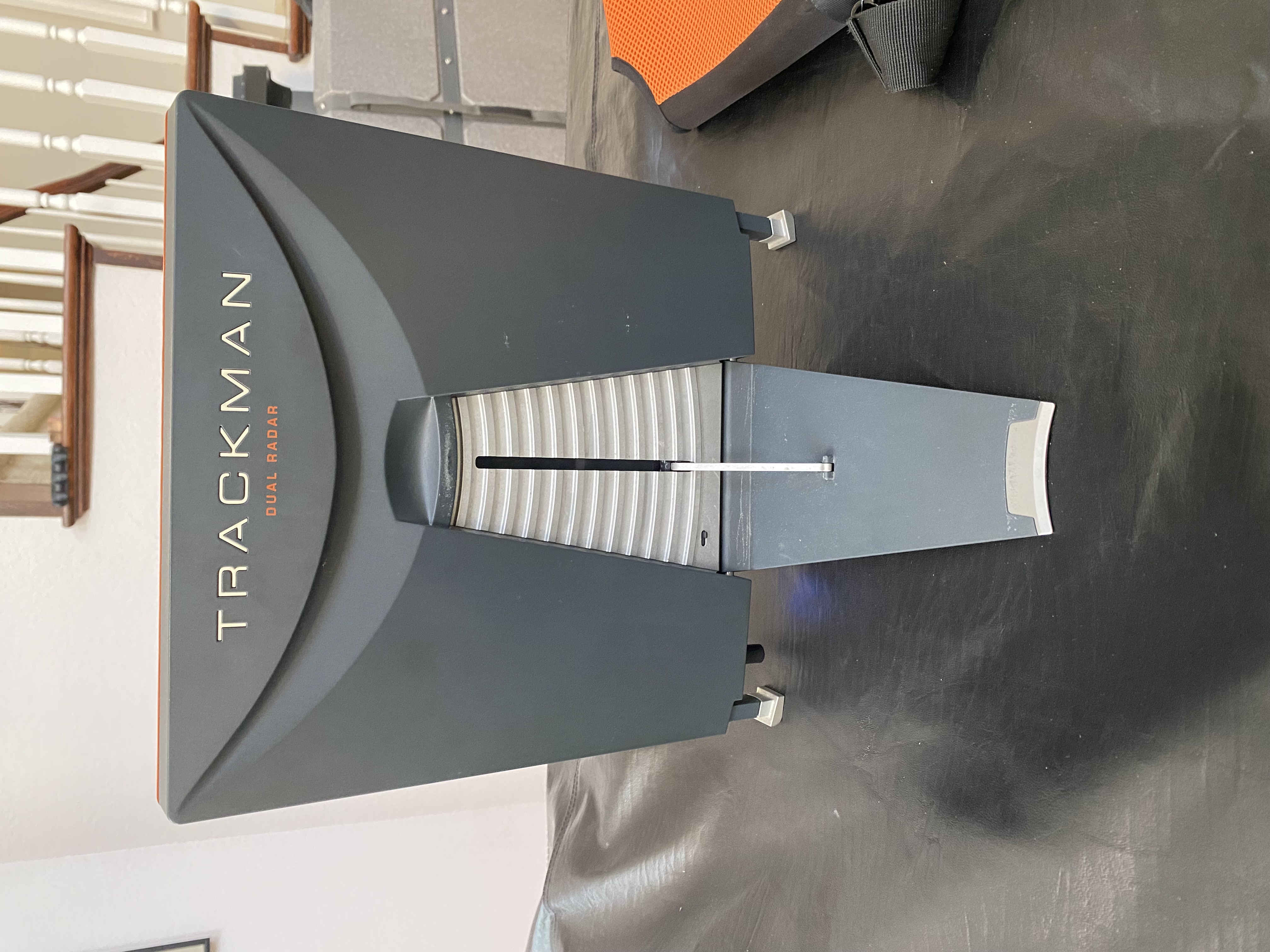
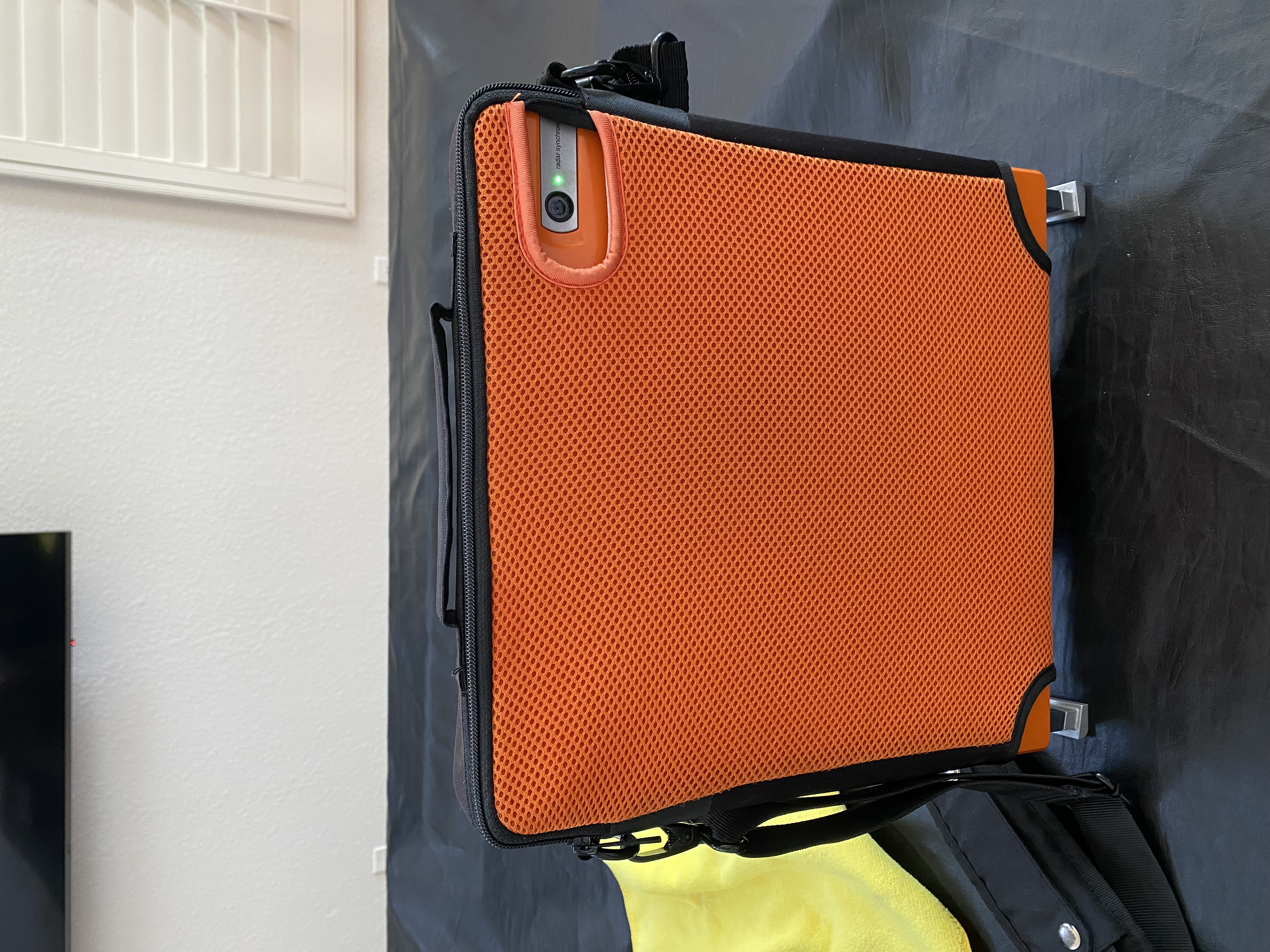
  1. Selling my TM4. Will work indoor and outdoor. You can re-warranty it and add software subscriptions through TrackMan but not necessary. Will work perfectly fine on the range or out on the course. Firmware and hardware are good indefinitely. Haven't found the original box yet but I have a nice pelican case for it. Can ship or local pickup around San Diego or LA area. $17,500 Save 6k+ over new from TrackMan.

Configure browser push notifications

Chrome (Android)
  1. Tap the lock icon next to the address bar.
  2. Tap Permissions → Notifications.
  3. Adjust your preference.
Chrome (Desktop)
  1. Click the padlock icon in the address bar.
  2. Select Site settings.
  3. Find Notifications and adjust your preference.