




SPUS
Members
-
Joined
-
Last visited
Everything posted by SPUS
-
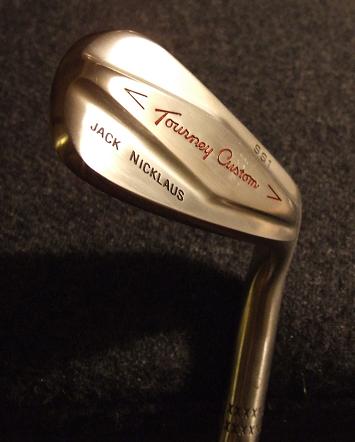
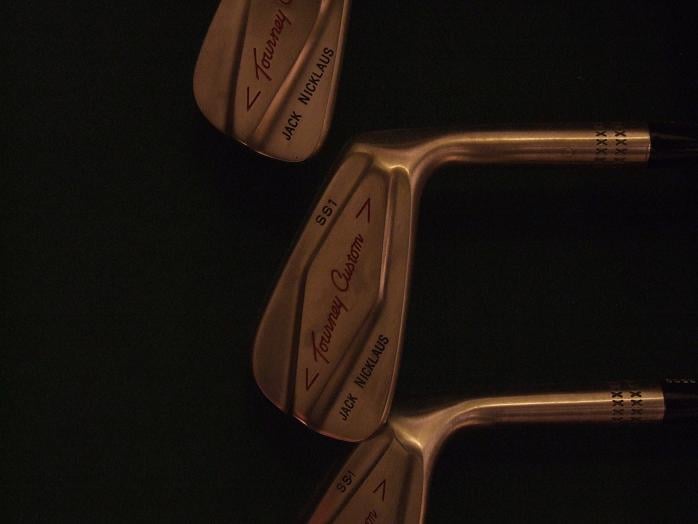
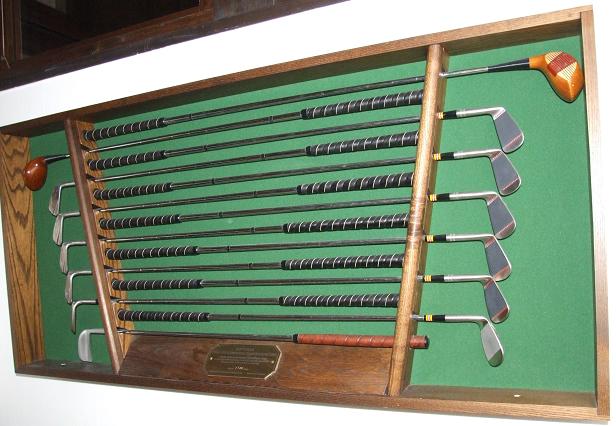
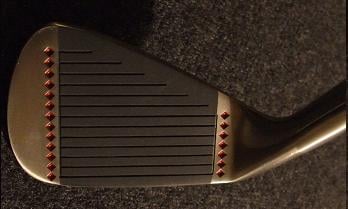
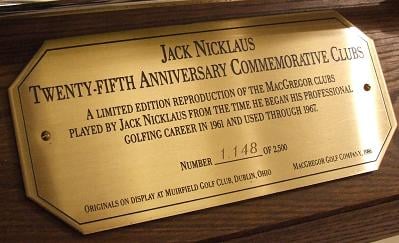
Here I come again with another beutifull set of clubs that is hard to buy- Jack Niclaus 25th Anniversery Commemorative set. This is no 1148 of 2500. They come in a oak case whith locks on it. 1-sw and 1-3 wood + his blade putter.
-
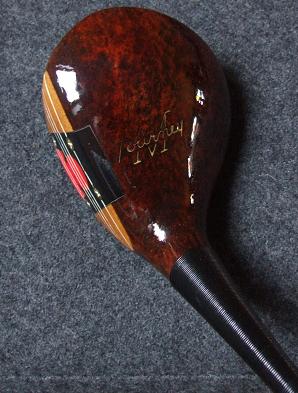
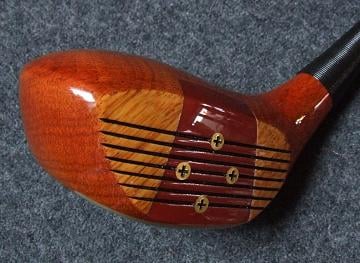
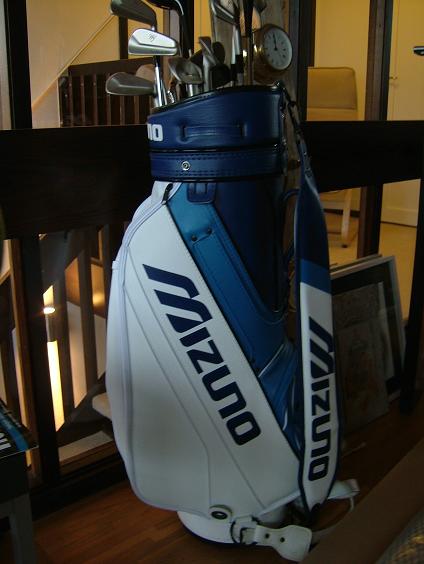
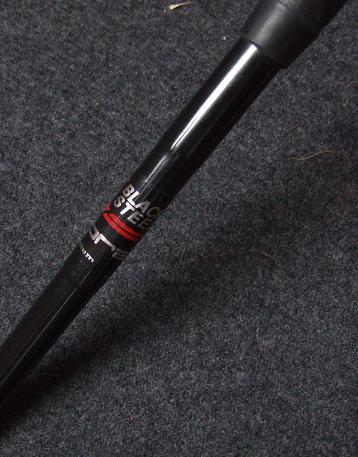
attachment=4961:MacGrego...on dition.jpgqote name='Jack lives here' post='127320' date='Dec 21 2006, 11:37 AM']:tsg_smilie_cool: Some pictures would be fantastic!! :tsg_smilie_cool: Merry Christmas to everybody. I got the pictures with my daughters "supercamera" now during the holidays. It's a 1-iron and an 8-iron to start with. The driver is is called Mizuno Ti-110. I also got some persimmon woods and a bag and wedge that is "pretty special". Have a great New Year!



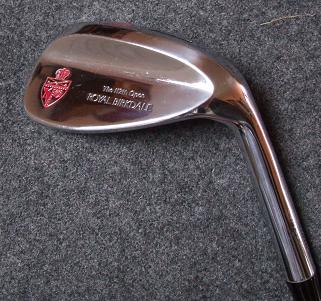
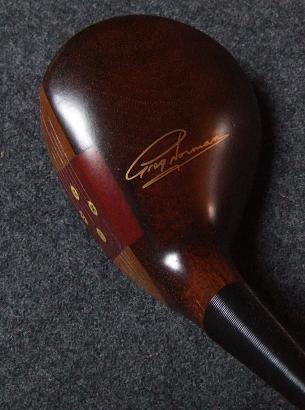
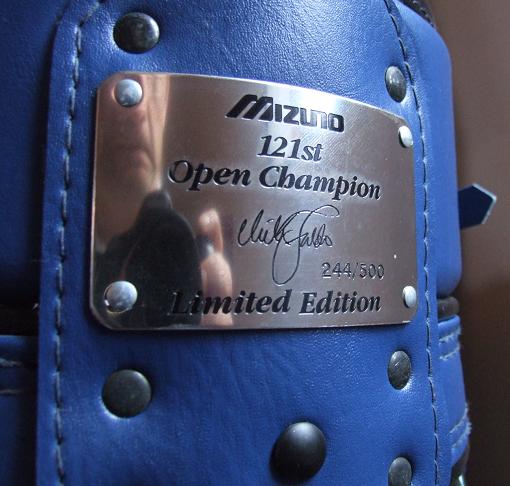

-
I've got a mint Mizuno TP2000 limited edition set. No 266 I think, and never played with. 1-sw with Nippon original shafts. I also have the certificate that comes with it. I think the colour was called "Champange" AND it happens that I have the driver in my basement, Mizunos first titanium driver from 1989. Original lether headcover but it has been used for a couple of years. I also have a Mizuno wedge RF80 from the 112th Brittish Open and a classic blue/blue/white Nick Faldo signature Mizuno bag. I think only 500 were made. I'm thinking of putting them out on e-bay or do we have any interest here? I can get some pictures of them if anyone is interersted.