Jump to content
View in the app

A better way to browse. Learn more.

Japanese Golf Clubs at Golf To Impress

A full-screen app on your home screen with push notifications, badges and more.

To install this app on iOS and iPadOS
  1. Tap the Share icon in Safari
  2. Scroll the menu and tap Add to Home Screen.
  3. Tap Add in the top-right corner.
To install this app on Android
  1. Tap the 3-dot menu (⋮) in the top-right corner of the browser.
  2. Tap Add to Home screen or Install app.
  3. Confirm by tapping Install.

Holminone

Members
  • Joined

  • Last visited

Everything posted by Holminone

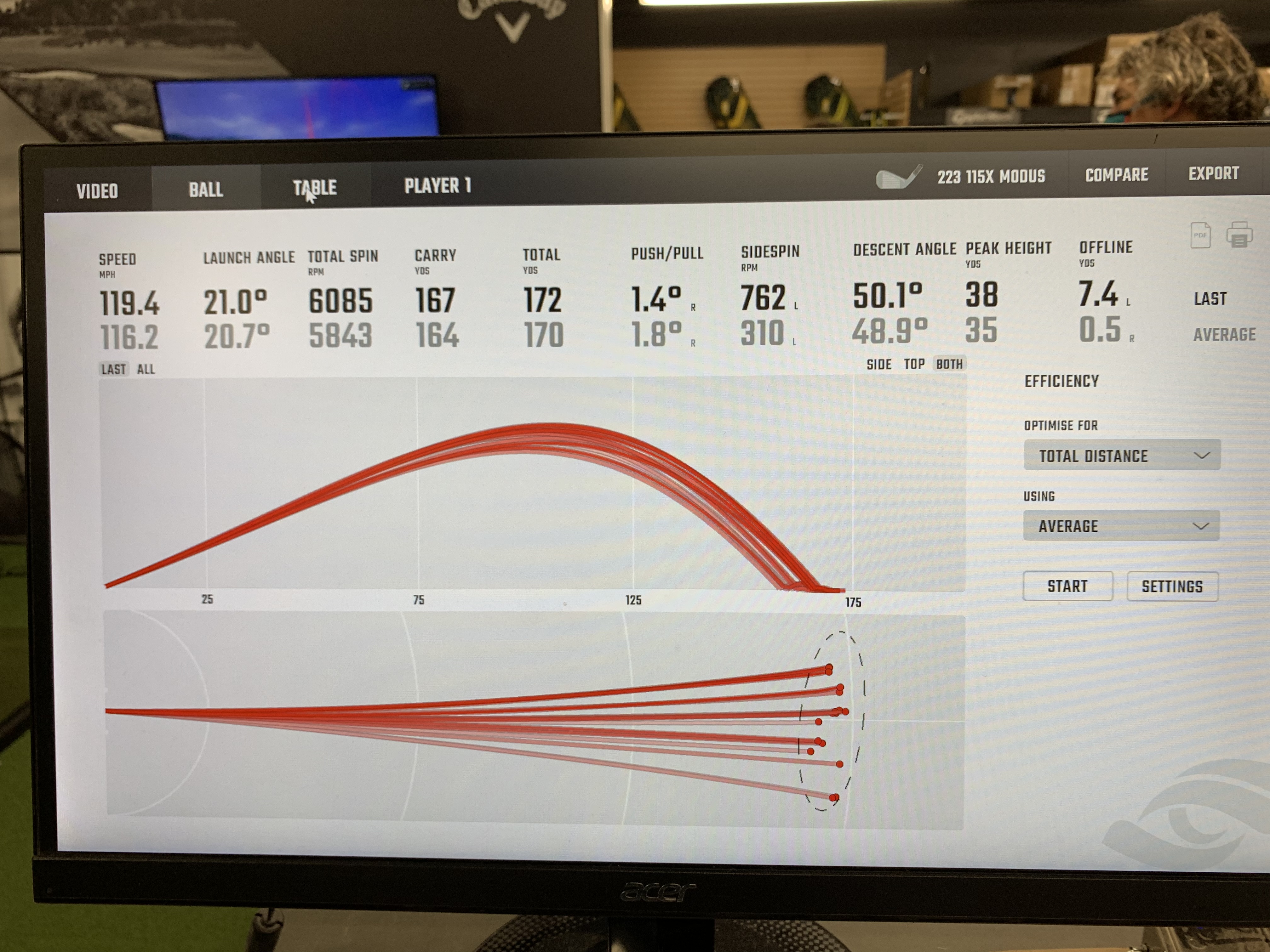
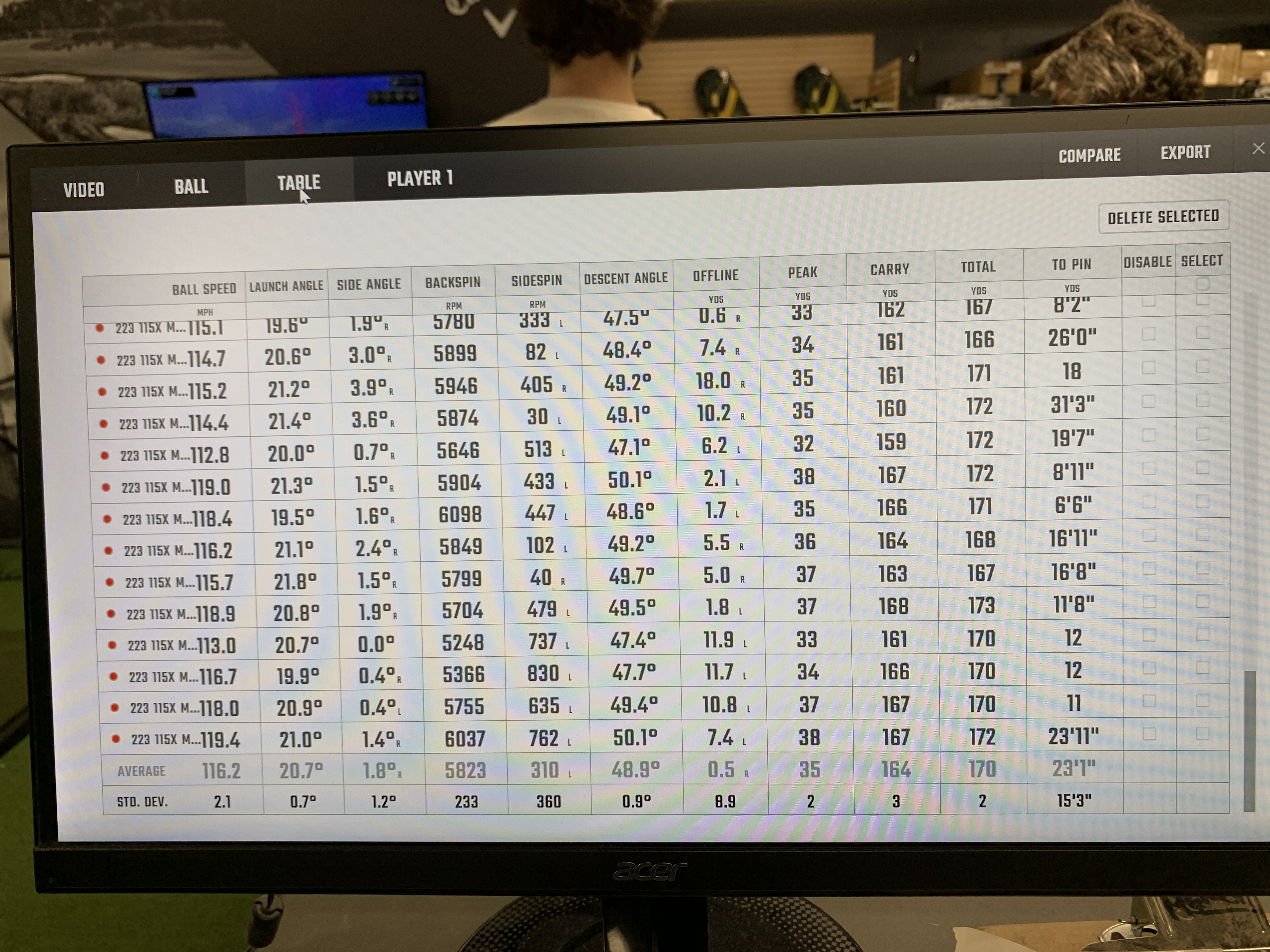
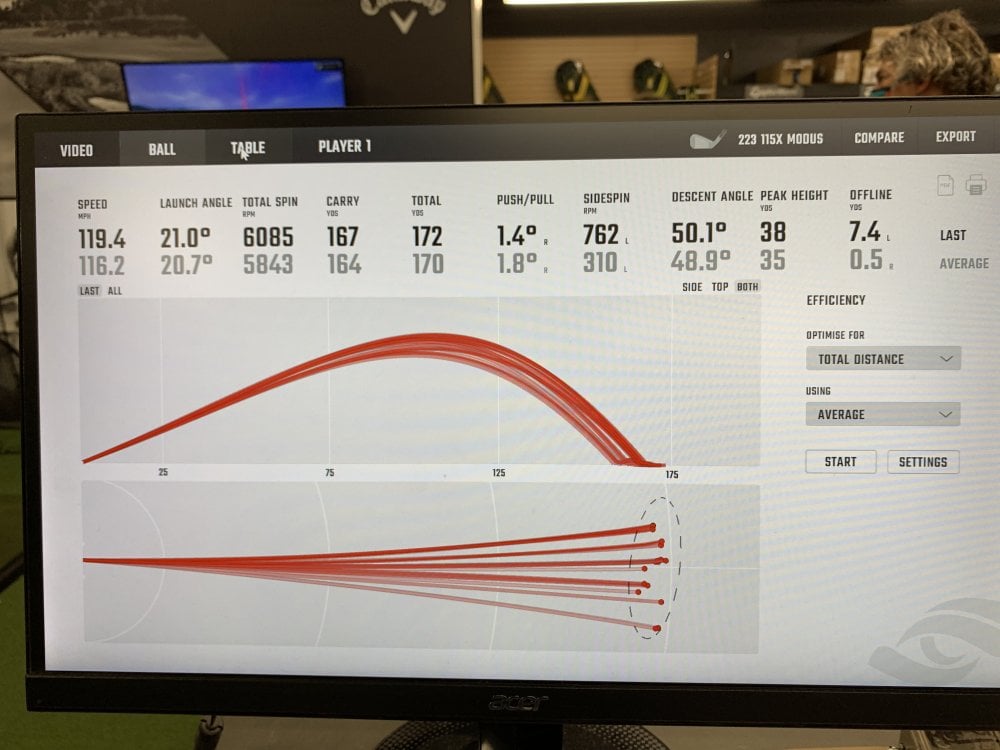
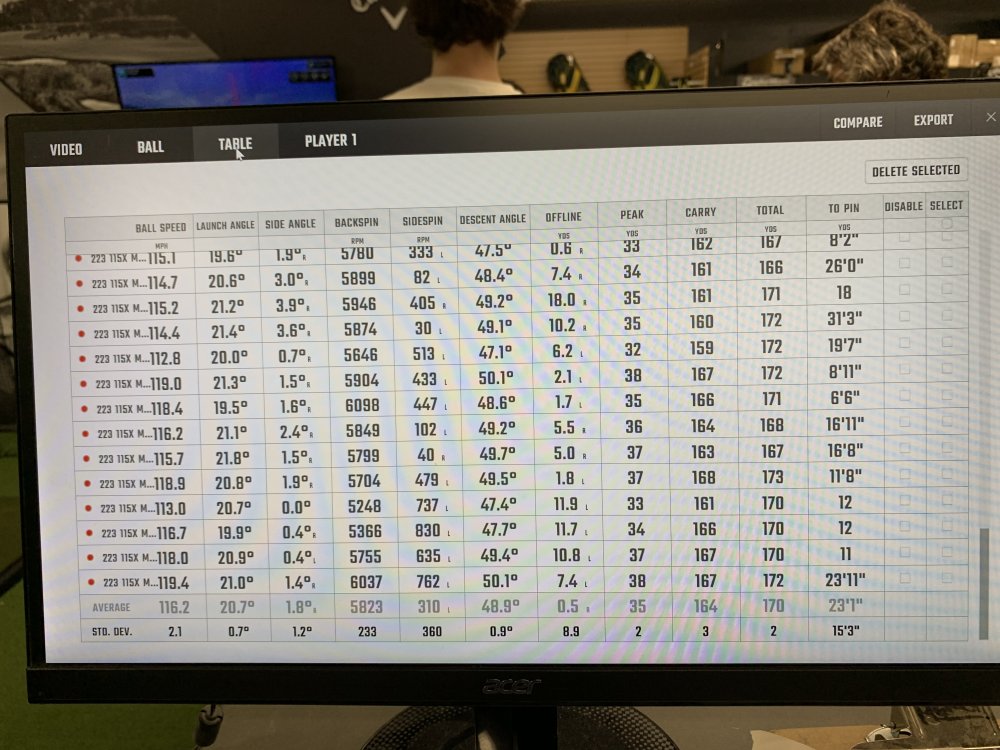
  1. Spent the last three days testing the modus 105 x and s, 115 x and s, 120 x and s, and px lz 6.5 in mizuno 223 heads. Launch and spin were virtually the same between the 115 x and 120x but I liked the feel and balance of the 115 better. Didn’t have to work quite as hard but the two felt similar down into and at the ball. 105 x is great. But dispersion was a bit higher possibly because the weight…
Configure browser push notifications

Chrome (Android)
  1. Tap the lock icon next to the address bar.
  2. Tap Permissions → Notifications.
  3. Adjust your preference.
Chrome (Desktop)
  1. Click the padlock icon in the address bar.
  2. Select Site settings.
  3. Find Notifications and adjust your preference.