Jump to content
View in the app

A better way to browse. Learn more.

Japanese Golf Clubs at Golf To Impress

A full-screen app on your home screen with push notifications, badges and more.

To install this app on iOS and iPadOS
  1. Tap the Share icon in Safari
  2. Scroll the menu and tap Add to Home Screen.
  3. Tap Add in the top-right corner.
To install this app on Android
  1. Tap the 3-dot menu (⋮) in the top-right corner of the browser.
  2. Tap Add to Home screen or Install app.
  3. Confirm by tapping Install.

Celinho

Members
  • Joined

  • Last visited

Everything posted by Celinho

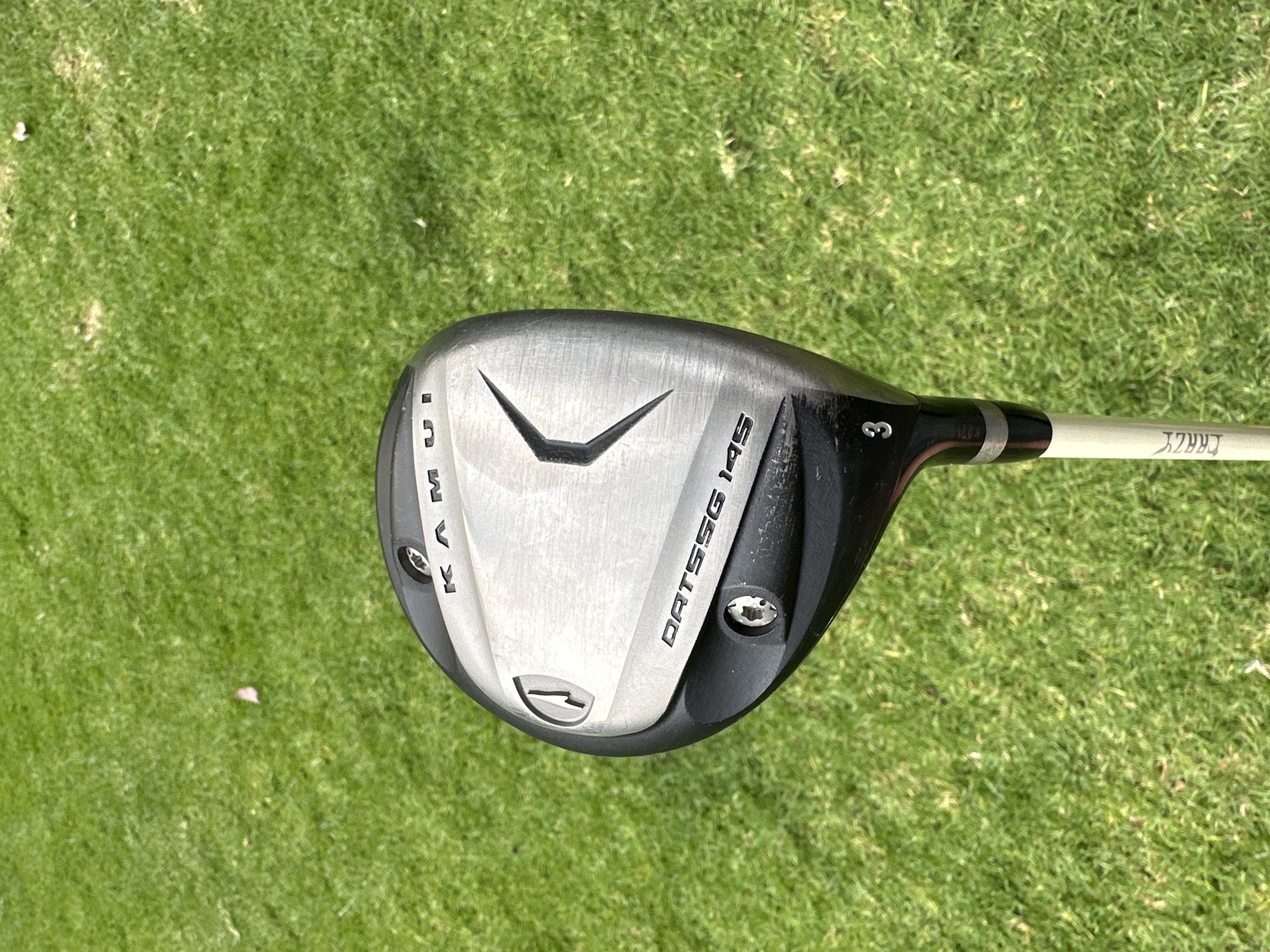
  1. I have only been using a kamui 3 wood I recently got. Just took the ut out of the bag for a long 4 iron. but tried the apex uw from last year today for the first time and loved it. very precise and very long, easier and more comfortable to hit for me. will probably get one just need to decide the loft and shaft
  2. Celinho replied to Celinho's topic in Japanese Golf Clubs
    Indeed very intoxicating, have been using it from a low tee on a couple of holes and its worked great for me, miss is a very high fade. Have not given more time to the greandista because the Kamui has my full confidence atm.
  3. Celinho replied to Celinho's topic in Japanese Golf Clubs
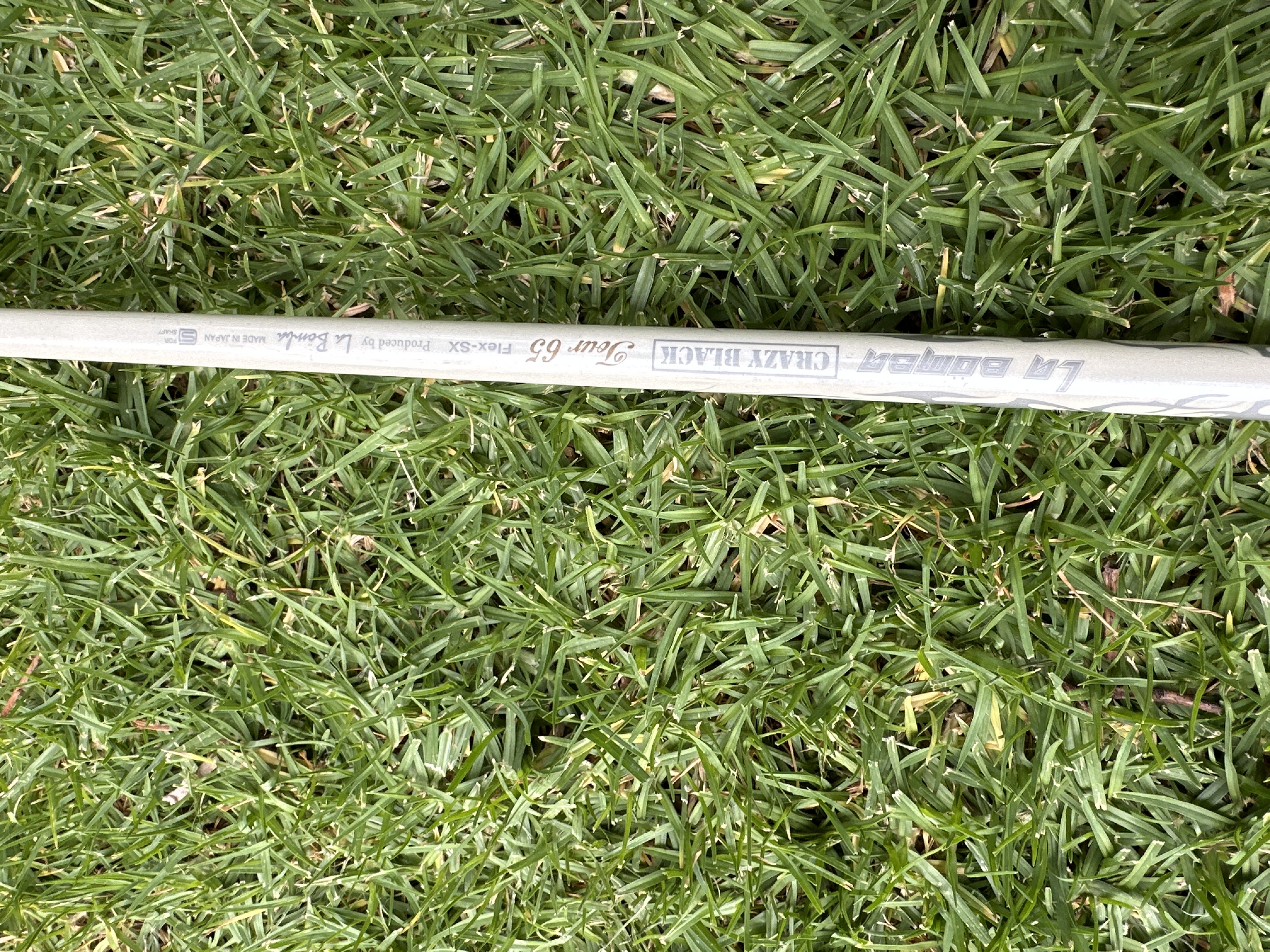
    Both of these are really great, focused more on the kamui this weekend, had a little bit more distance. The grandista feels easier to control which I really enjoyed, gonna switch them out next weekend!
  4. Celinho posted a topic in Japanese Golf Clubs
    Just received these 3 woods from HaoVictor. Great guy smooth transaction and I am excited to try them out!

Configure browser push notifications

Chrome (Android)
  1. Tap the lock icon next to the address bar.
  2. Tap Permissions → Notifications.
  3. Adjust your preference.
Chrome (Desktop)
  1. Click the padlock icon in the address bar.
  2. Select Site settings.
  3. Find Notifications and adjust your preference.