Jump to content
View in the app

A better way to browse. Learn more.

Japanese Golf Clubs at Golf To Impress

A full-screen app on your home screen with push notifications, badges and more.

To install this app on iOS and iPadOS
  1. Tap the Share icon in Safari
  2. Scroll the menu and tap Add to Home Screen.
  3. Tap Add in the top-right corner.
To install this app on Android
  1. Tap the 3-dot menu (⋮) in the top-right corner of the browser.
  2. Tap Add to Home screen or Install app.
  3. Confirm by tapping Install.

oceans1007

Members
  • Joined

  • Last visited

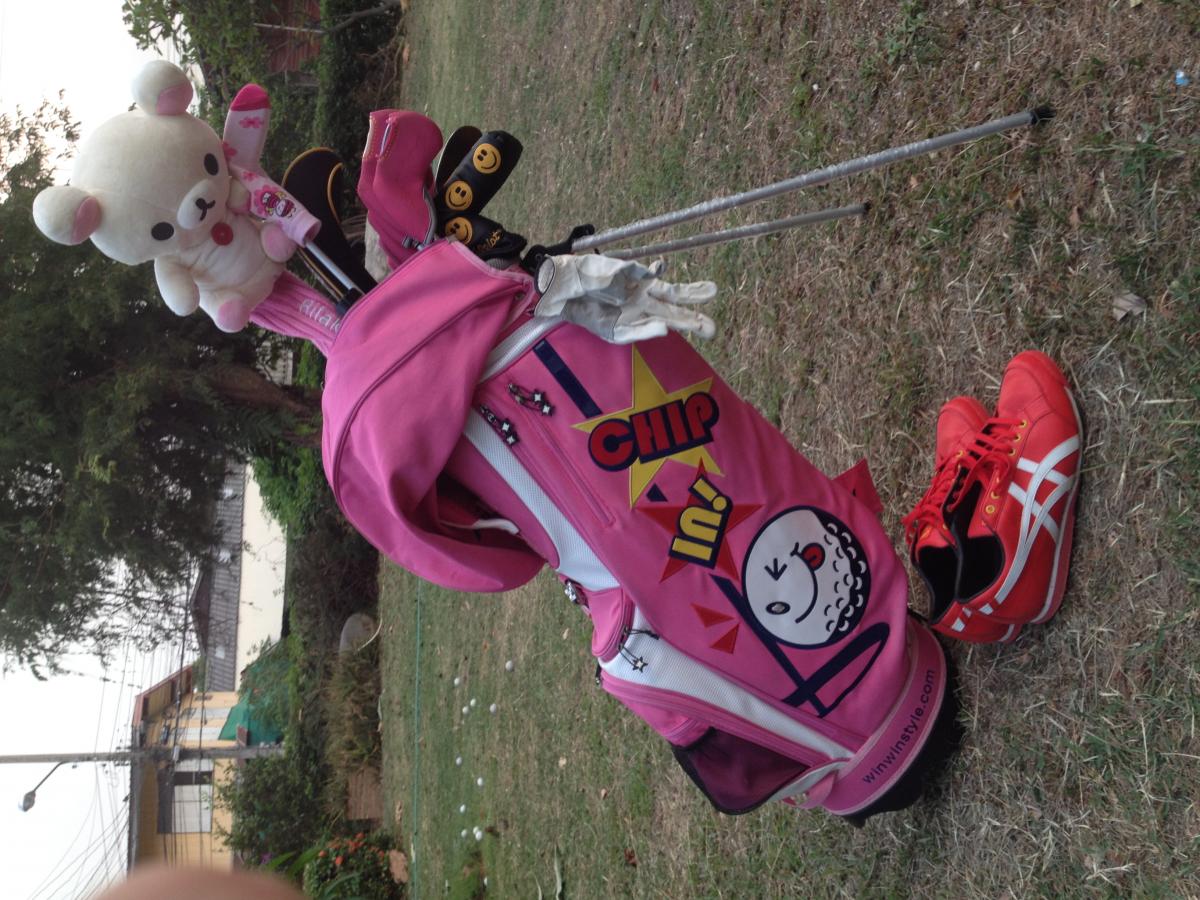
  1. That GOOD shoes
  2. D1 - EPON af101 + TPHD 6x sw.D3.5 FW3 - ADAMS + FUBUKI 83x Hy - MIURA 20" + KBS hyShaft IRONS - MIURA cb1007 Y + MatrixHD130 sw.D3 Wedges - CALLAWAY 50-54-58 + KBS PUTTERS - SCOTTY RED X , FASTBACK1.5 , SCOTTY 2.6 CS
  3. My littlePink bags... Thailand thank

Configure browser push notifications

Chrome (Android)
  1. Tap the lock icon next to the address bar.
  2. Tap Permissions → Notifications.
  3. Adjust your preference.
Chrome (Desktop)
  1. Click the padlock icon in the address bar.
  2. Select Site settings.
  3. Find Notifications and adjust your preference.