




D22marshall
Members
-
Joined
-
Last visited
Everything posted by D22marshall
-
i play the epon 901 22 with 4 to Pw goes longer than my 4 iron then a 5 wood. 901s are still the best imo
-
No way
-
SOLD pending payment
-
Looking for a set of crazy target tour x flex shafts 3 to Pw. pm if you have them thanks
-
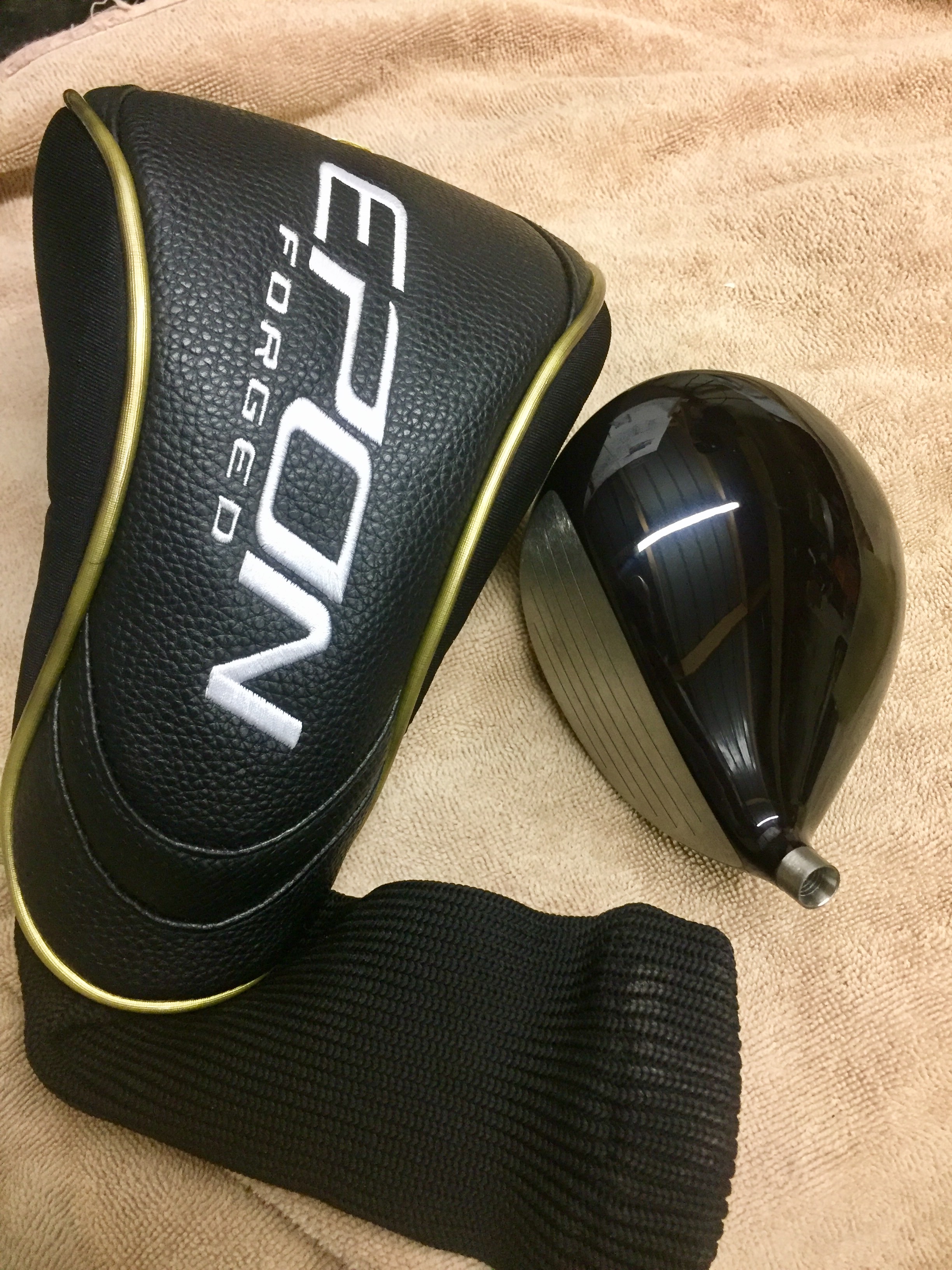
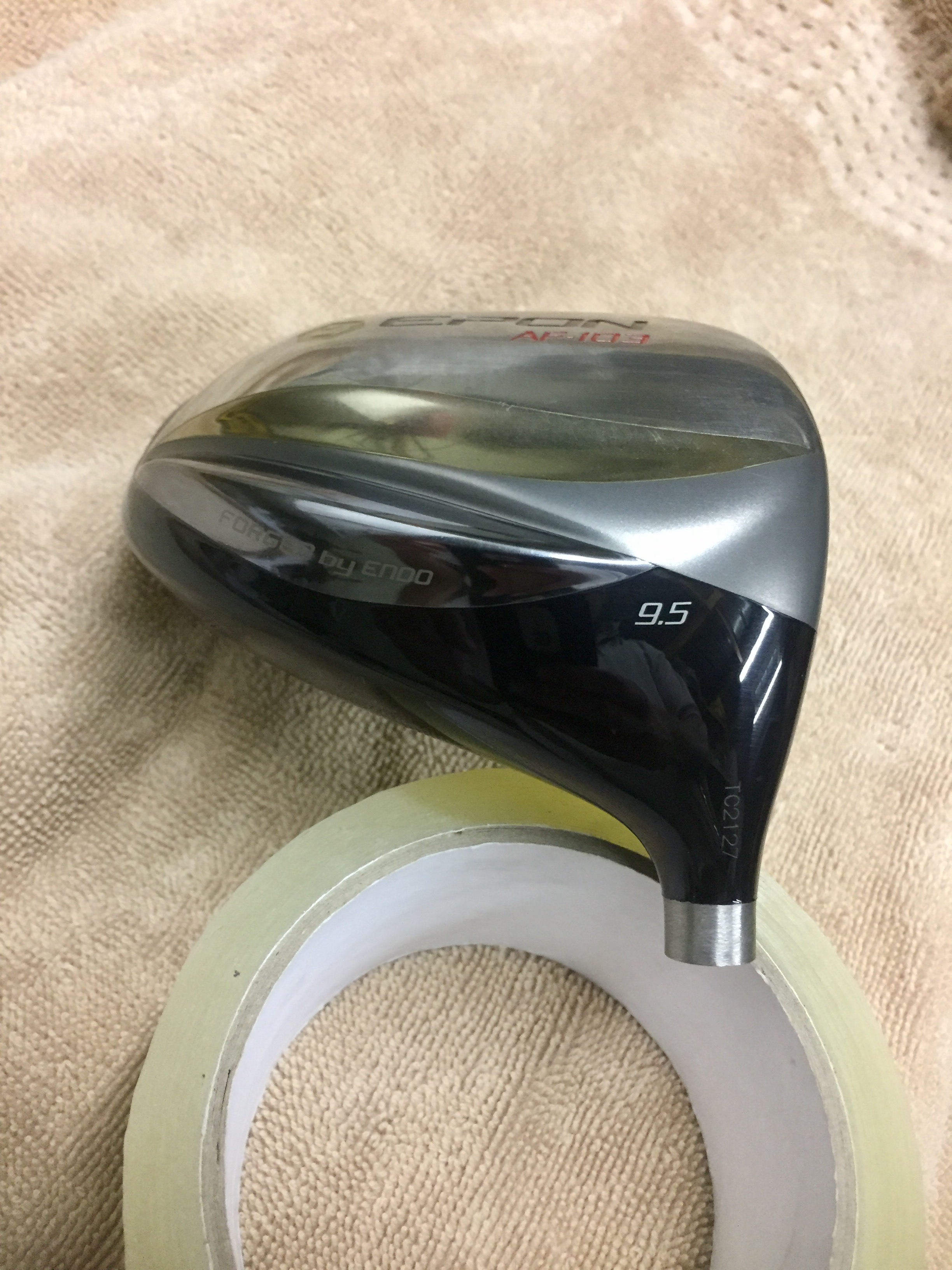
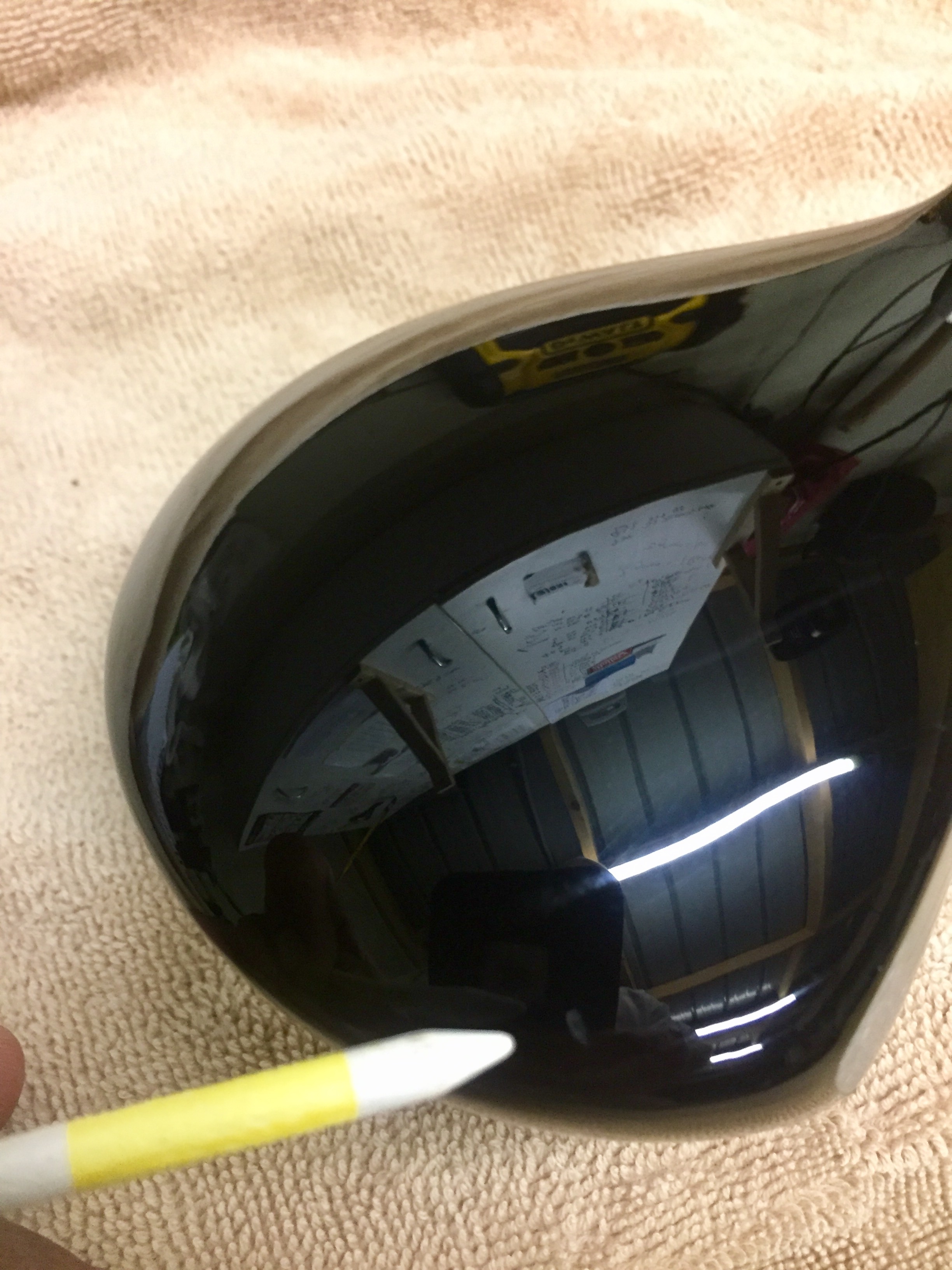
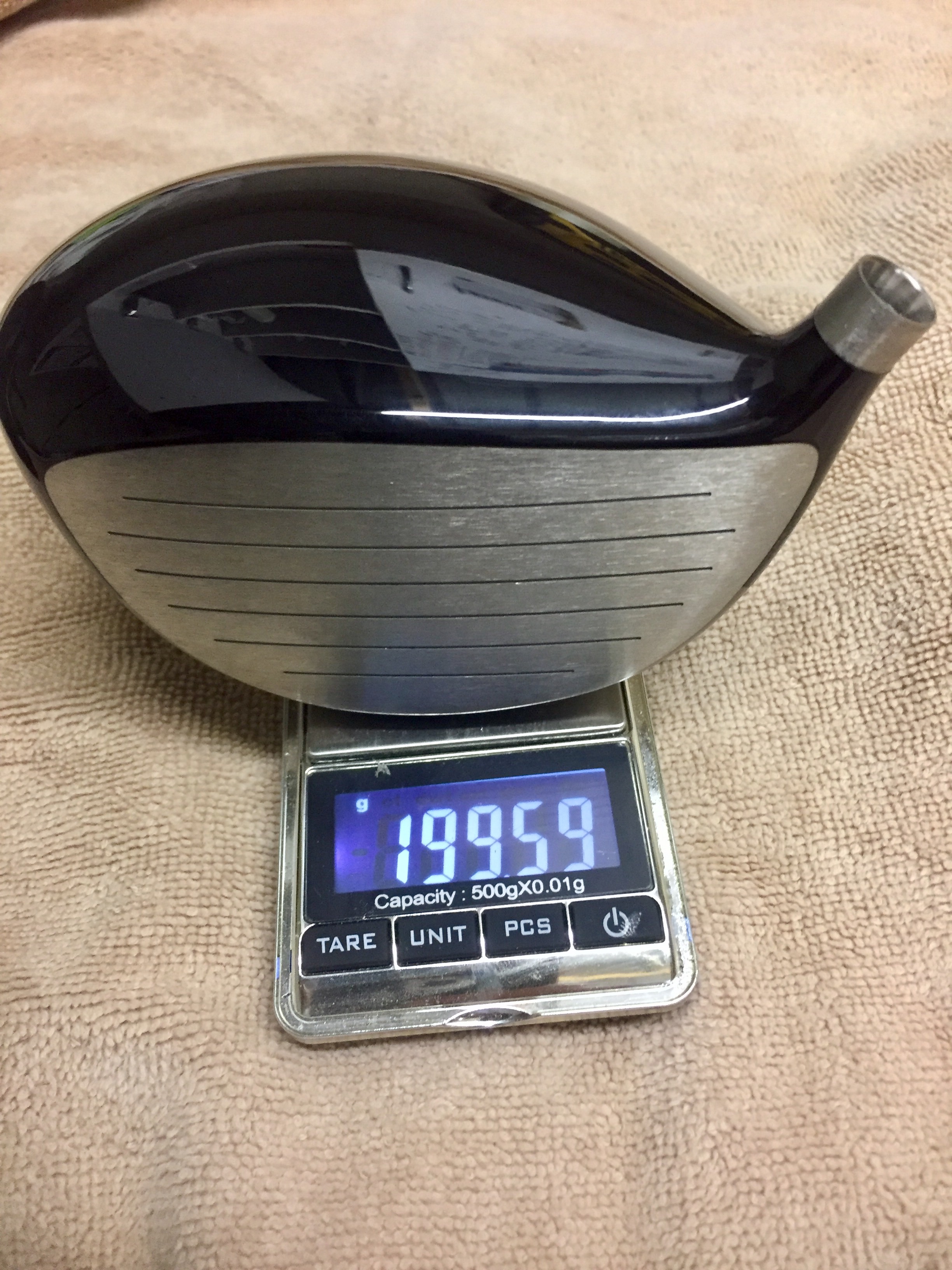
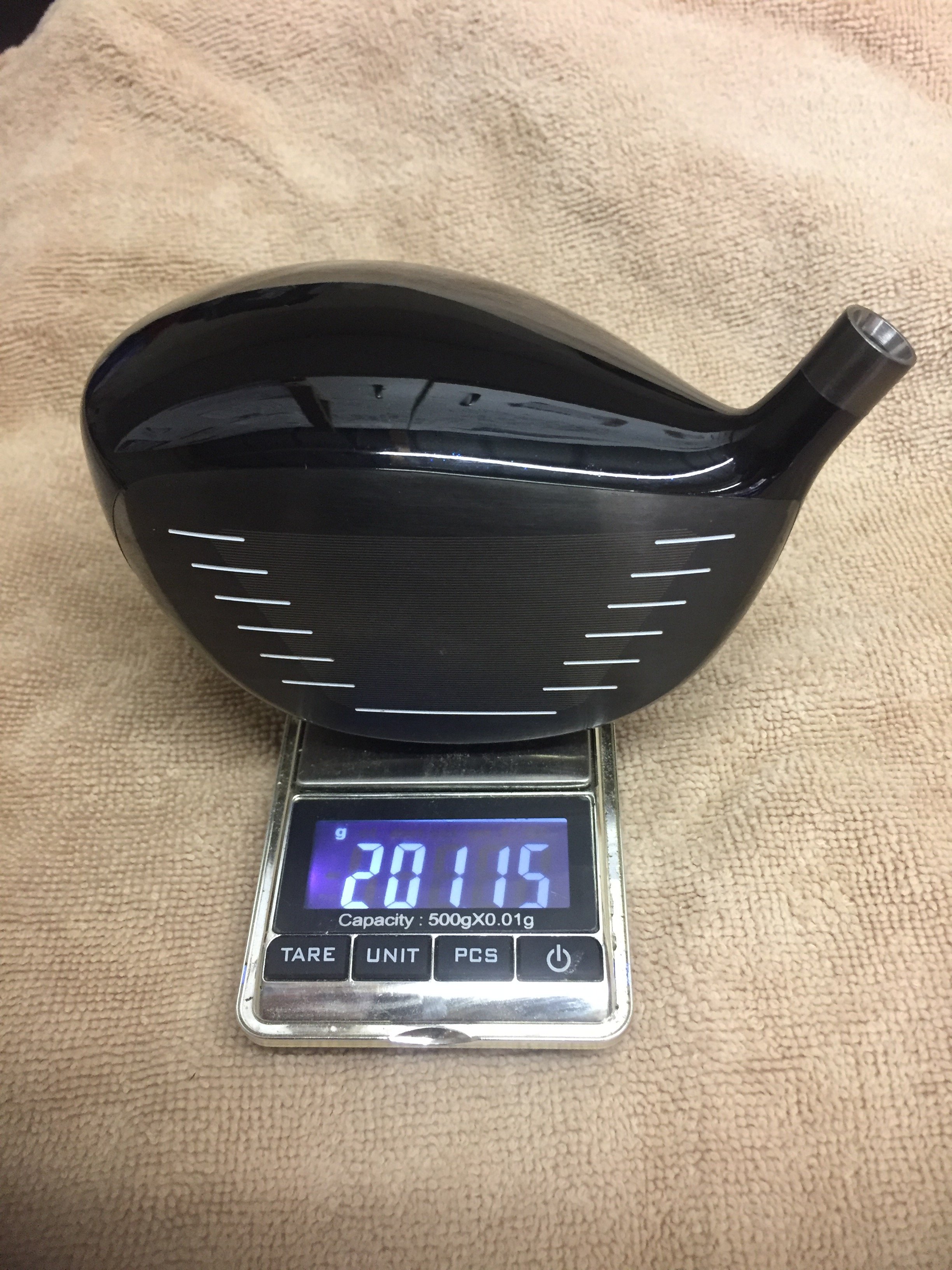
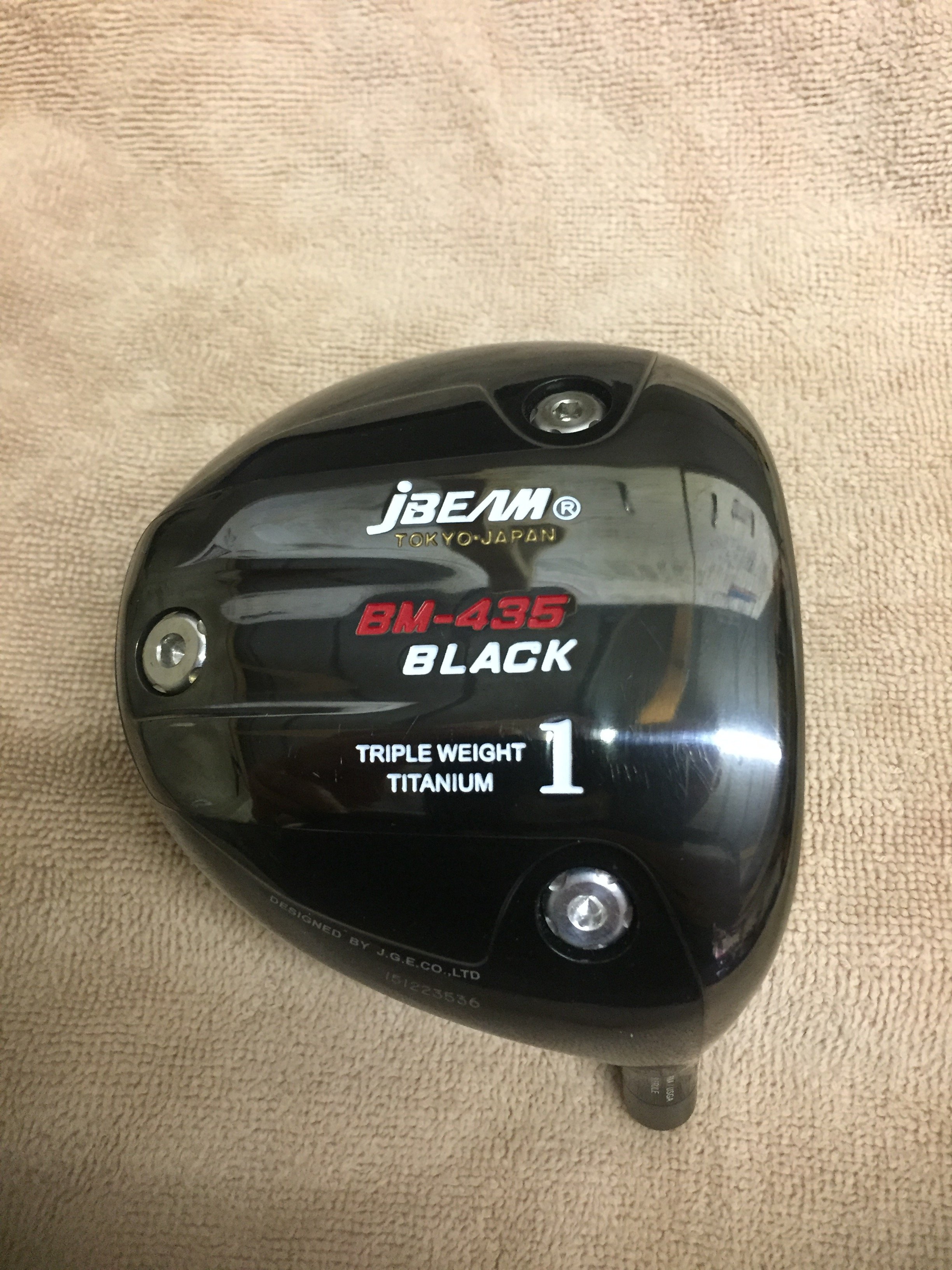
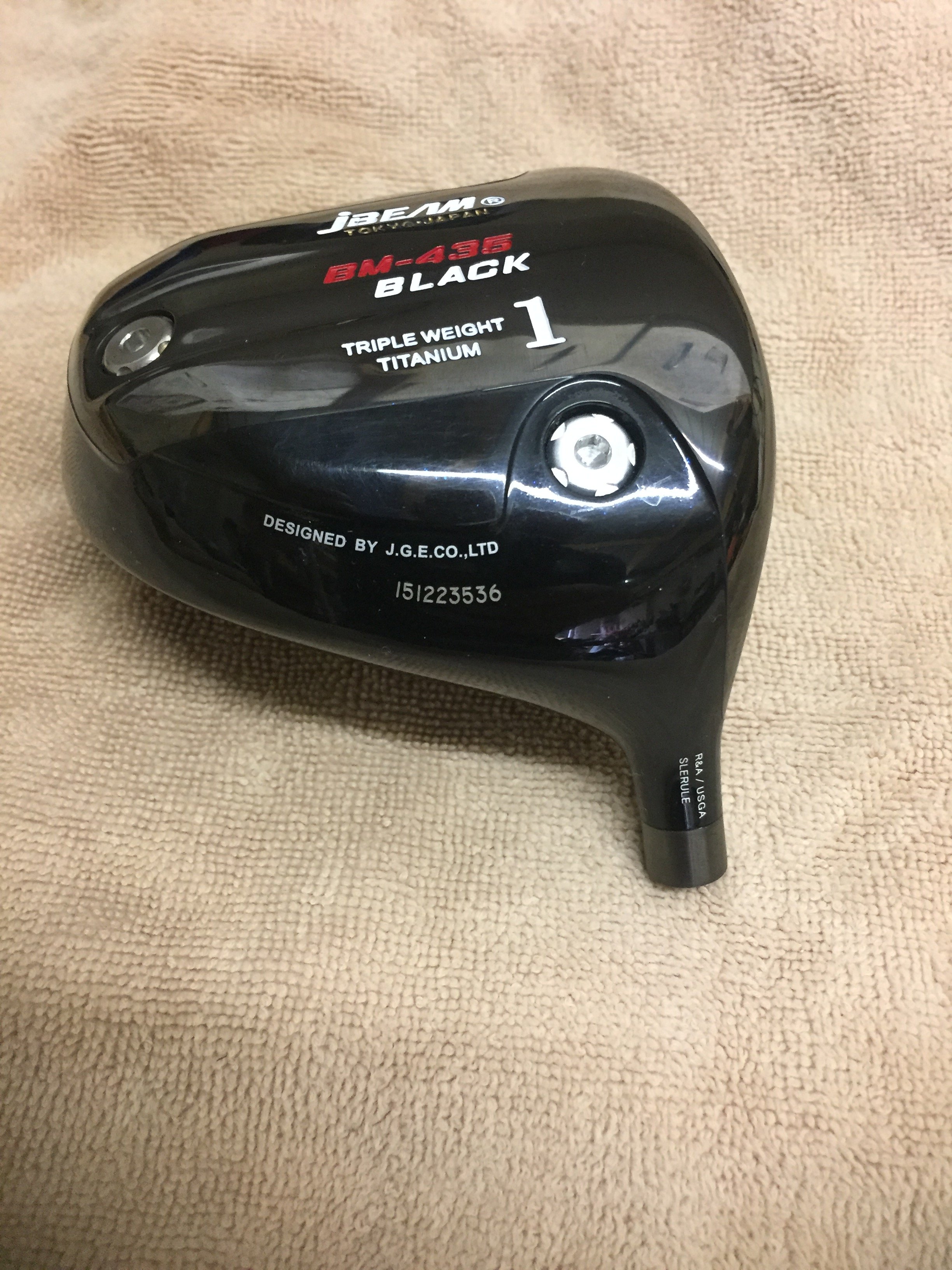
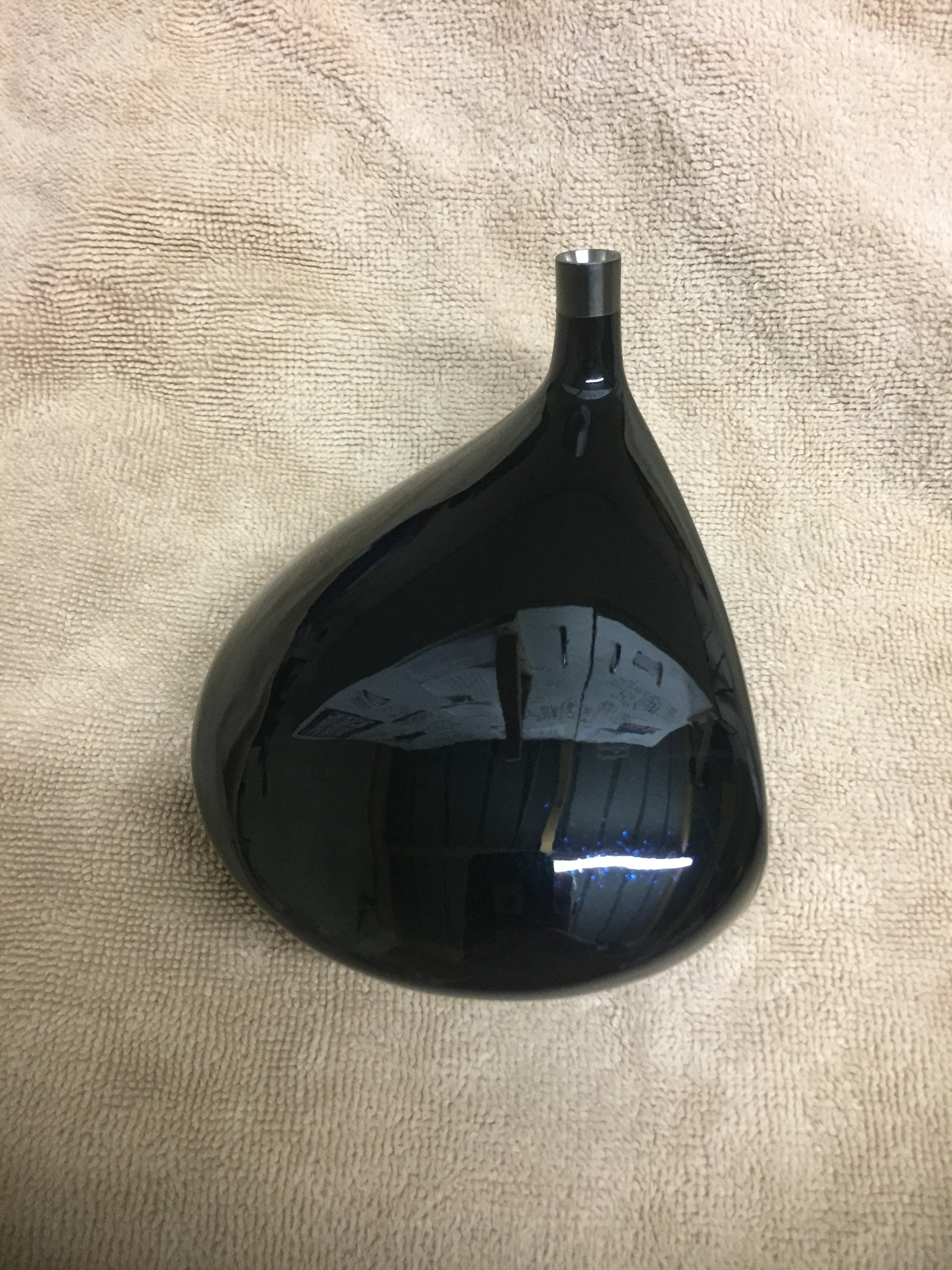
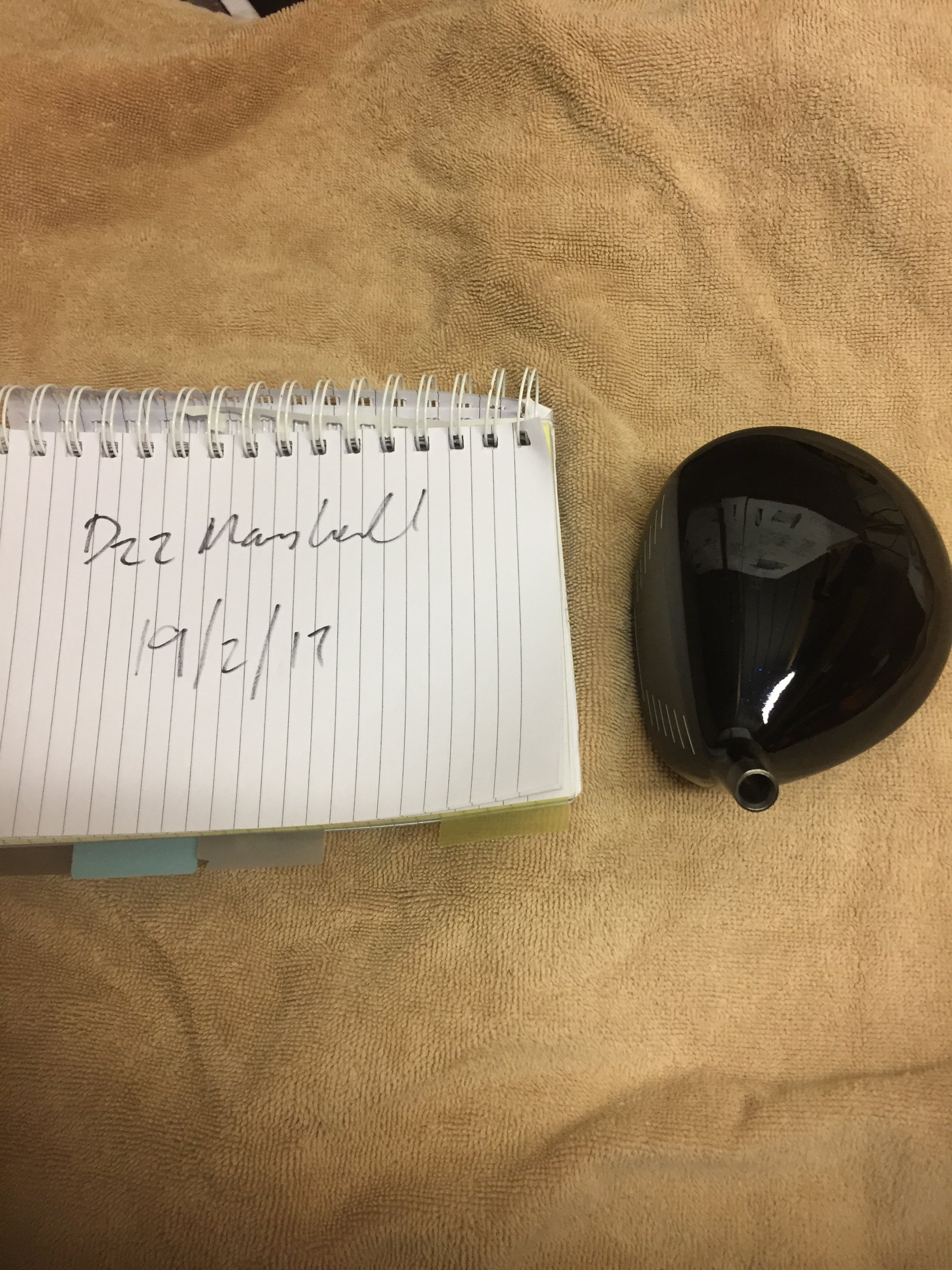
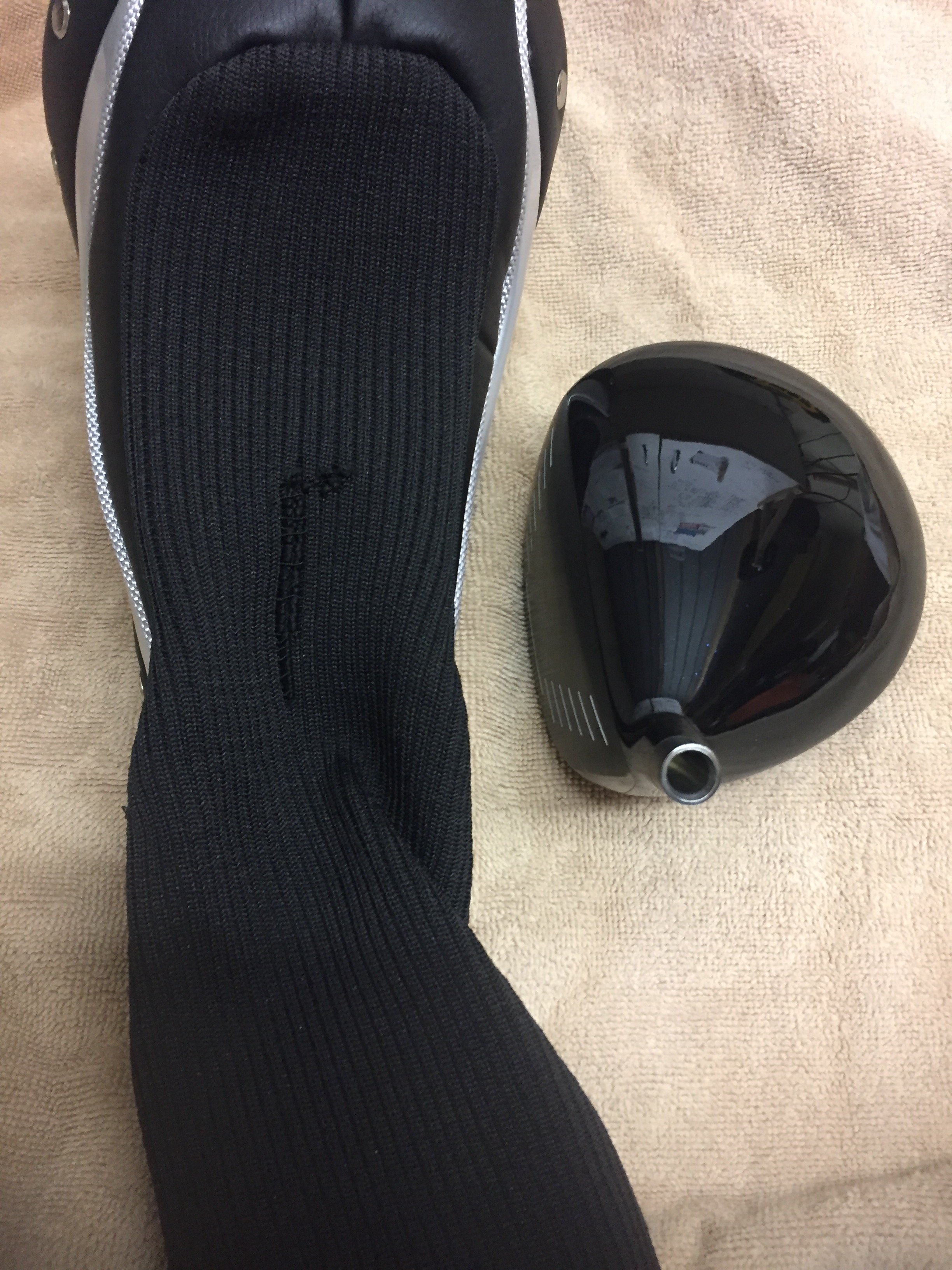
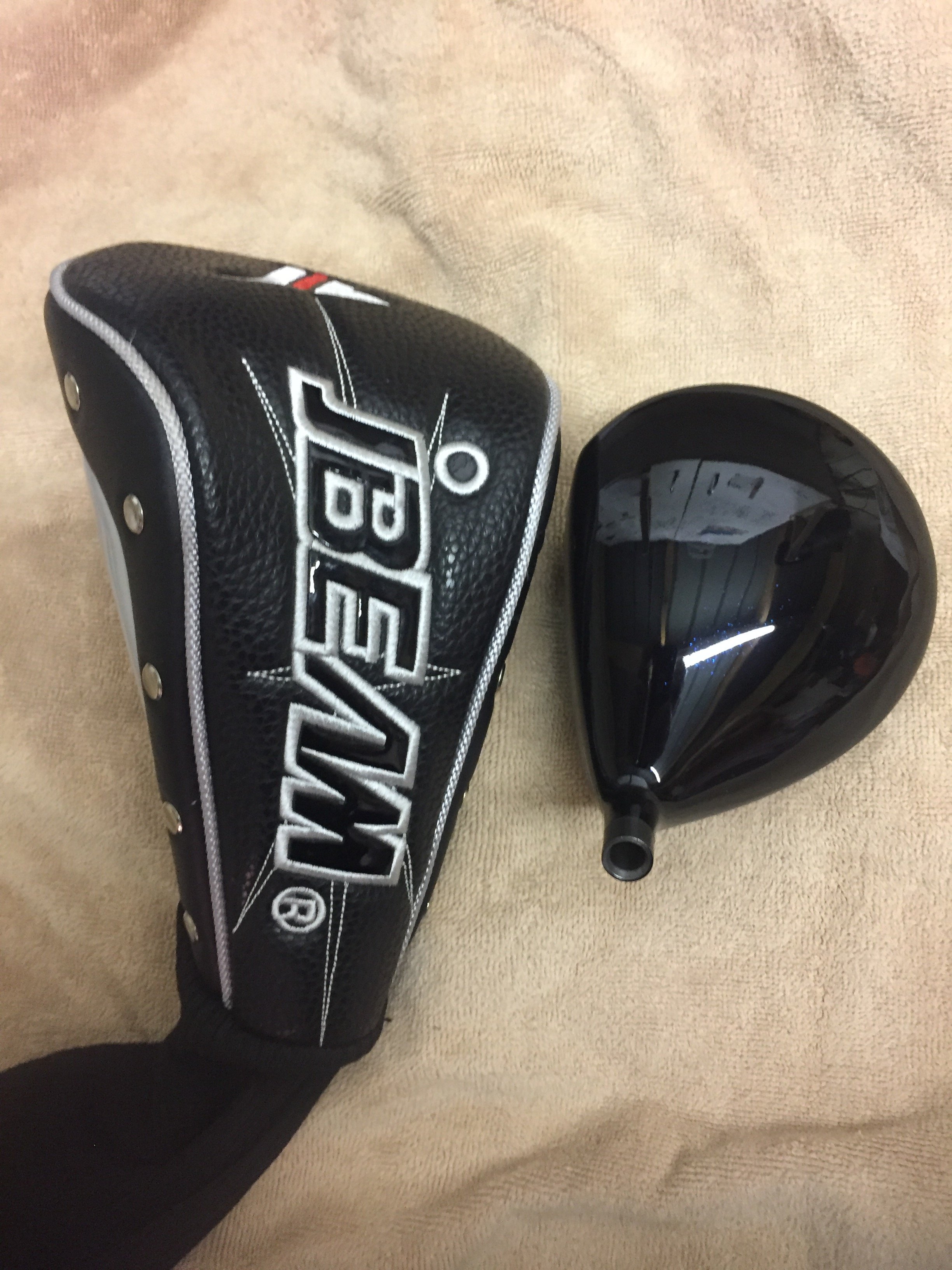
Driver hybrid sold
-
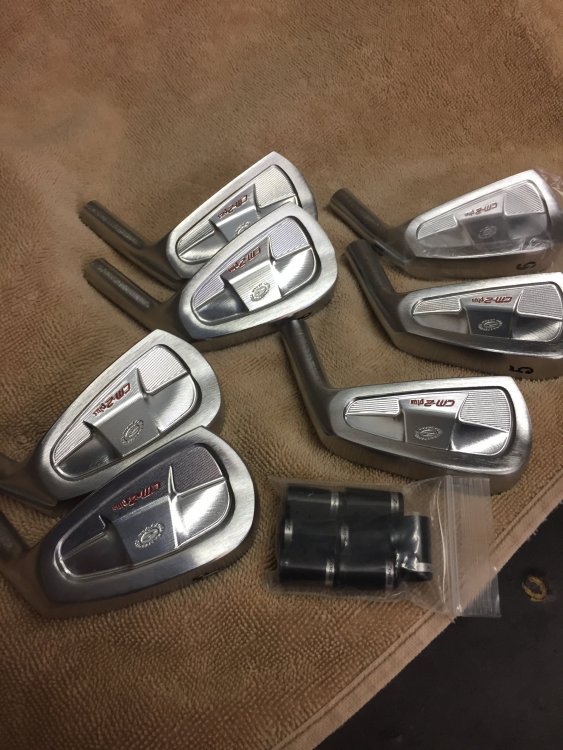
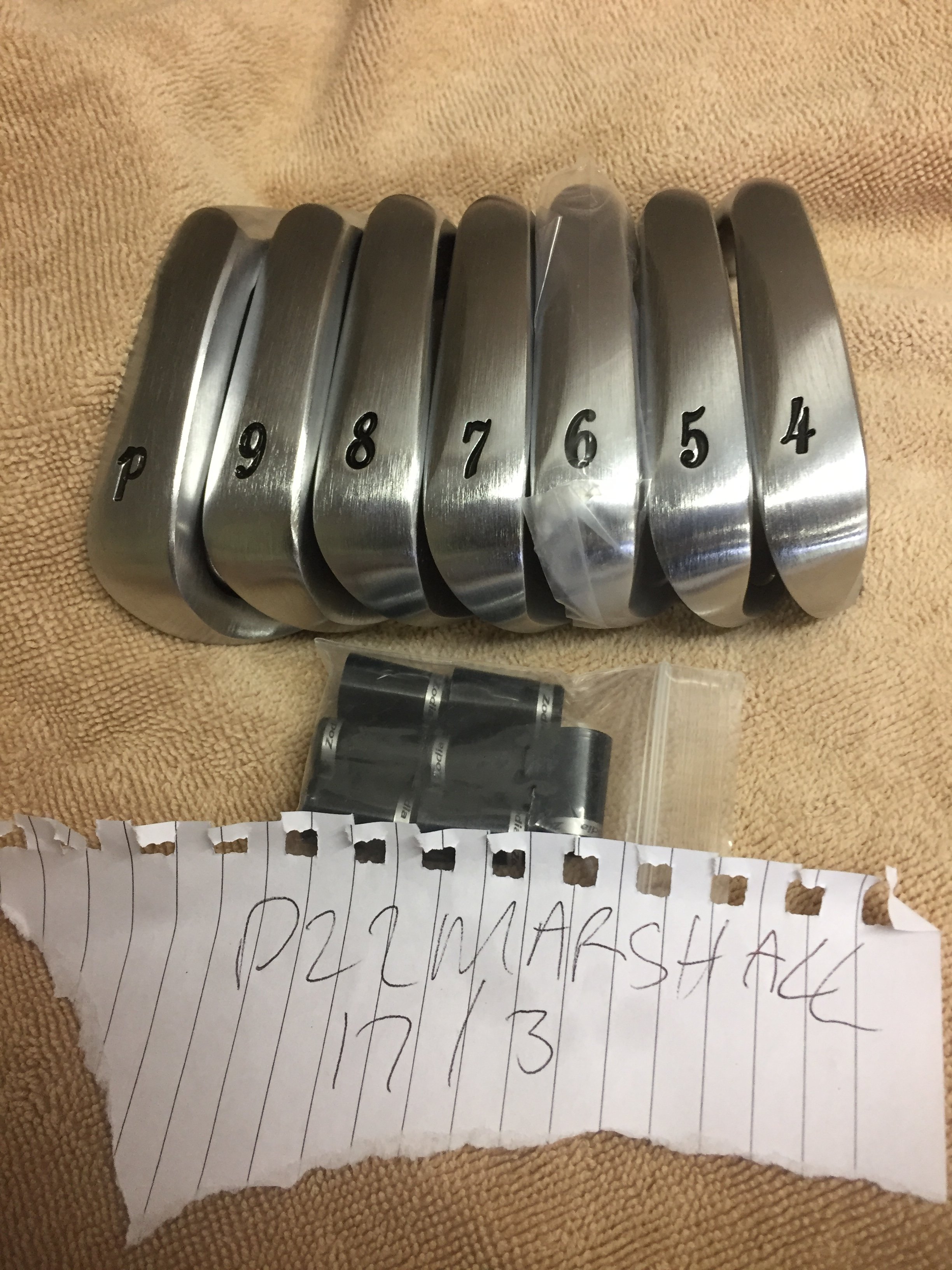
Irons only left
-
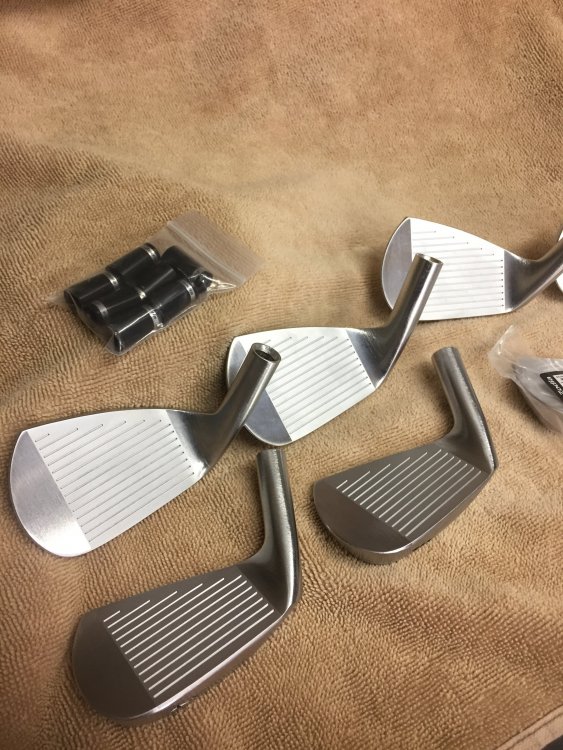
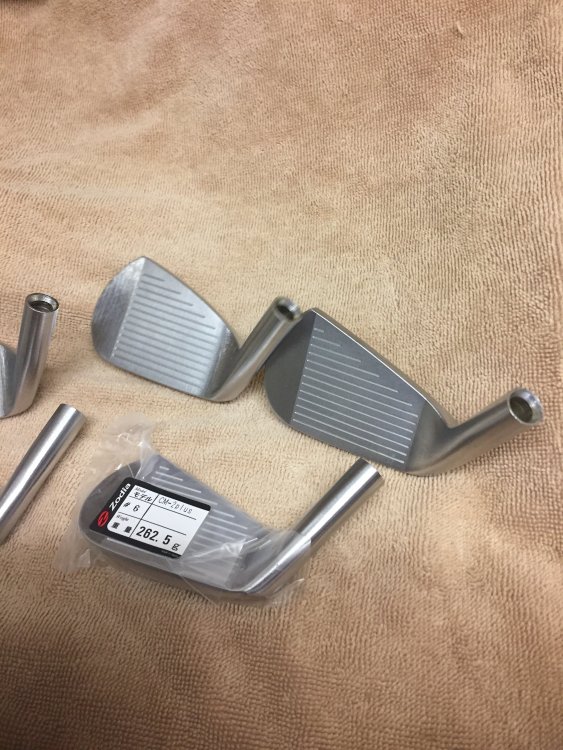
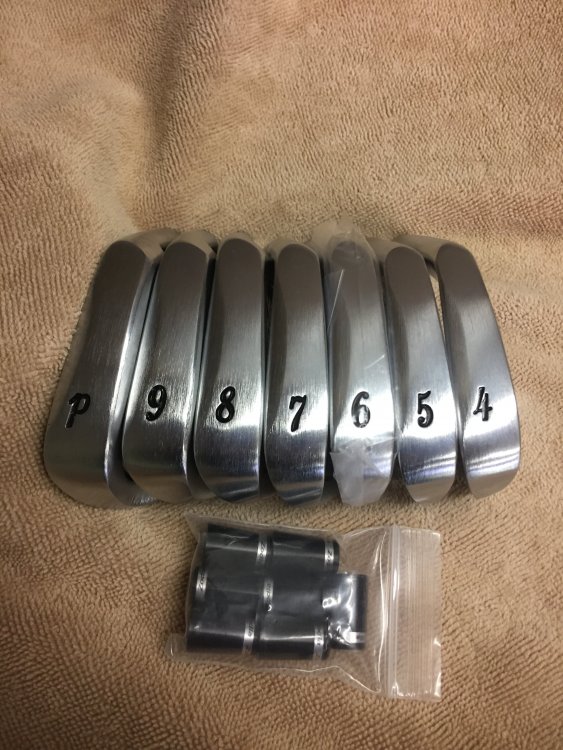
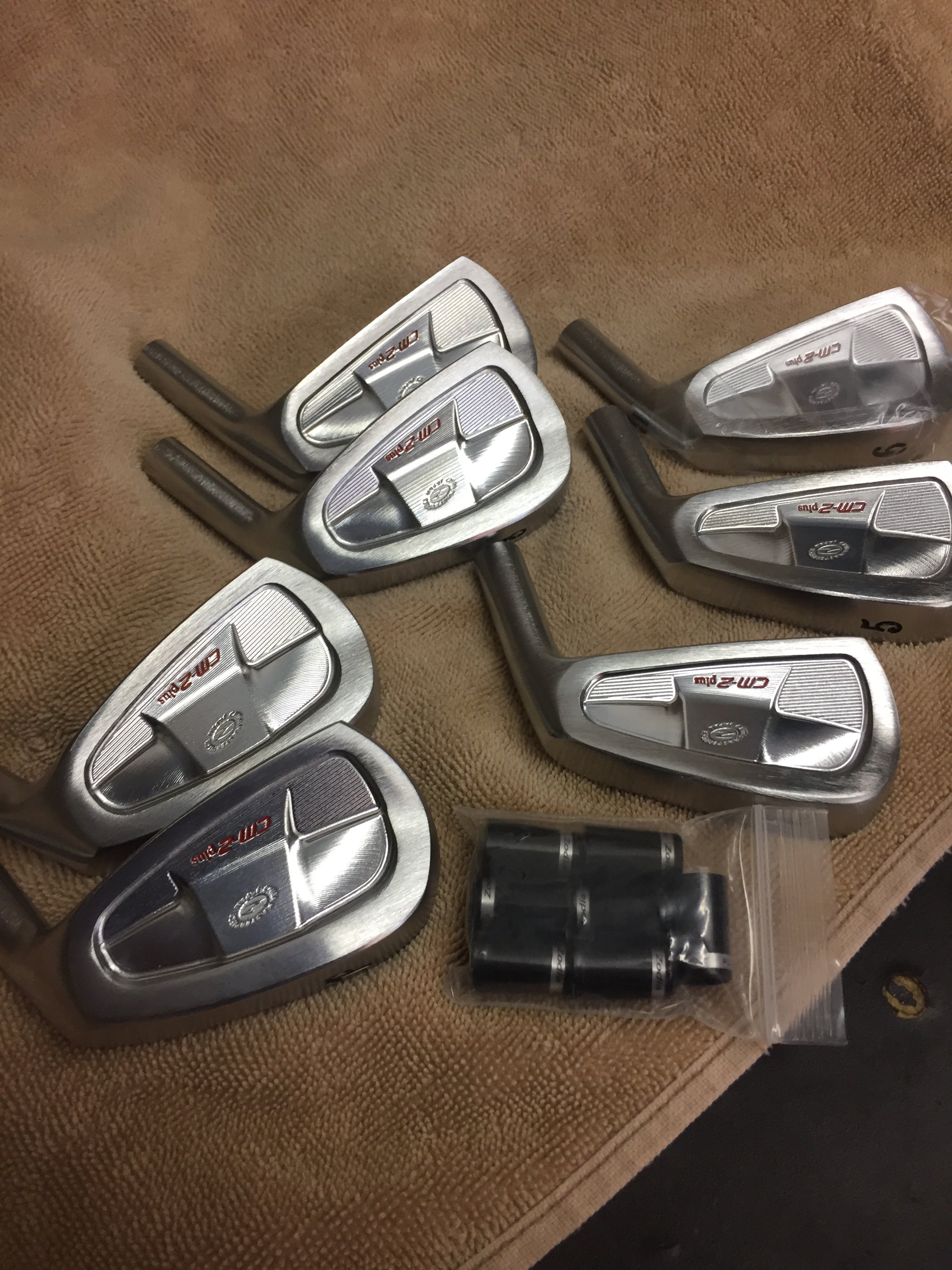
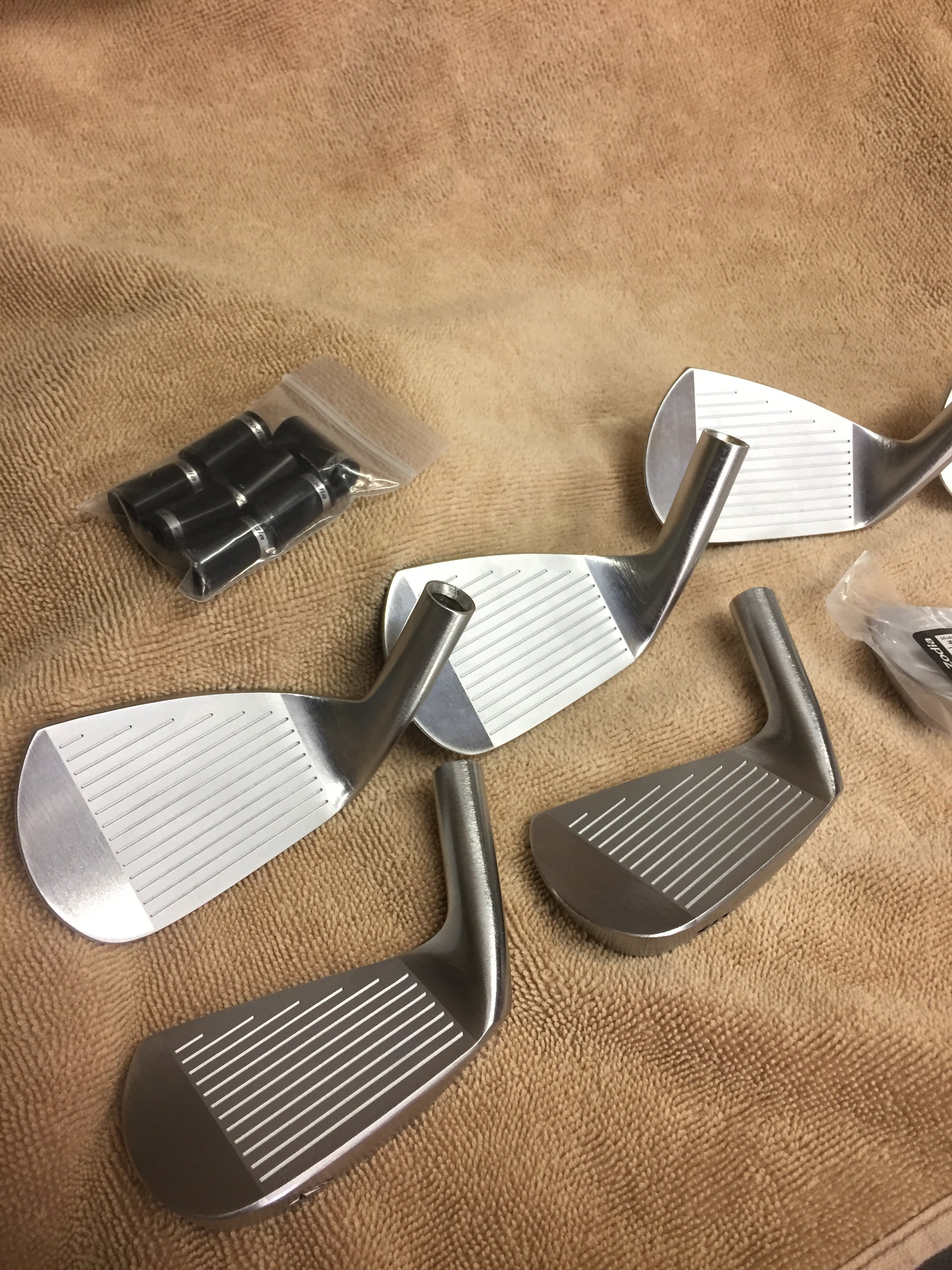
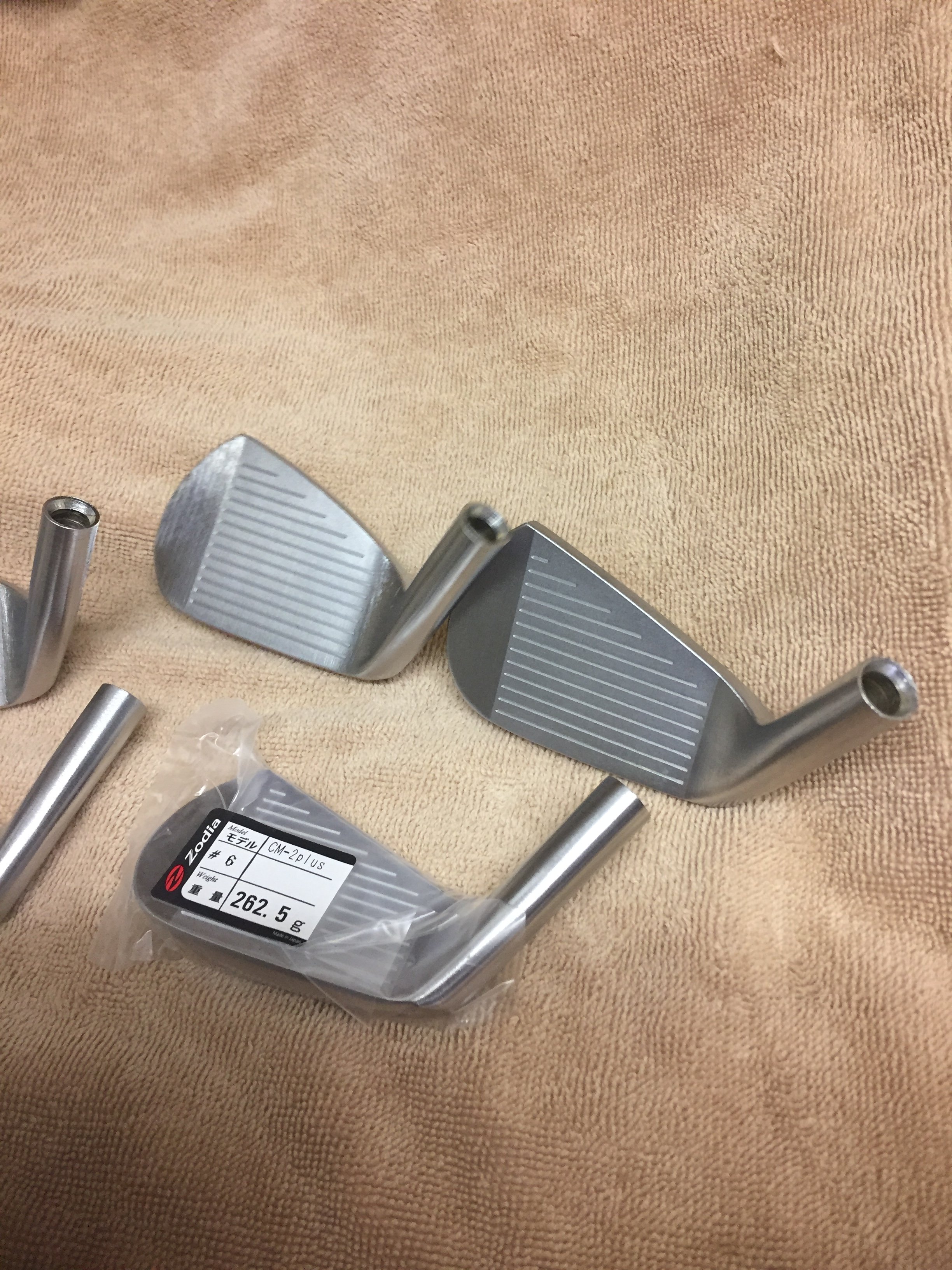
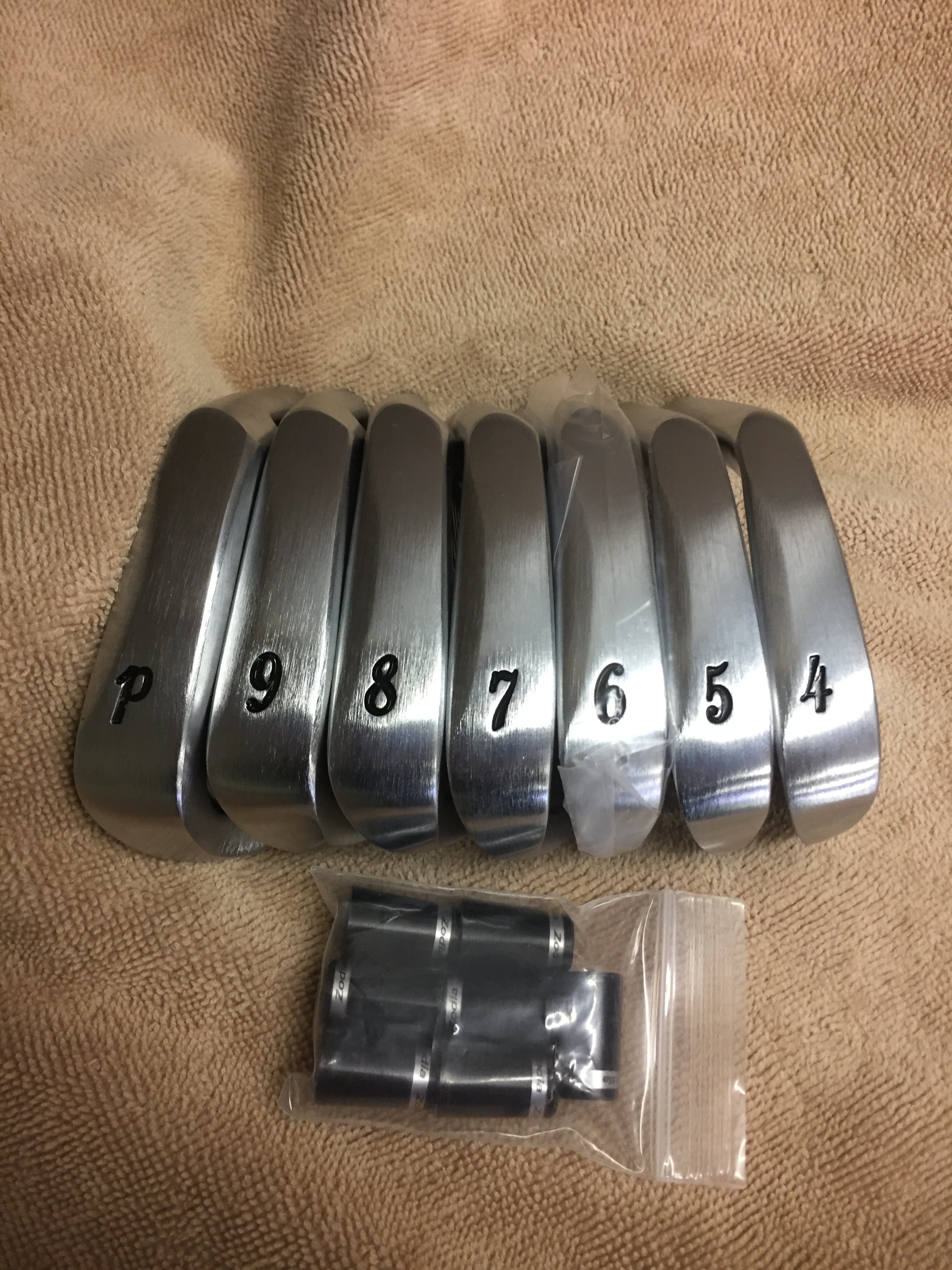
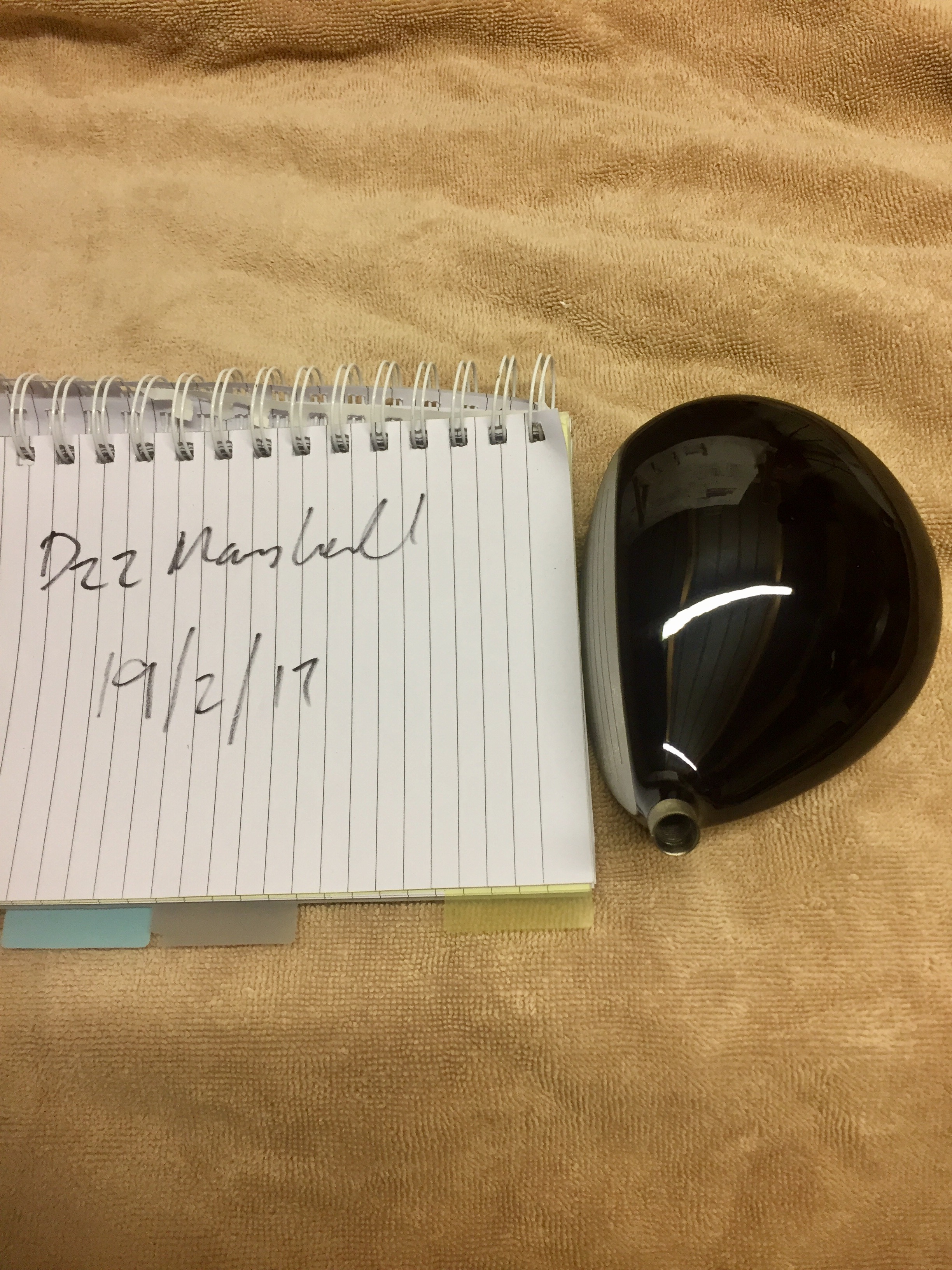
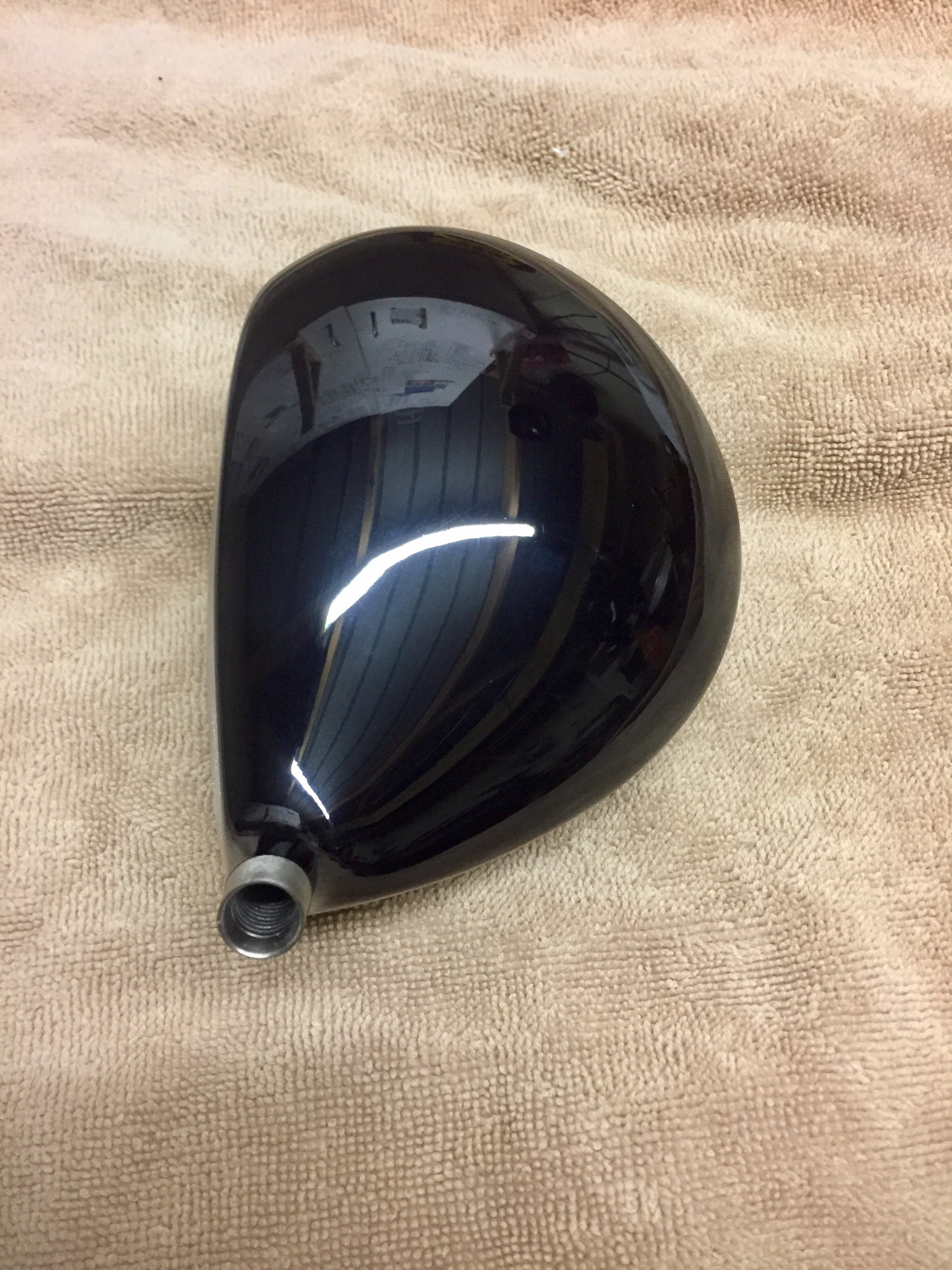
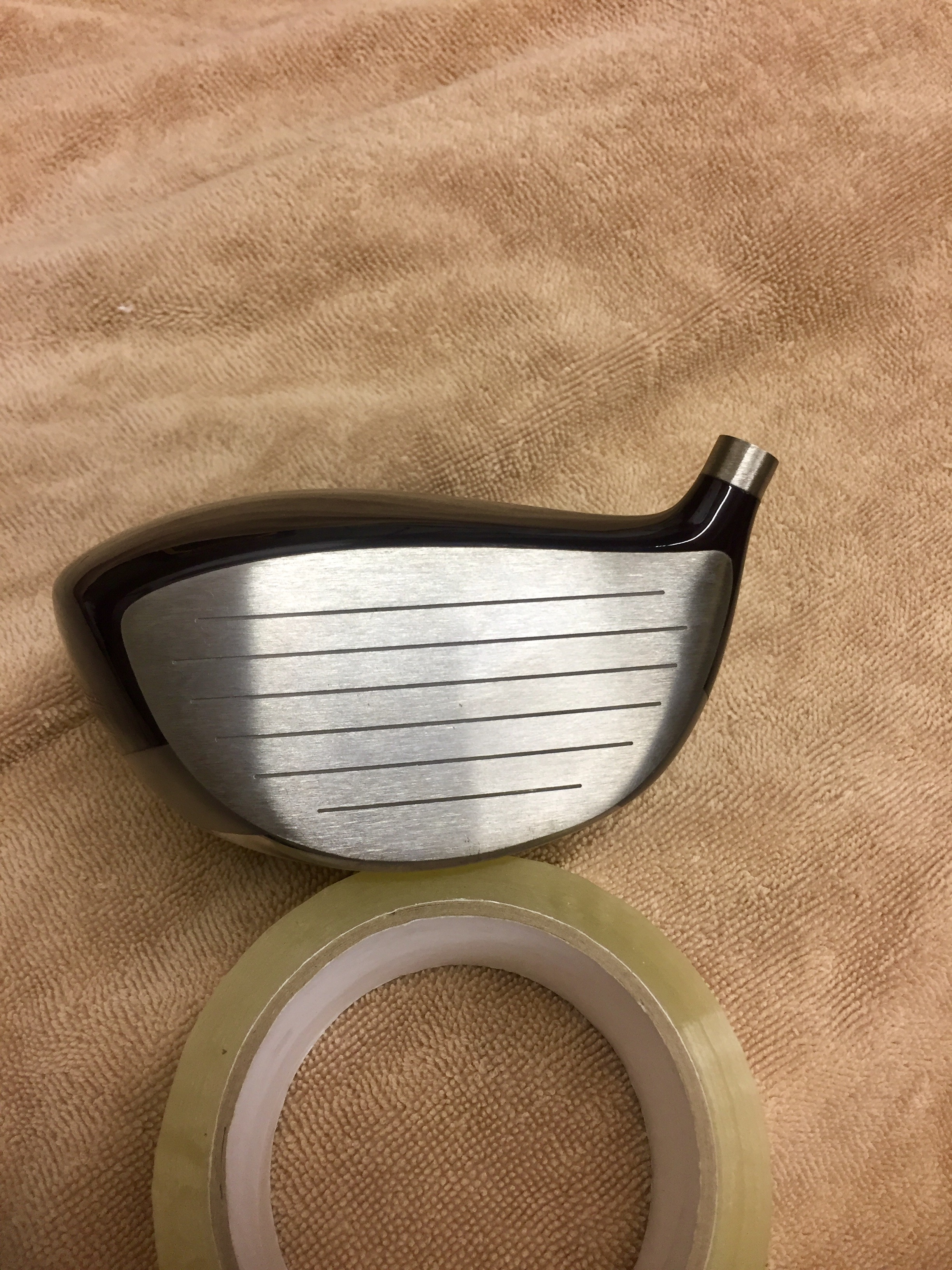
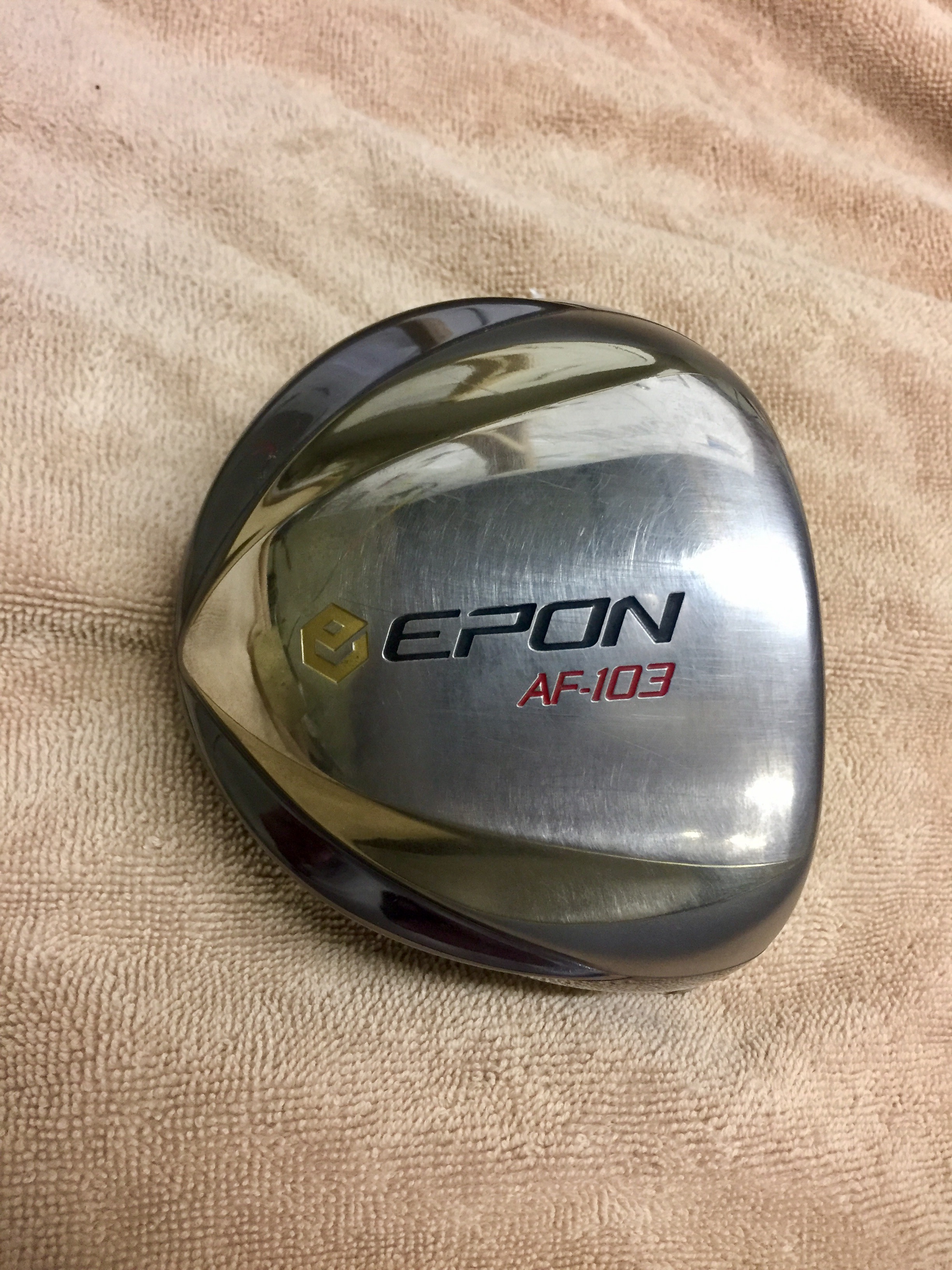
Better pics added
-
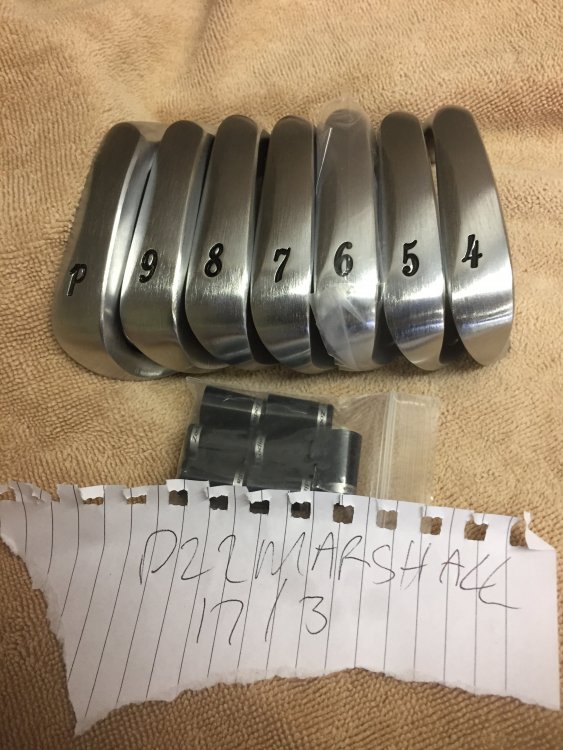
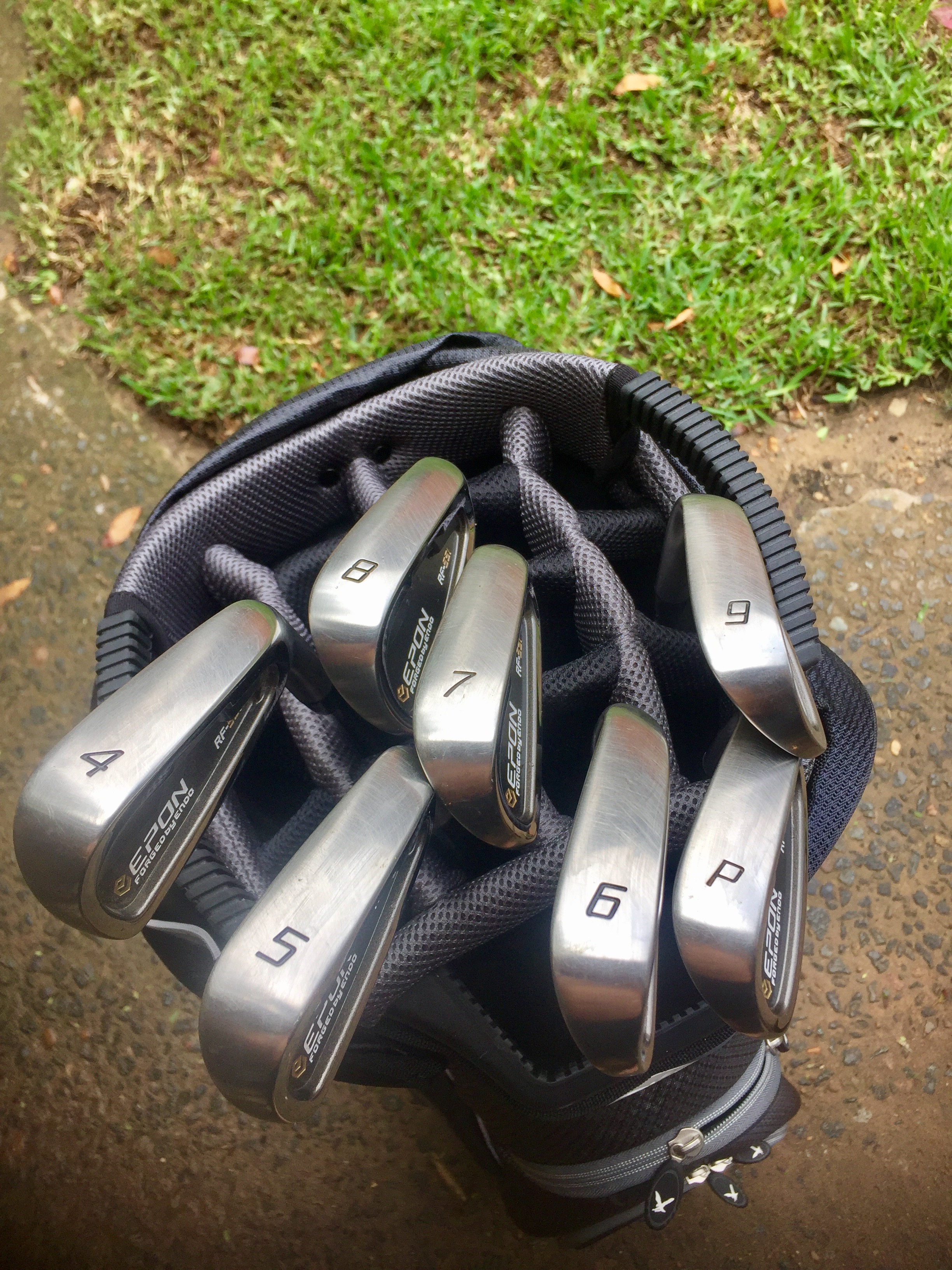
Zodia cm-2 plus 4 to Pw like new lets say $950 delivered No marks at all.
-
Mint gear mate glws
-
-
-
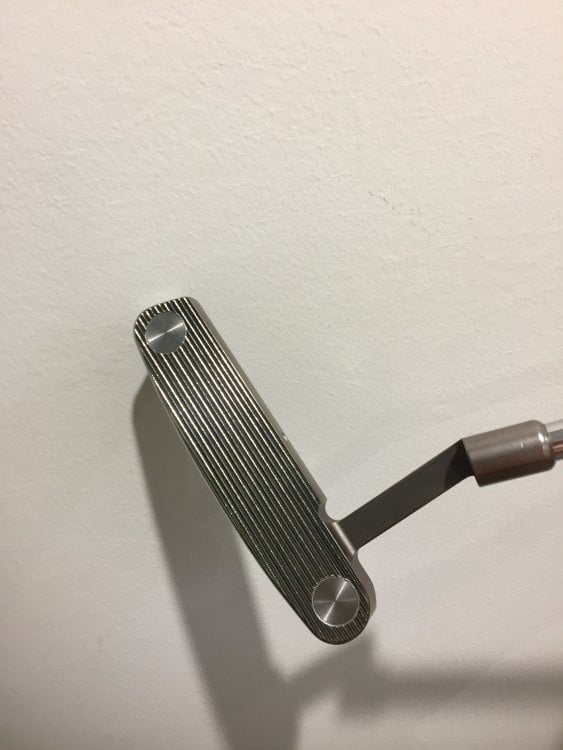
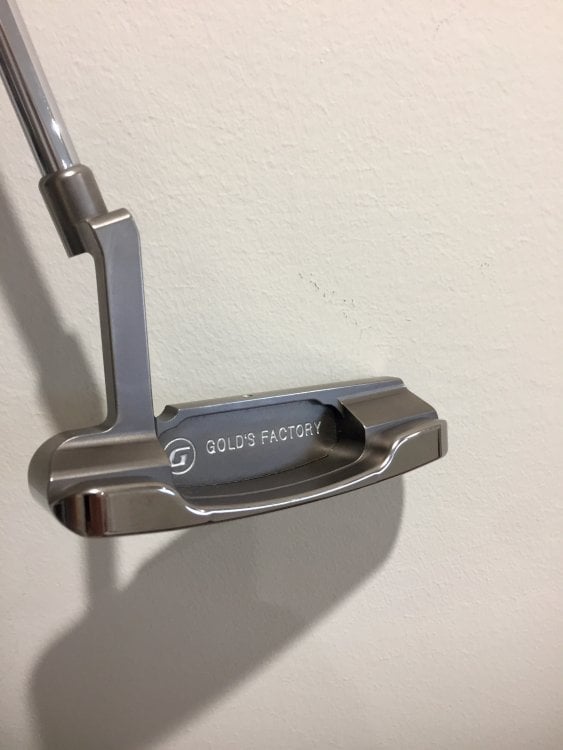
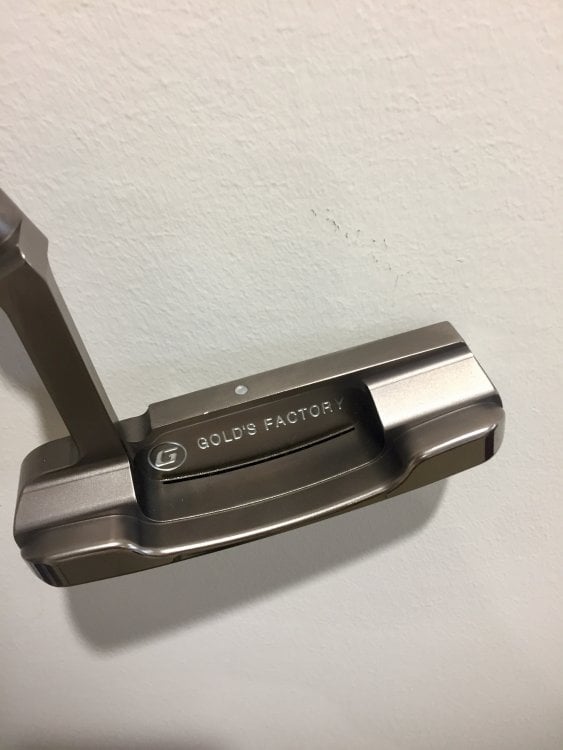
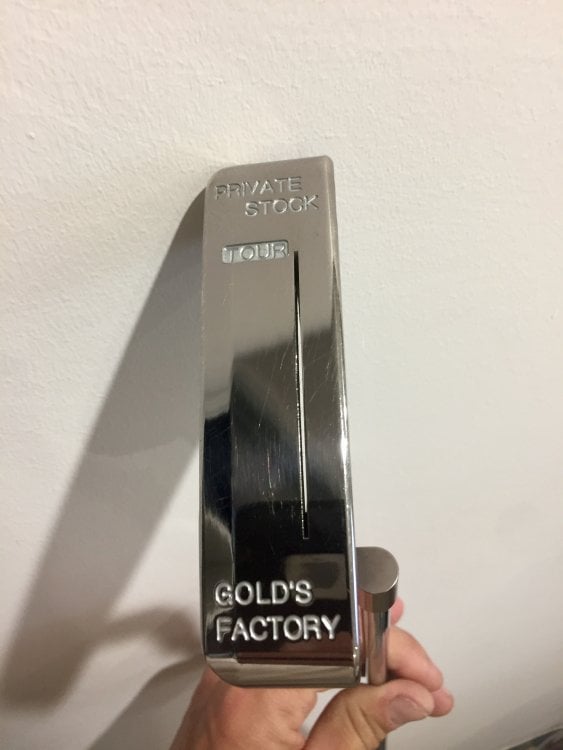
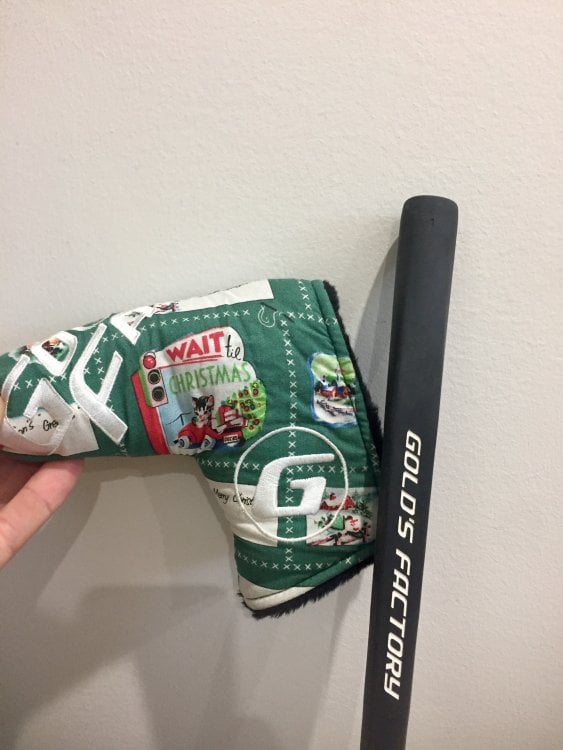
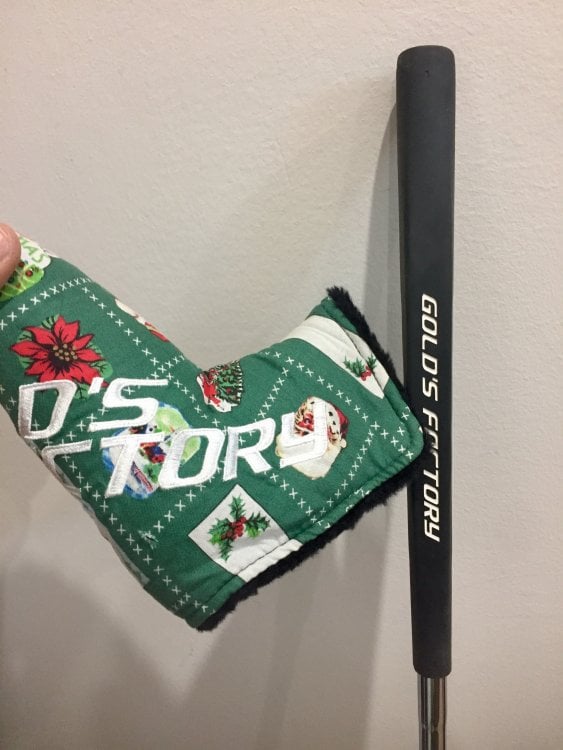
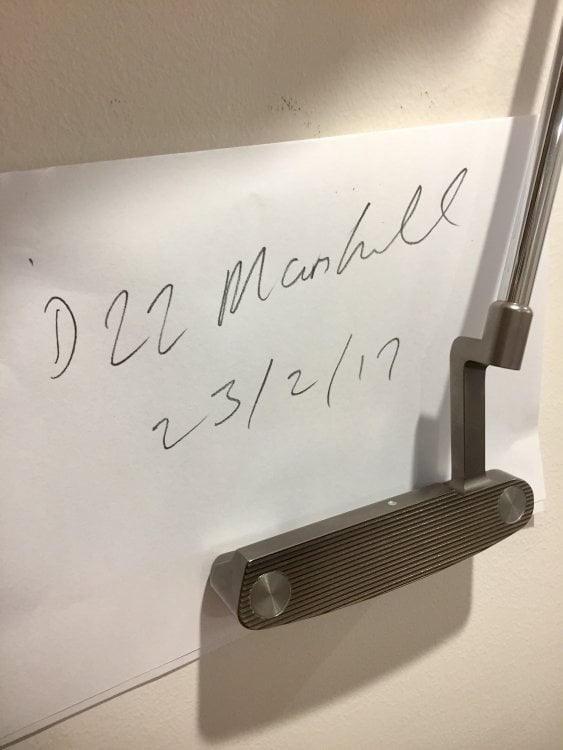
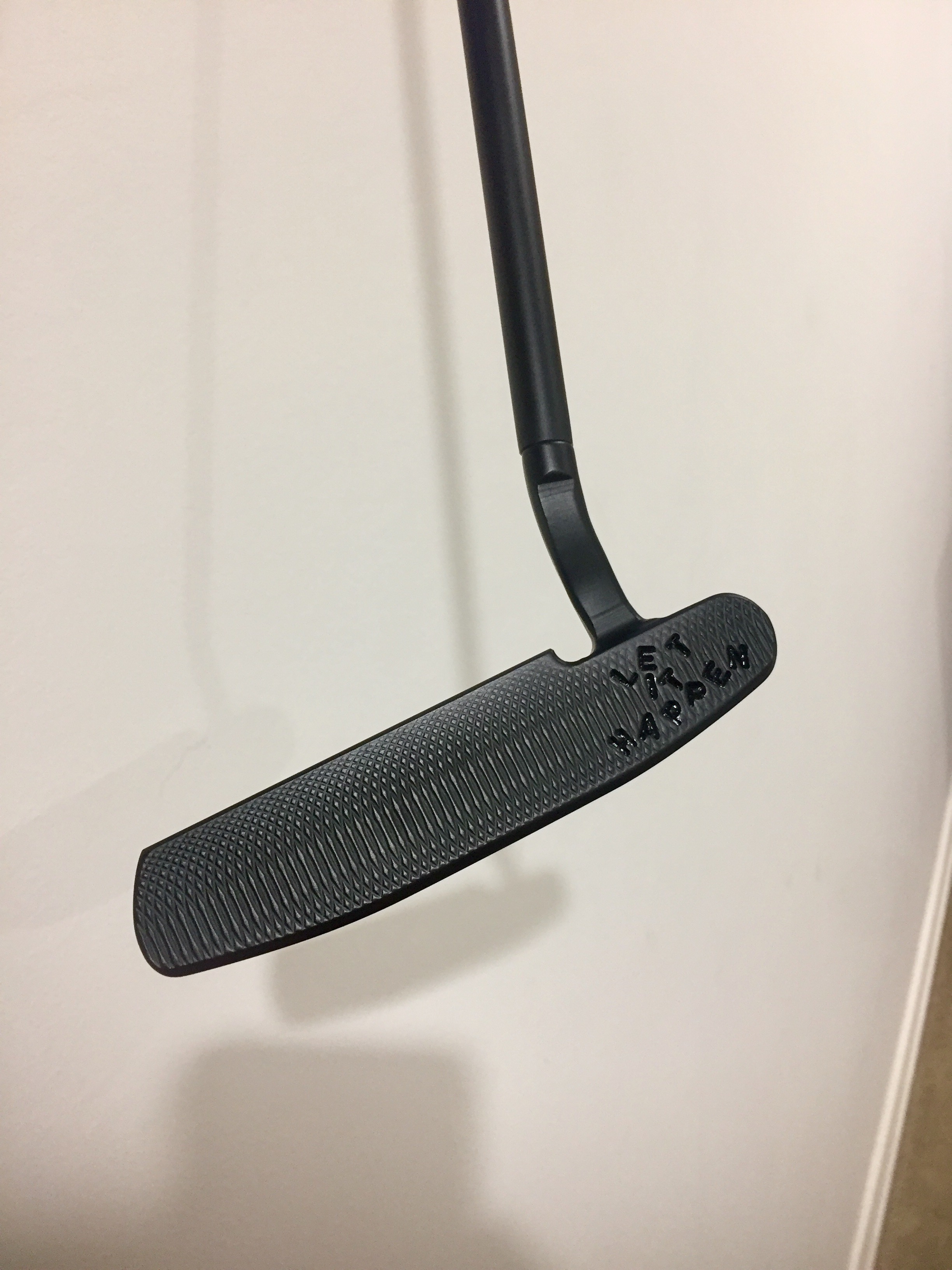
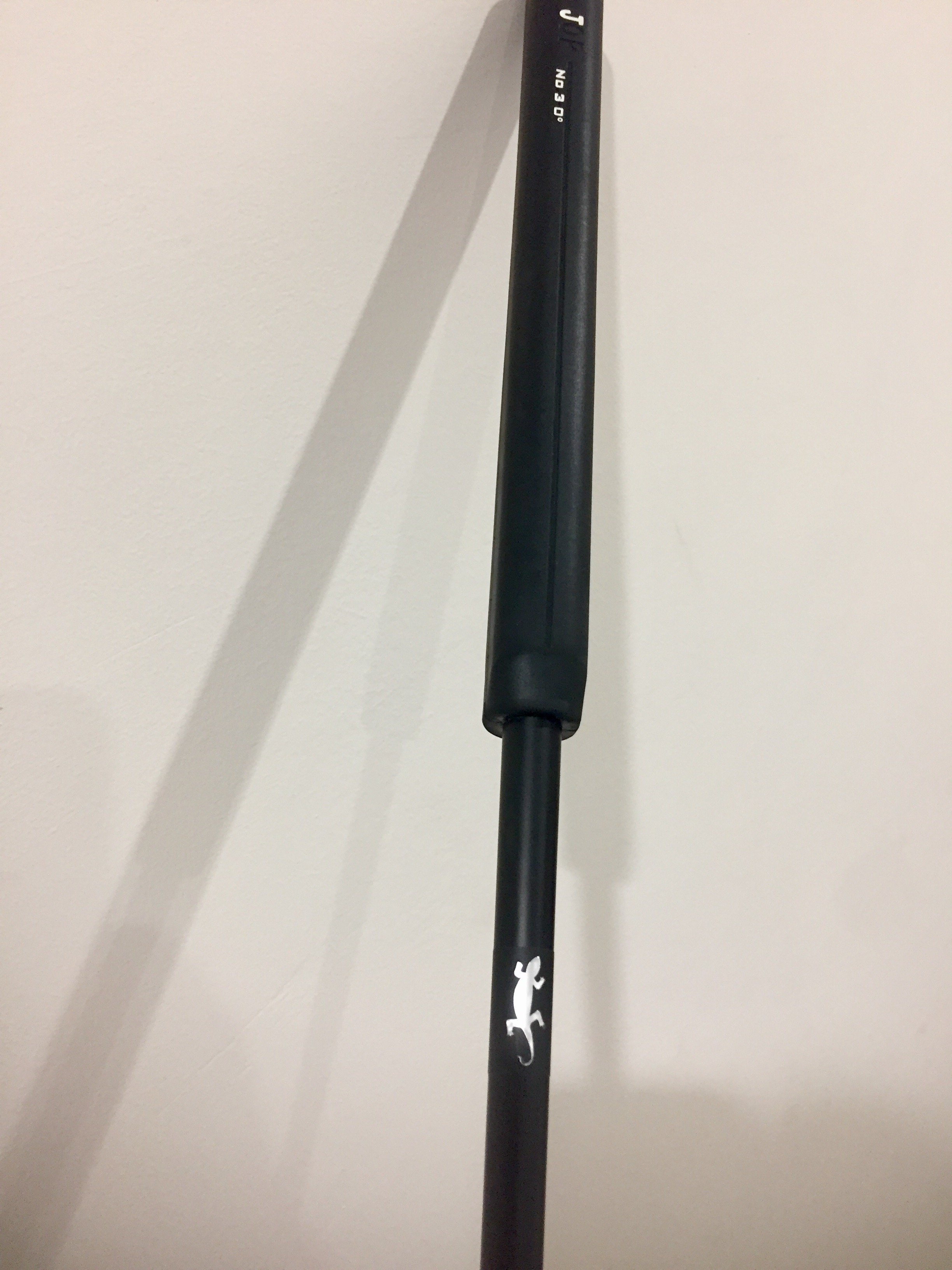
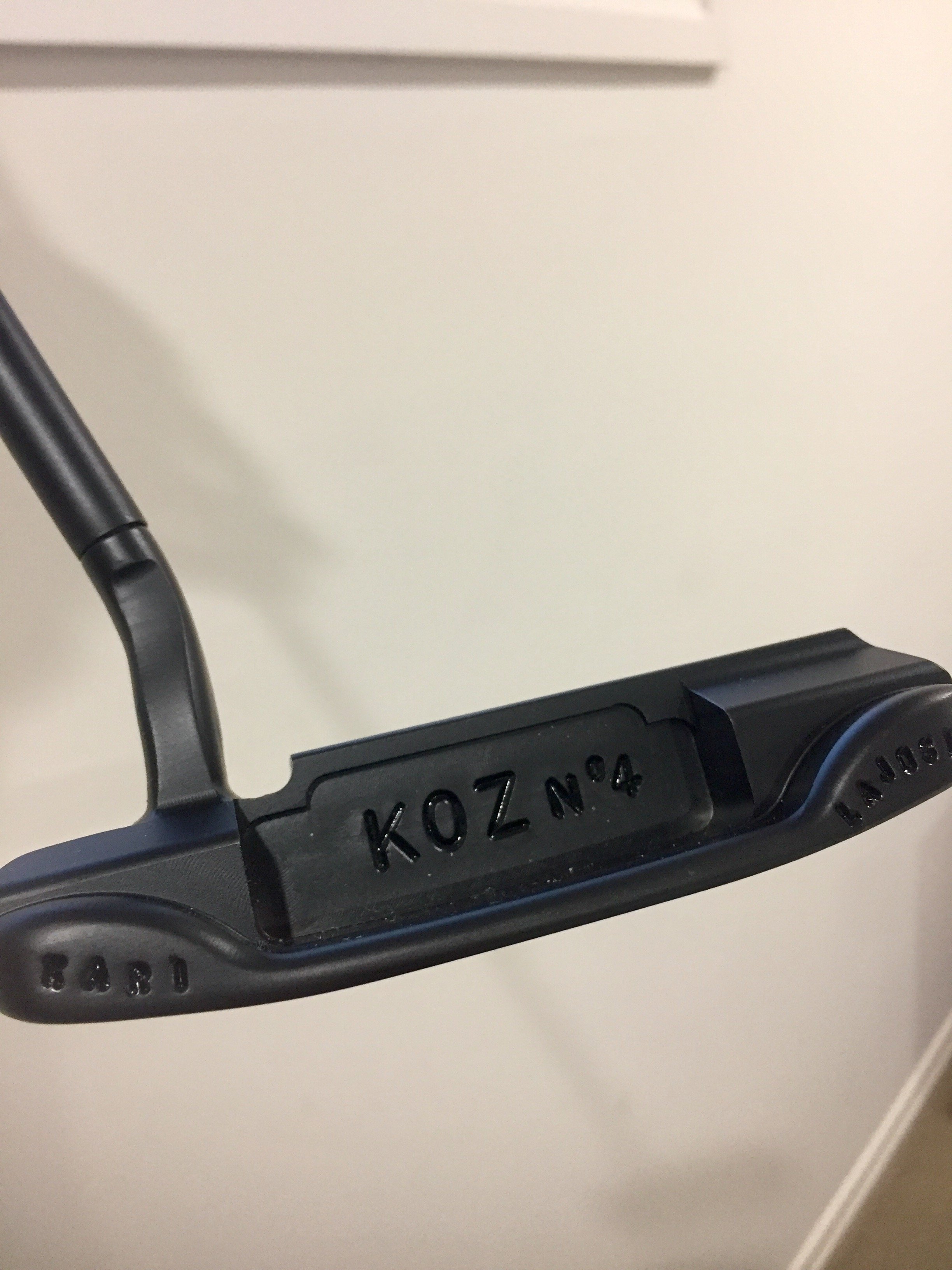
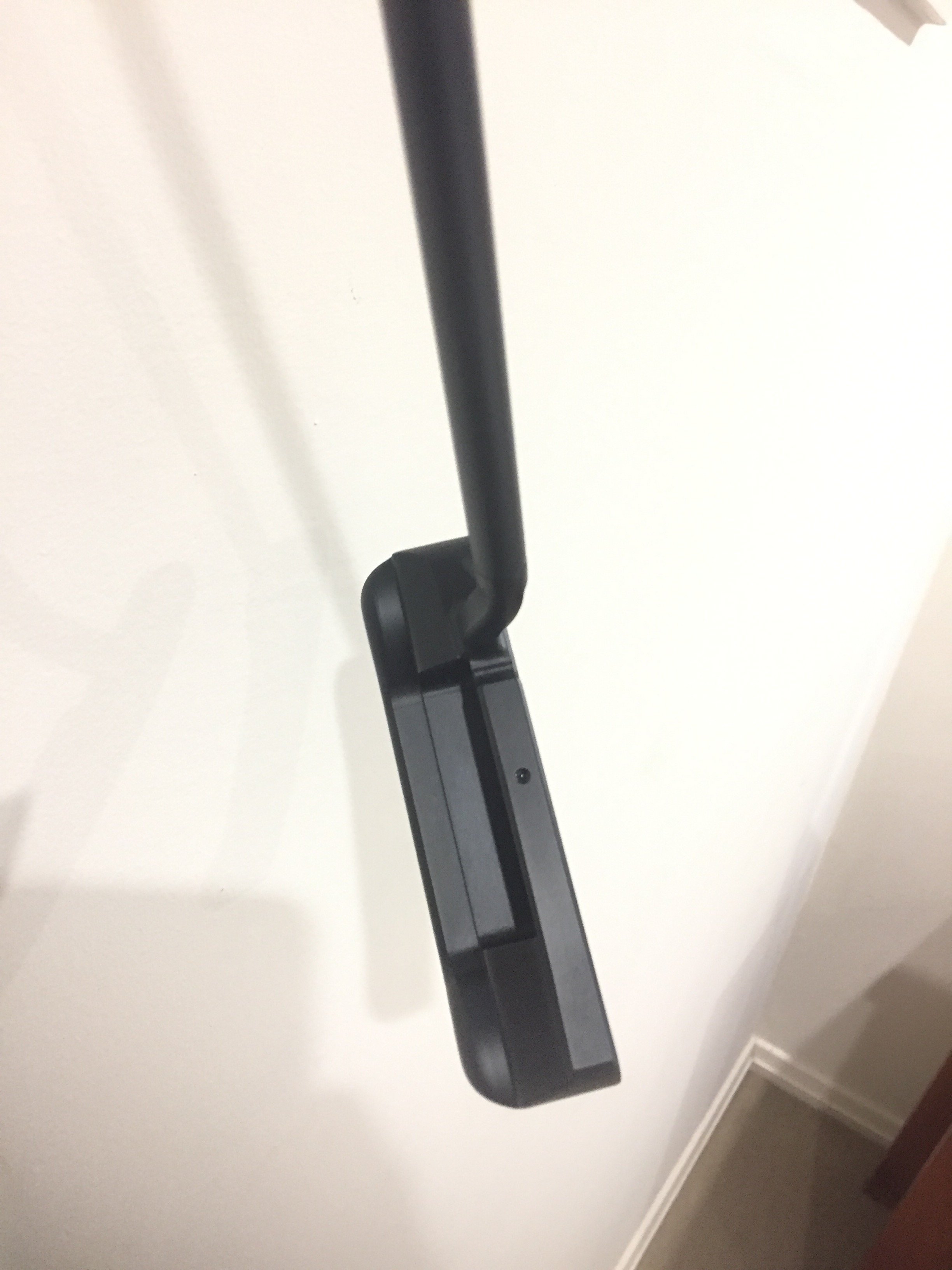
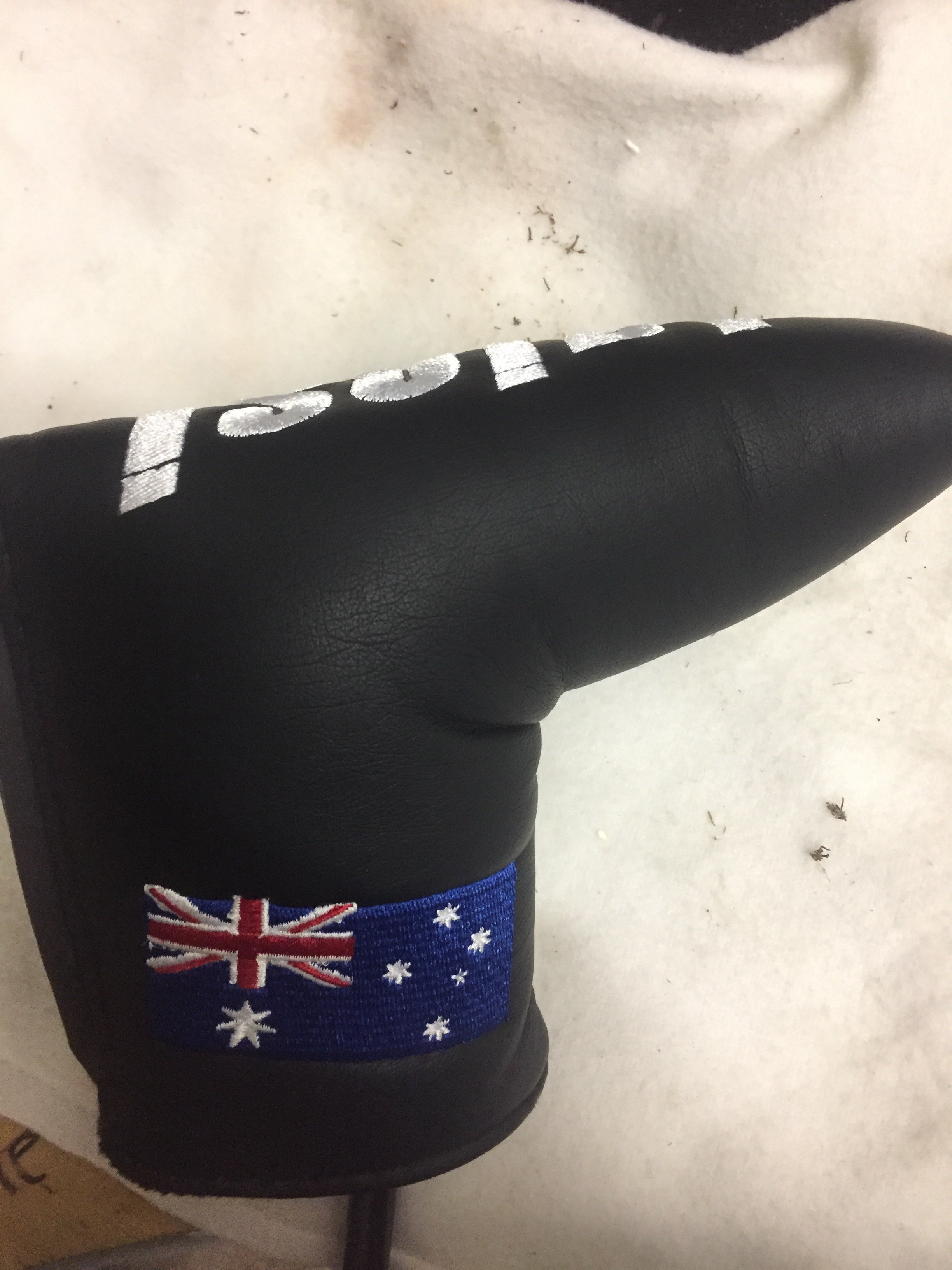
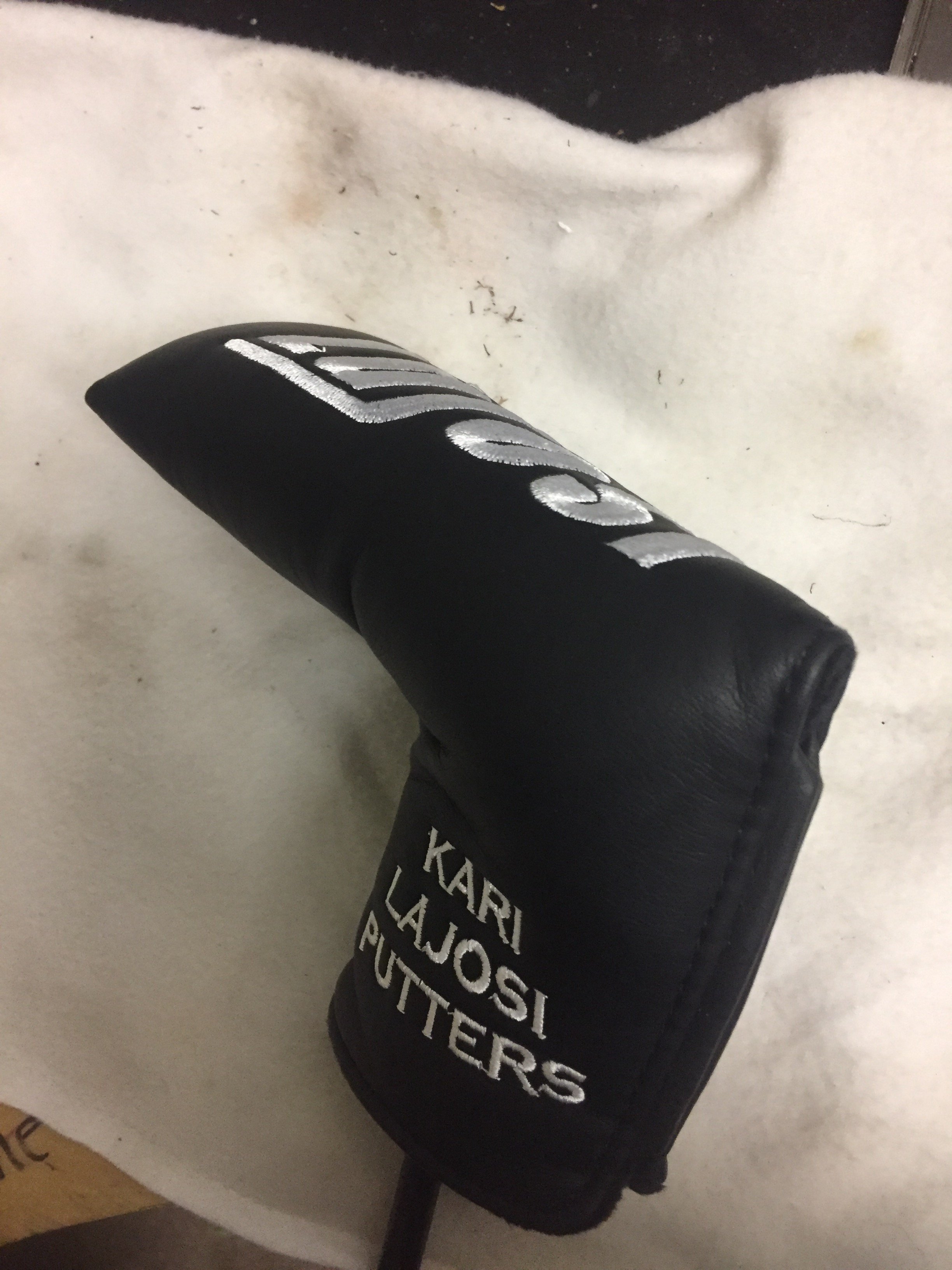
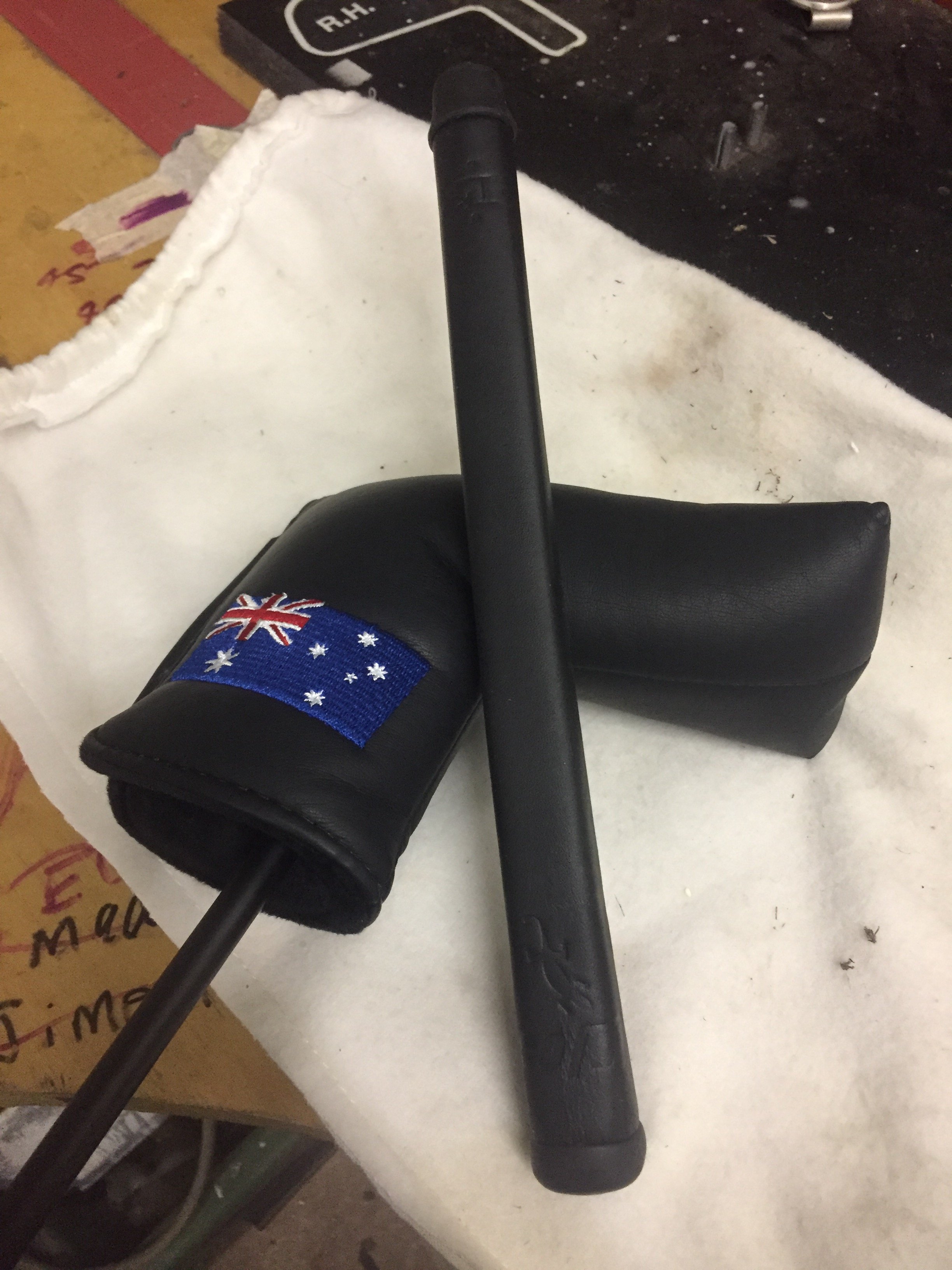
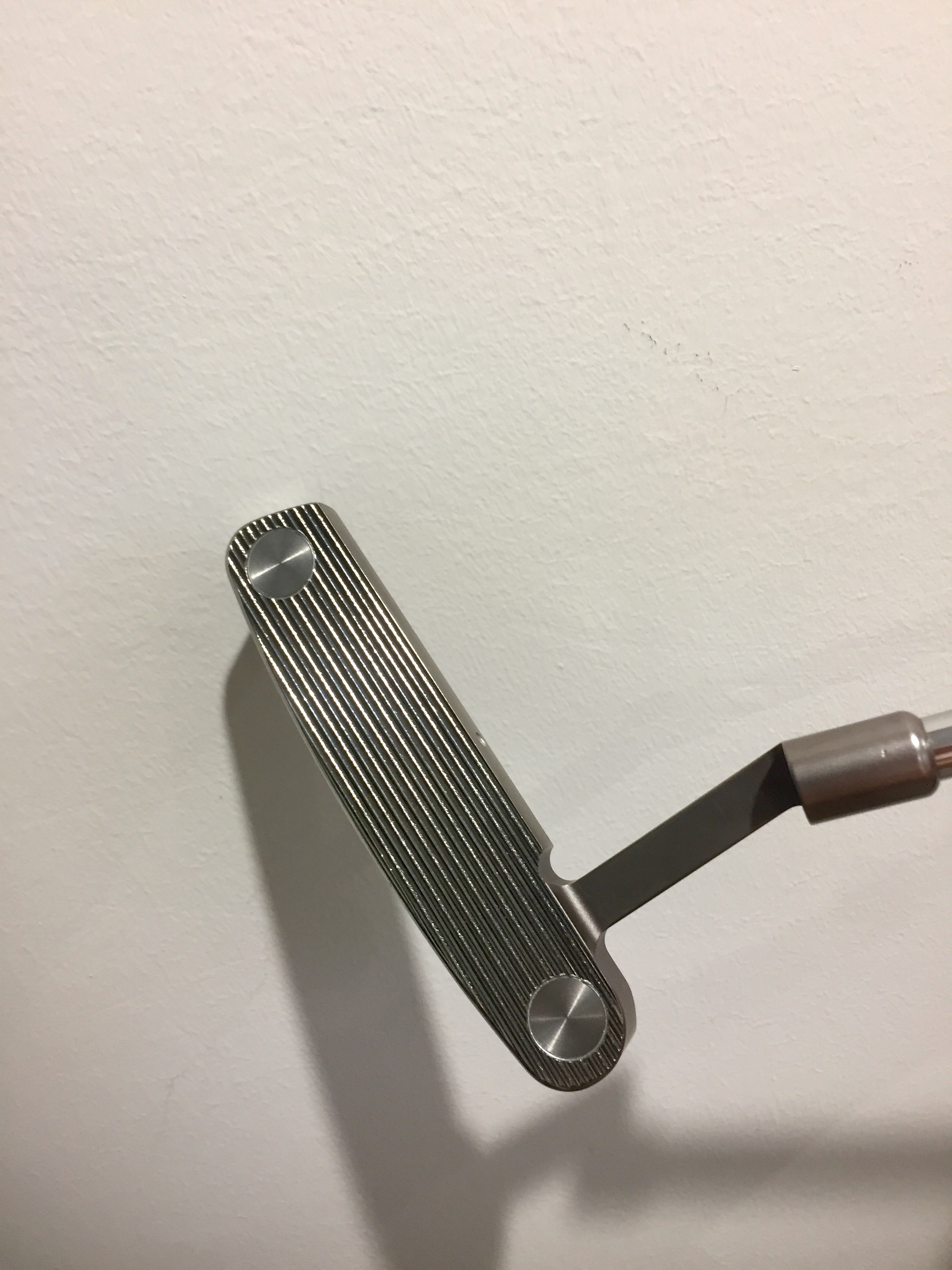
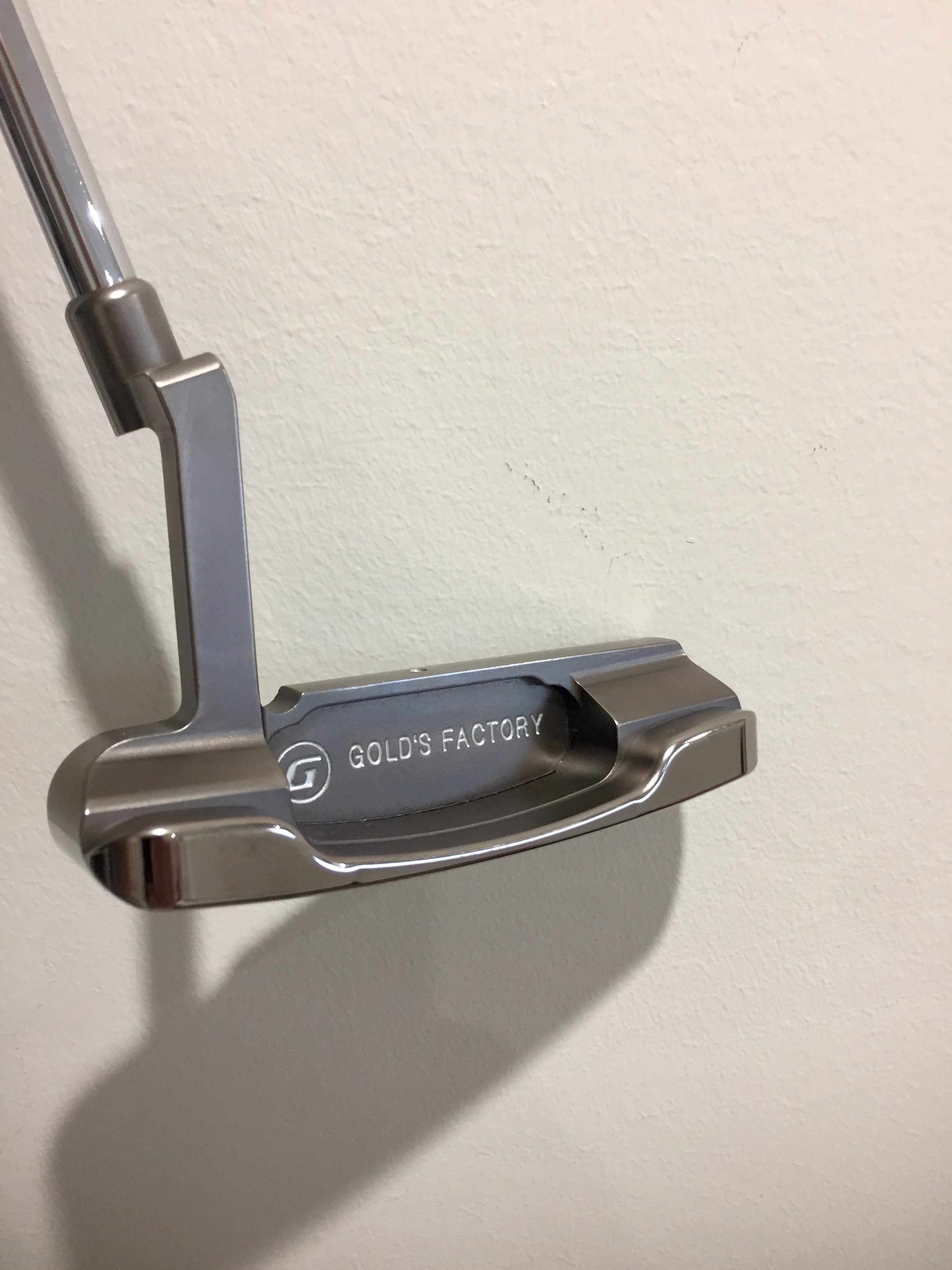
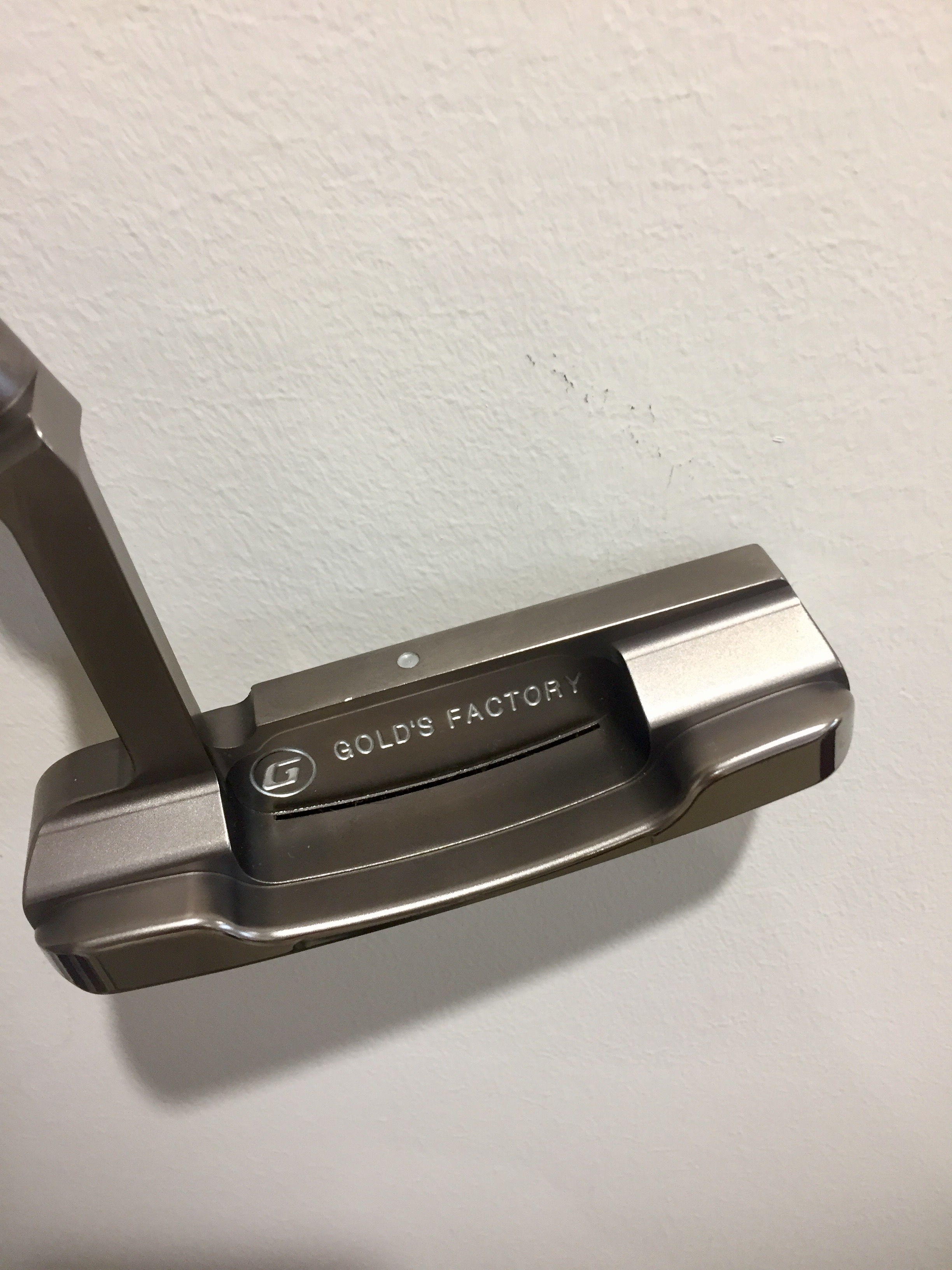
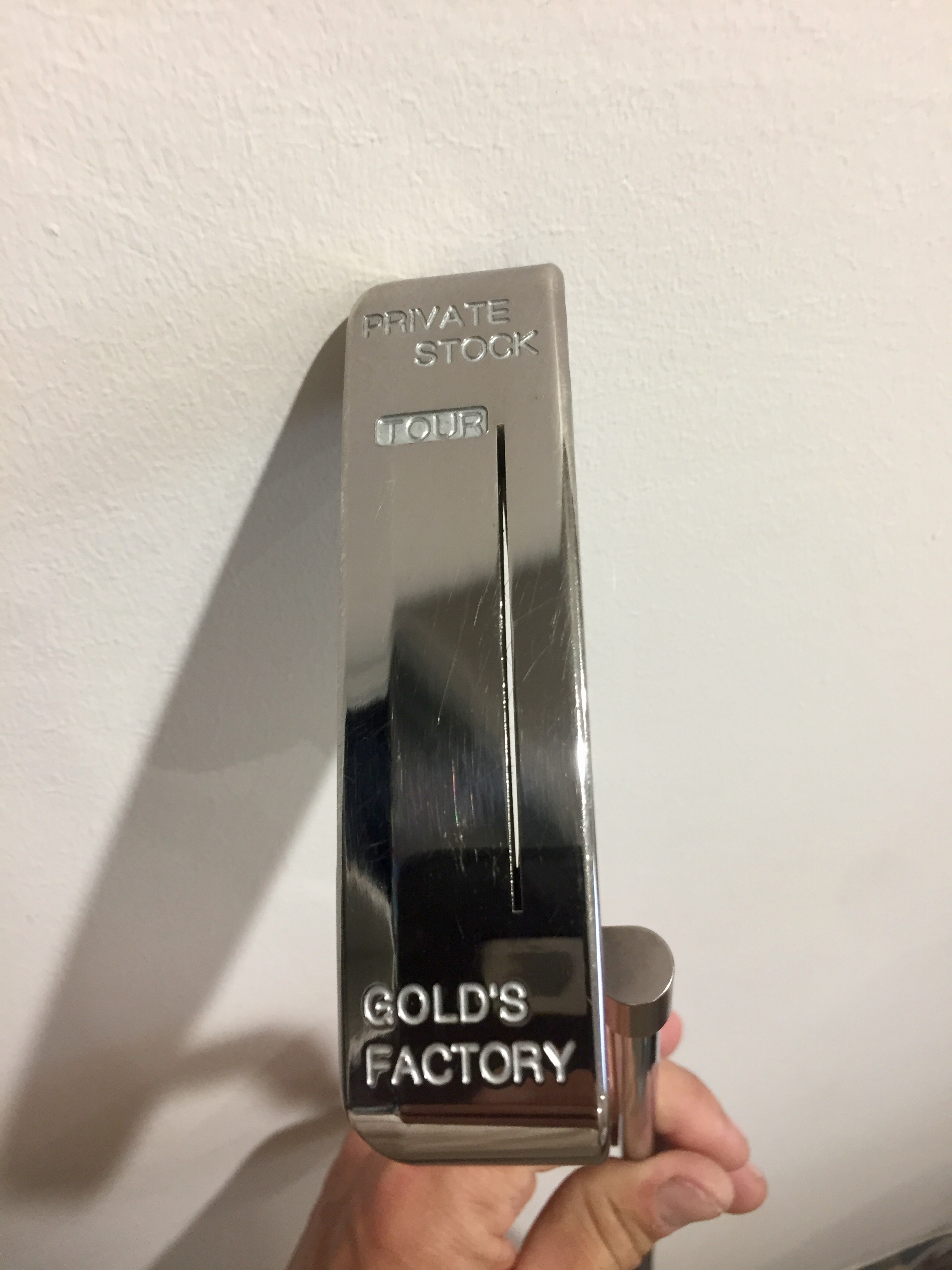
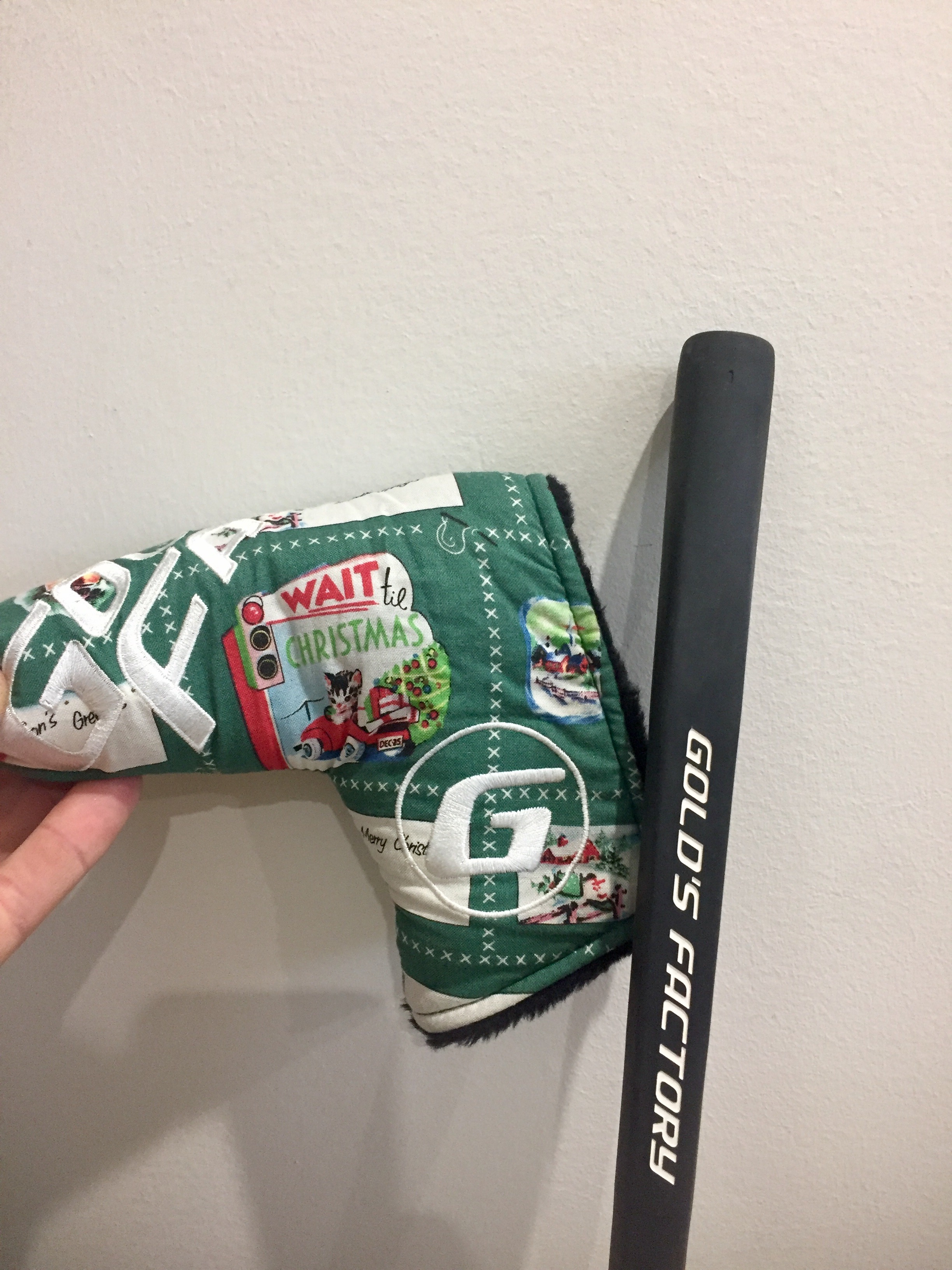
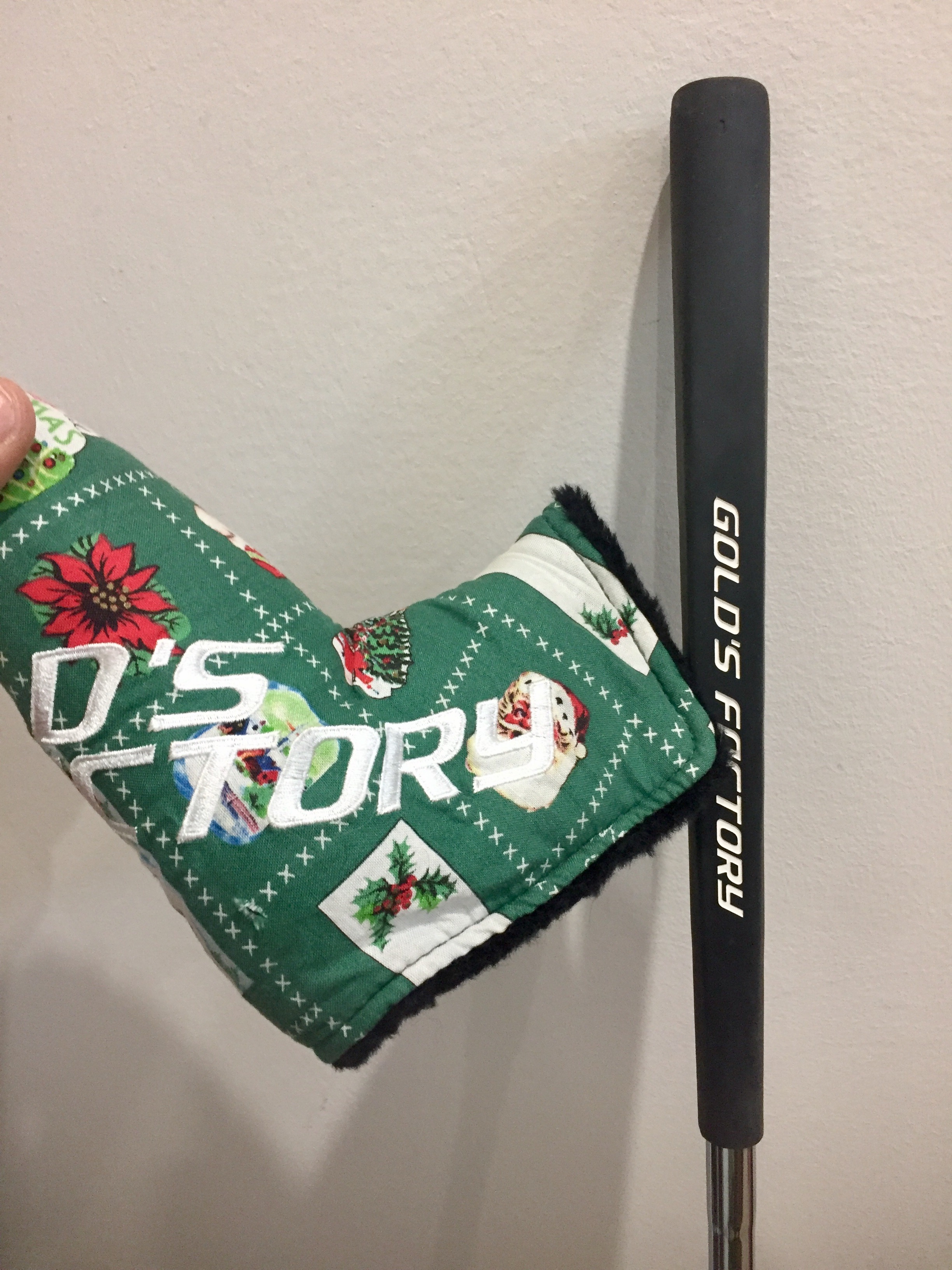
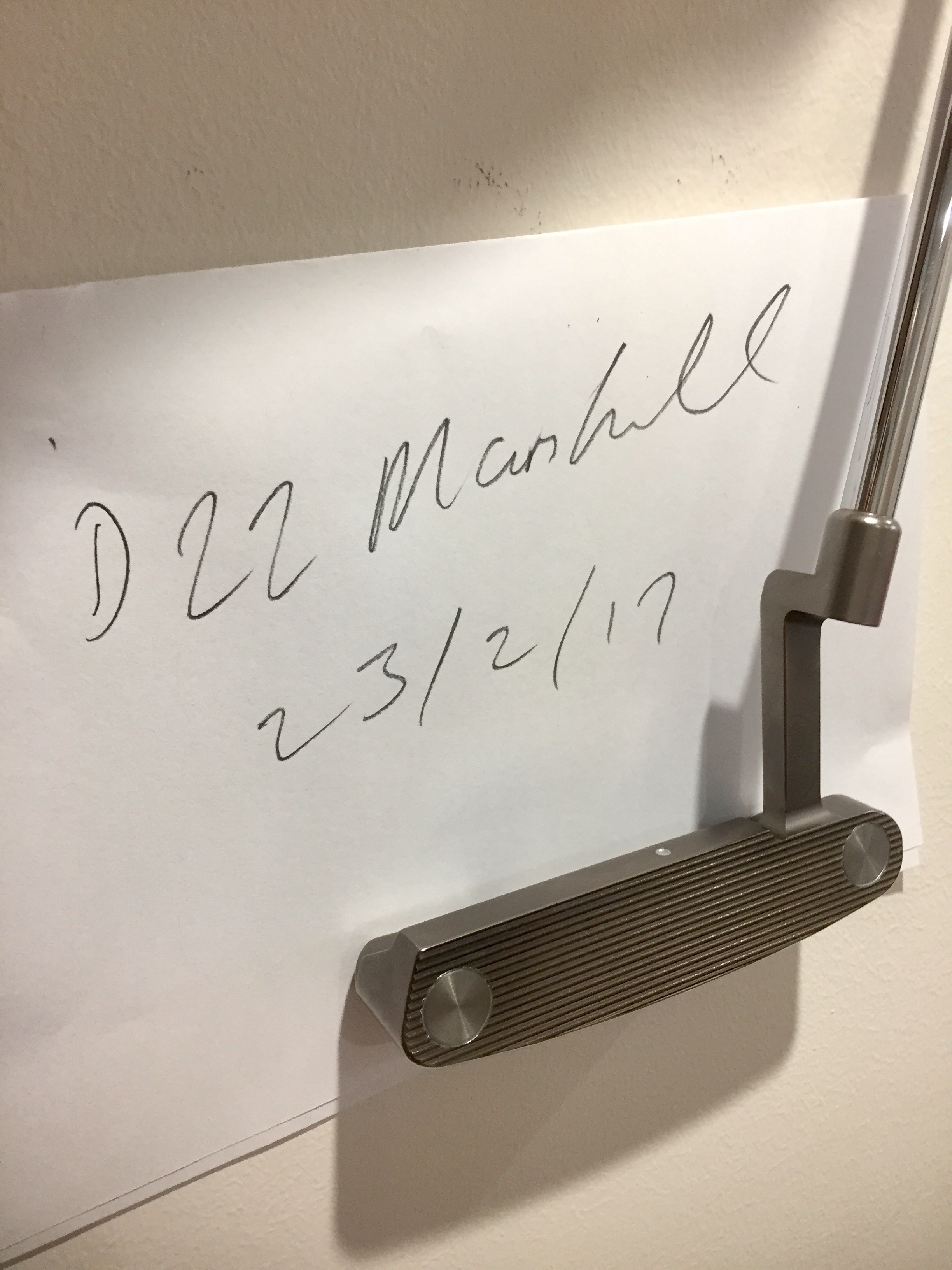
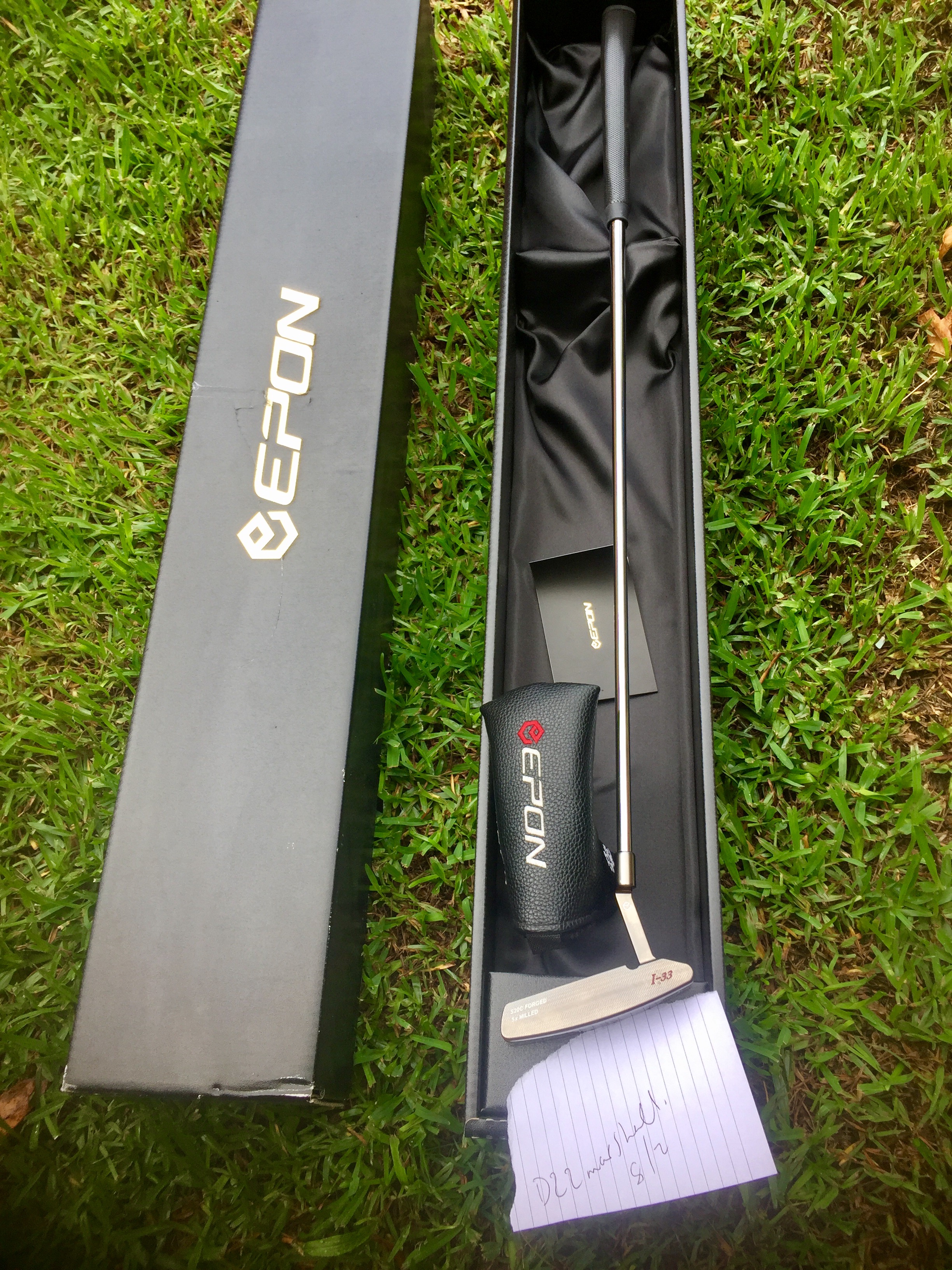
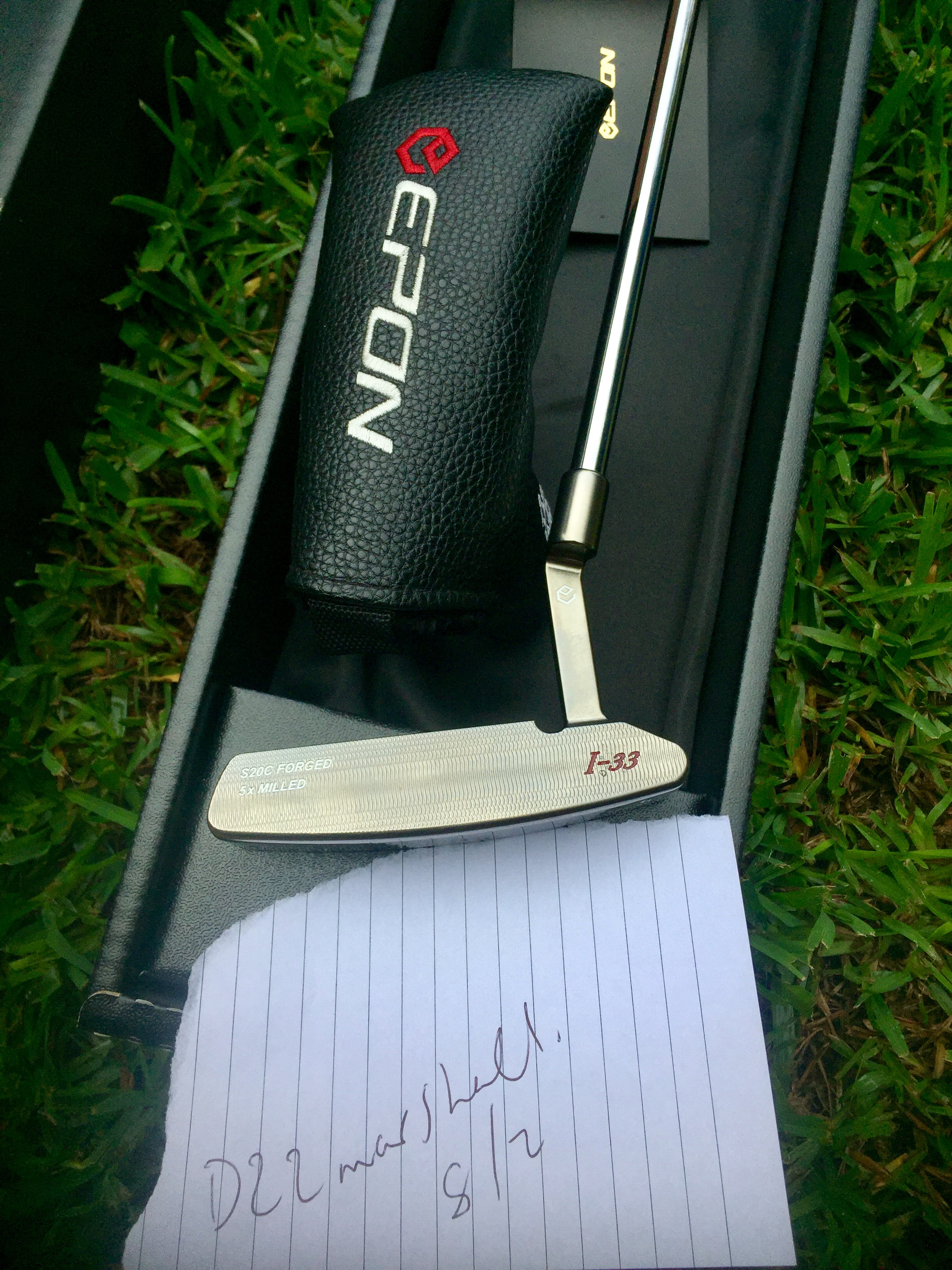
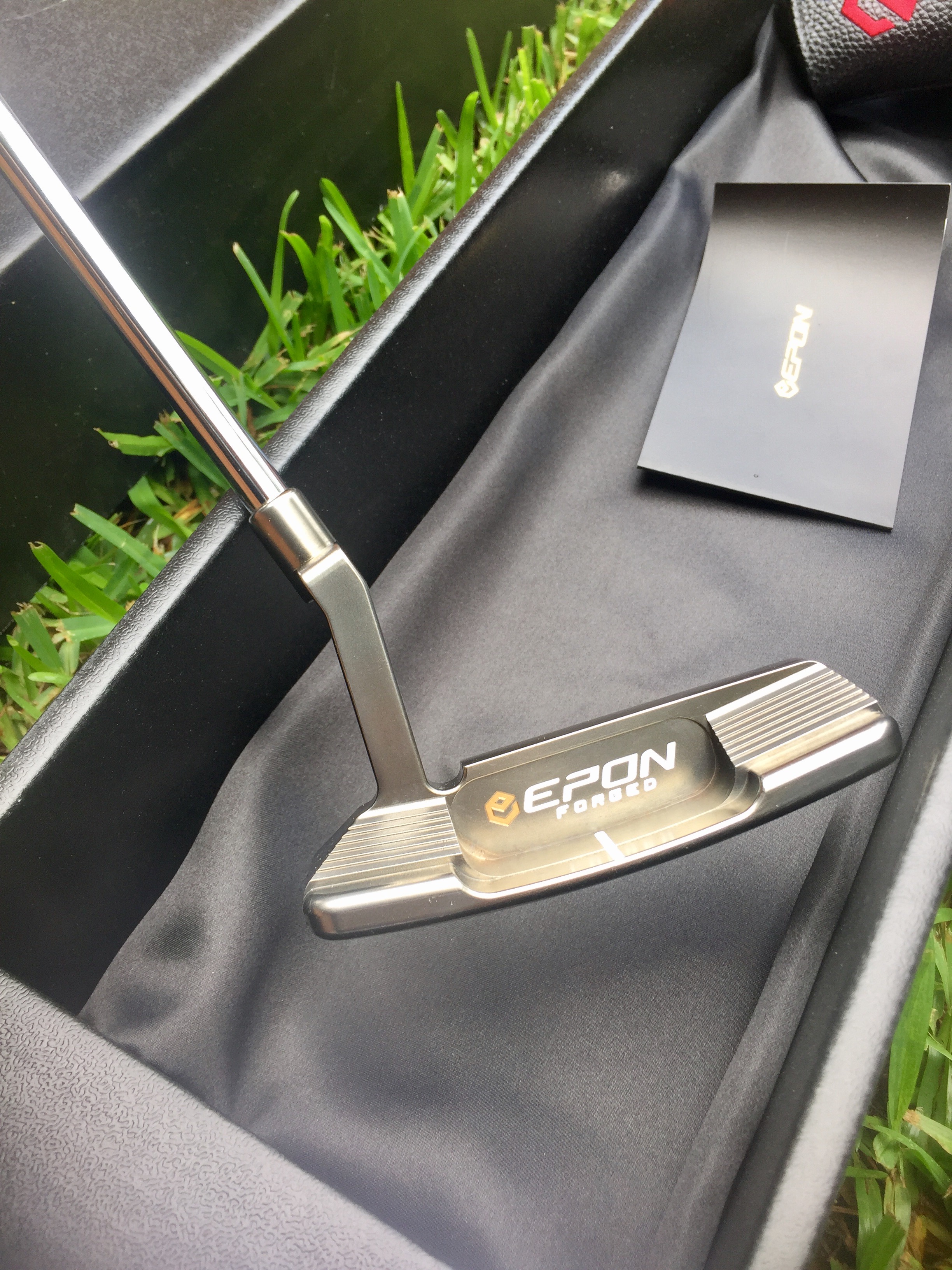
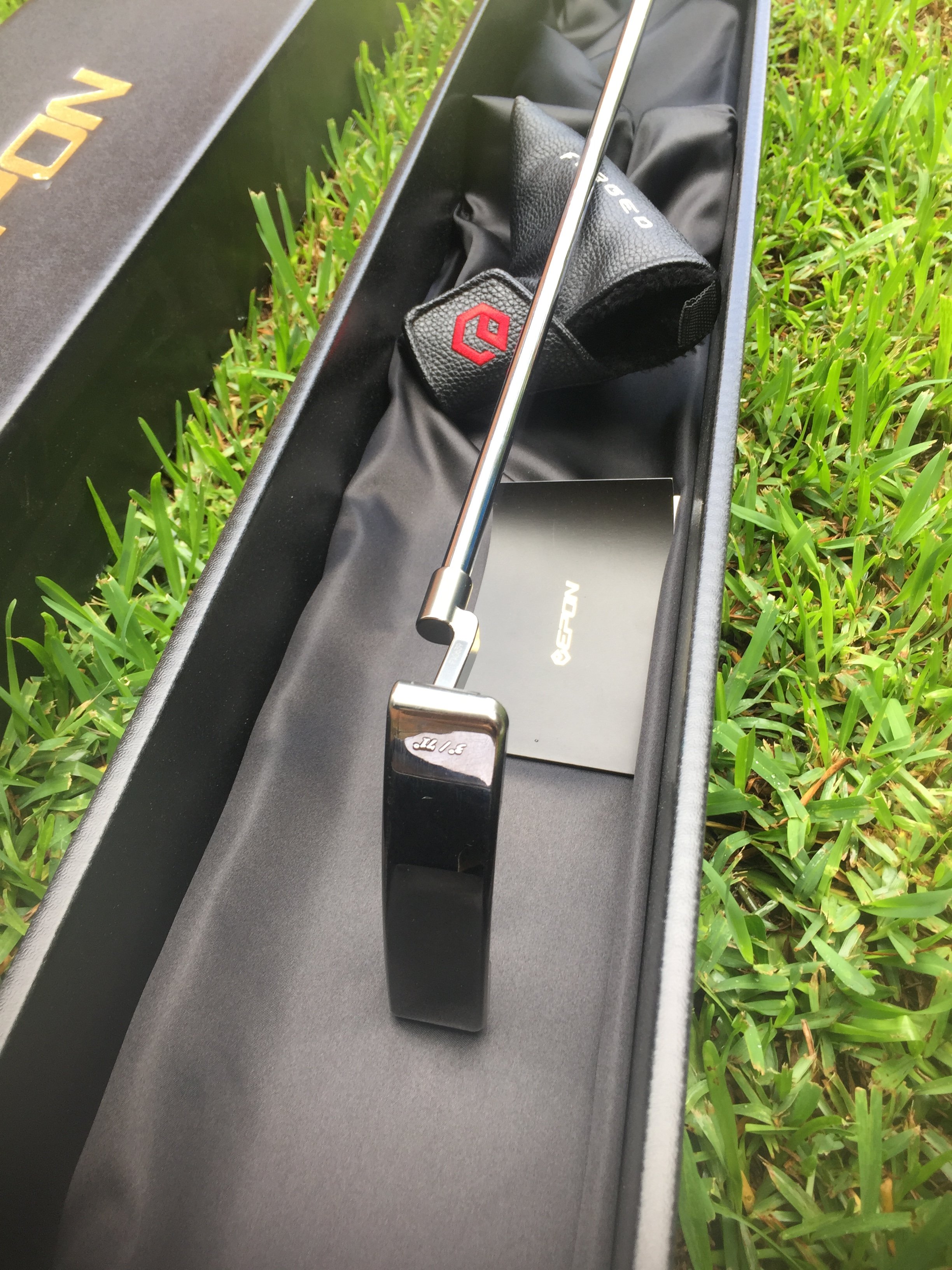
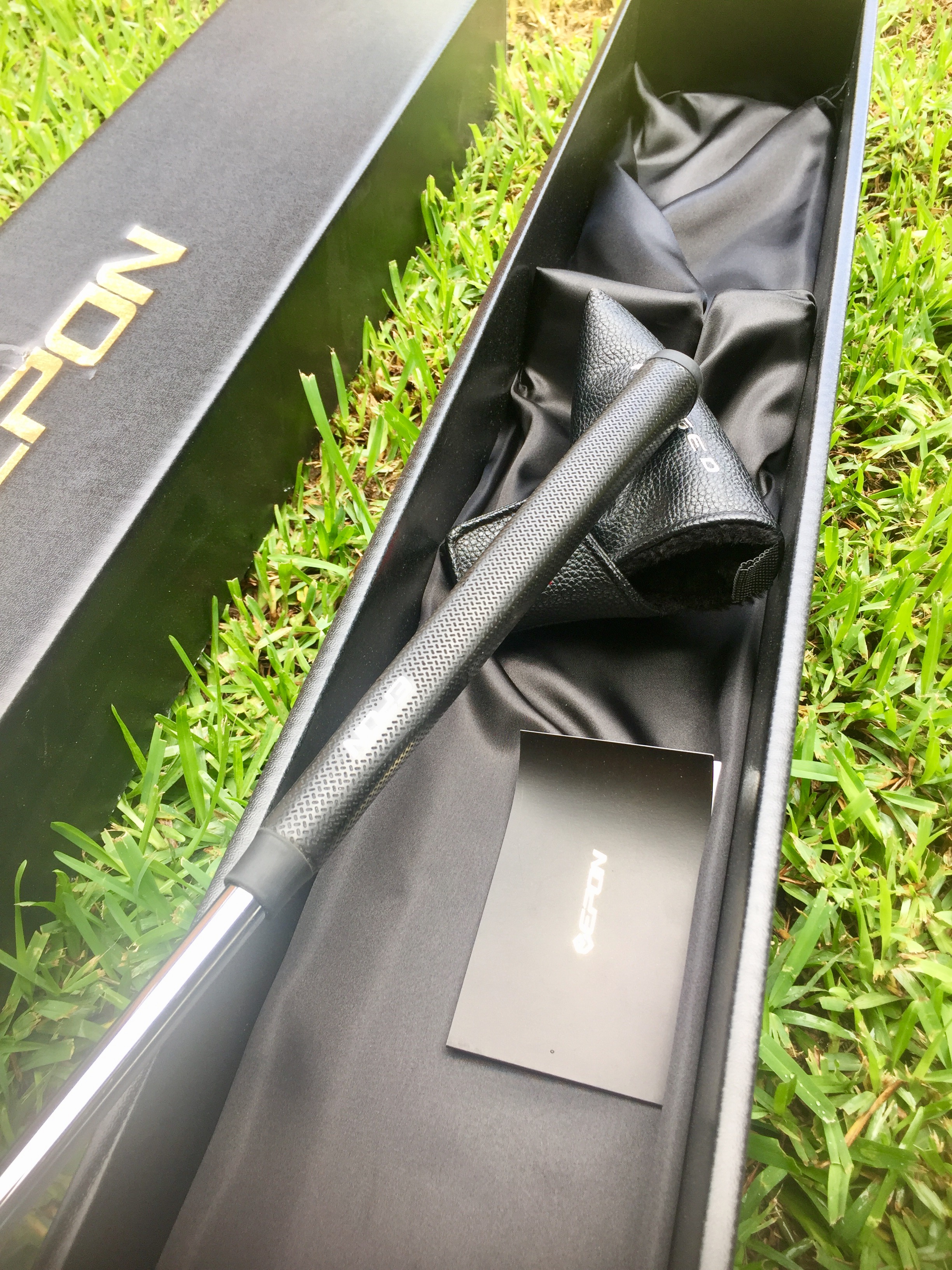
Golds private stock Tour putter. 545g total weight with a rare headcover and stock golds grip. pz face milling and face weights. Tour slot and site dot 34 inc from grip to centre of face going to ask $OLD worldwide but happy to listen to offers if I am way off. This is a very well balanced putter but I need more of a square back face balanced putters.
-
-
-
-







Account
Navigation
Search
Configure browser push notifications
Chrome (Android)
- Tap the lock icon next to the address bar.
- Tap Permissions → Notifications.
- Adjust your preference.
Chrome (Desktop)
- Click the padlock icon in the address bar.
- Select Site settings.
- Find Notifications and adjust your preference.
Safari (iOS 16.4+)
- Ensure the site is installed via Add to Home Screen.
- Open Settings App → Notifications.
- Find your app name and adjust your preference.
Safari (macOS)
- Go to Safari → Preferences.
- Click the Websites tab.
- Select Notifications in the sidebar.
- Find this website and adjust your preference.
Edge (Android)
- Tap the lock icon next to the address bar.
- Tap Permissions.
- Find Notifications and adjust your preference.
Edge (Desktop)
- Click the padlock icon in the address bar.
- Click Permissions for this site.
- Find Notifications and adjust your preference.
Firefox (Android)
- Go to Settings → Site permissions.
- Tap Notifications.
- Find this site in the list and adjust your preference.
Firefox (Desktop)
- Open Firefox Settings.
- Search for Notifications.
- Find this site in the list and adjust your preference.