




Ian-500
Members
-
Joined
-
Last visited
Everything posted by Ian-500
-
I can't imagine that these would be non conforming.
-
Sorry for thread jacking. Any chance you can post a photo of these gorgeous blades? Just for old times sake 😁
-
Possibly the softest feeling clubs I've ever hit. Quite small heads too.
-
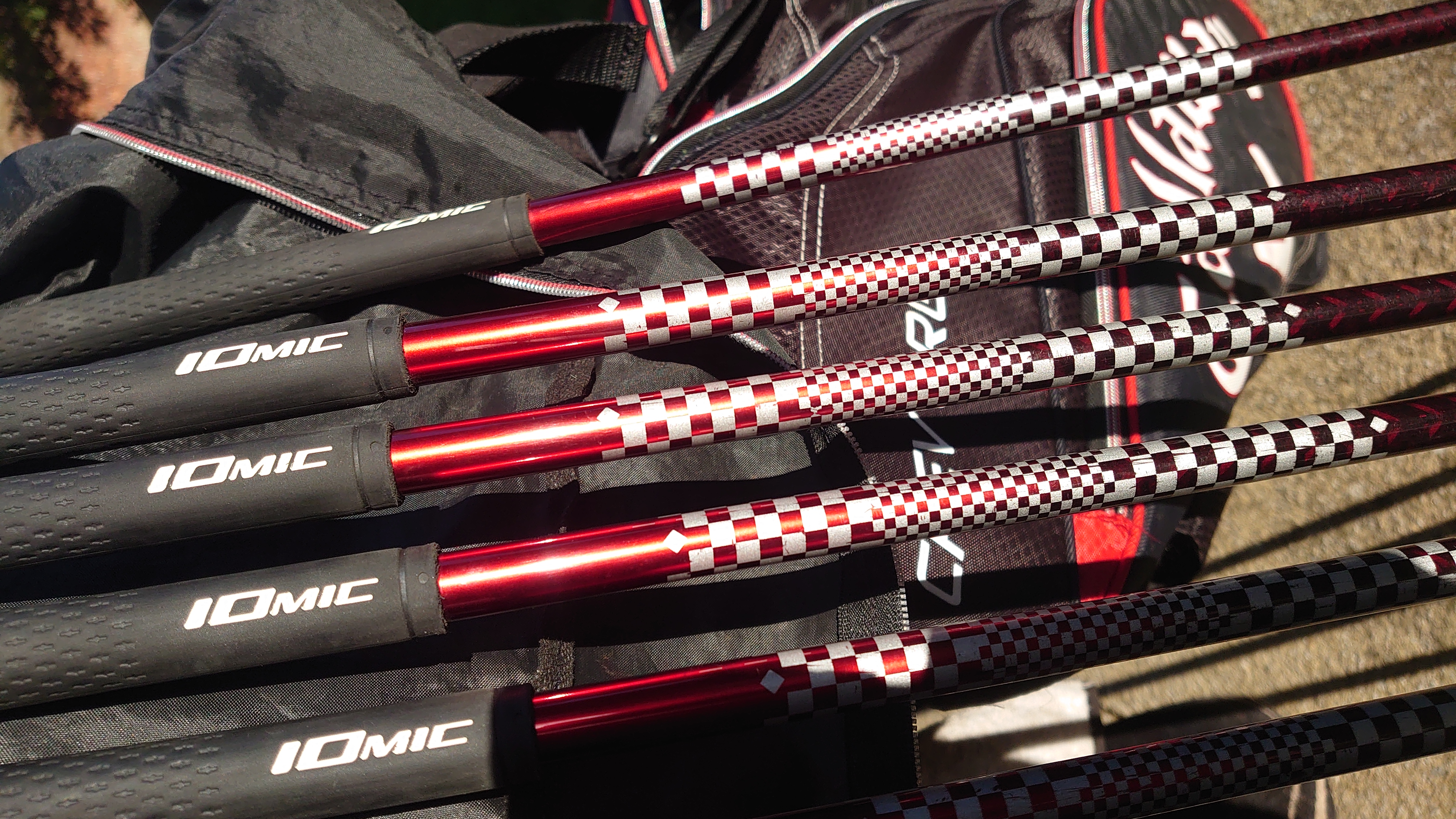
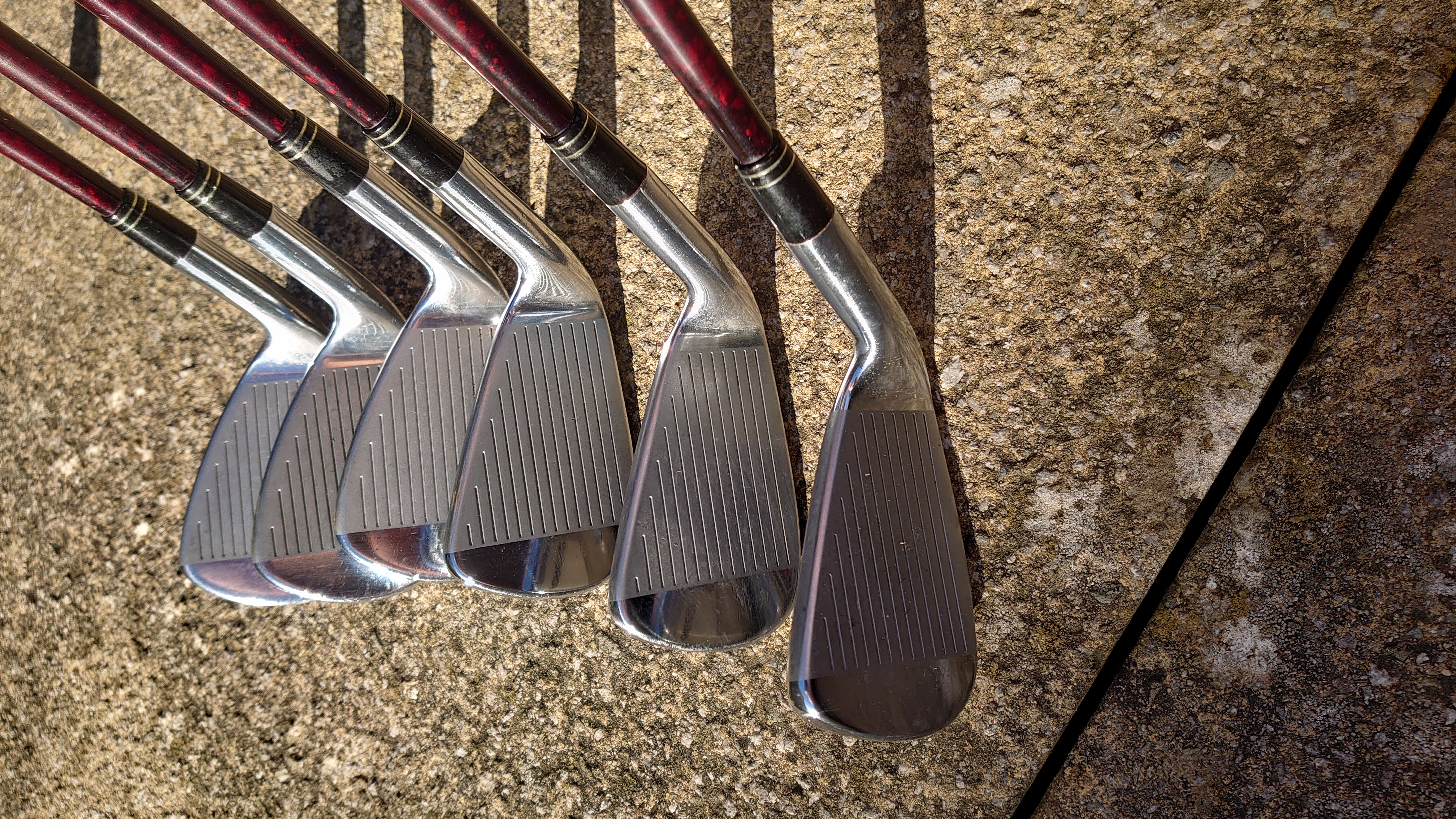
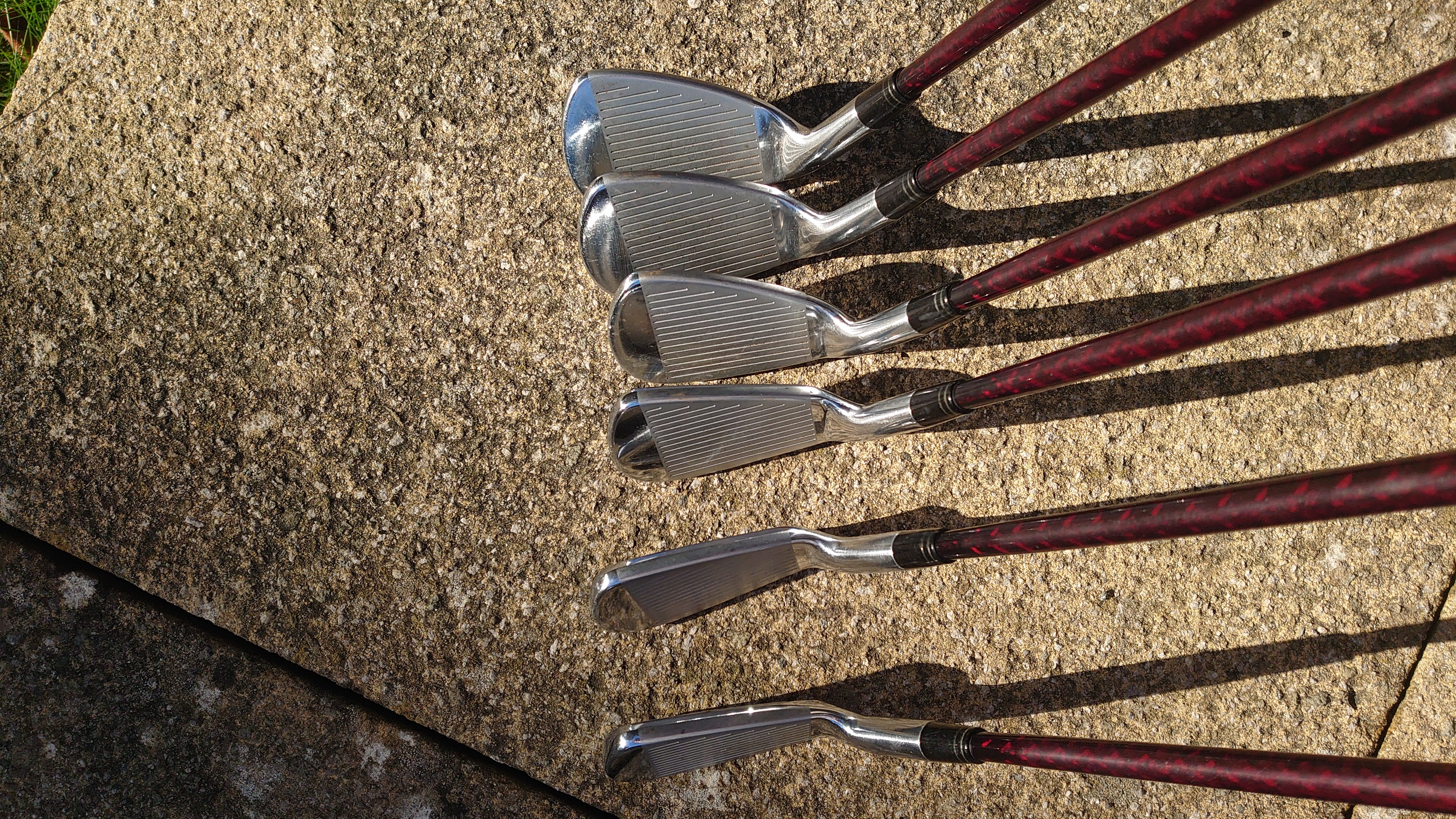
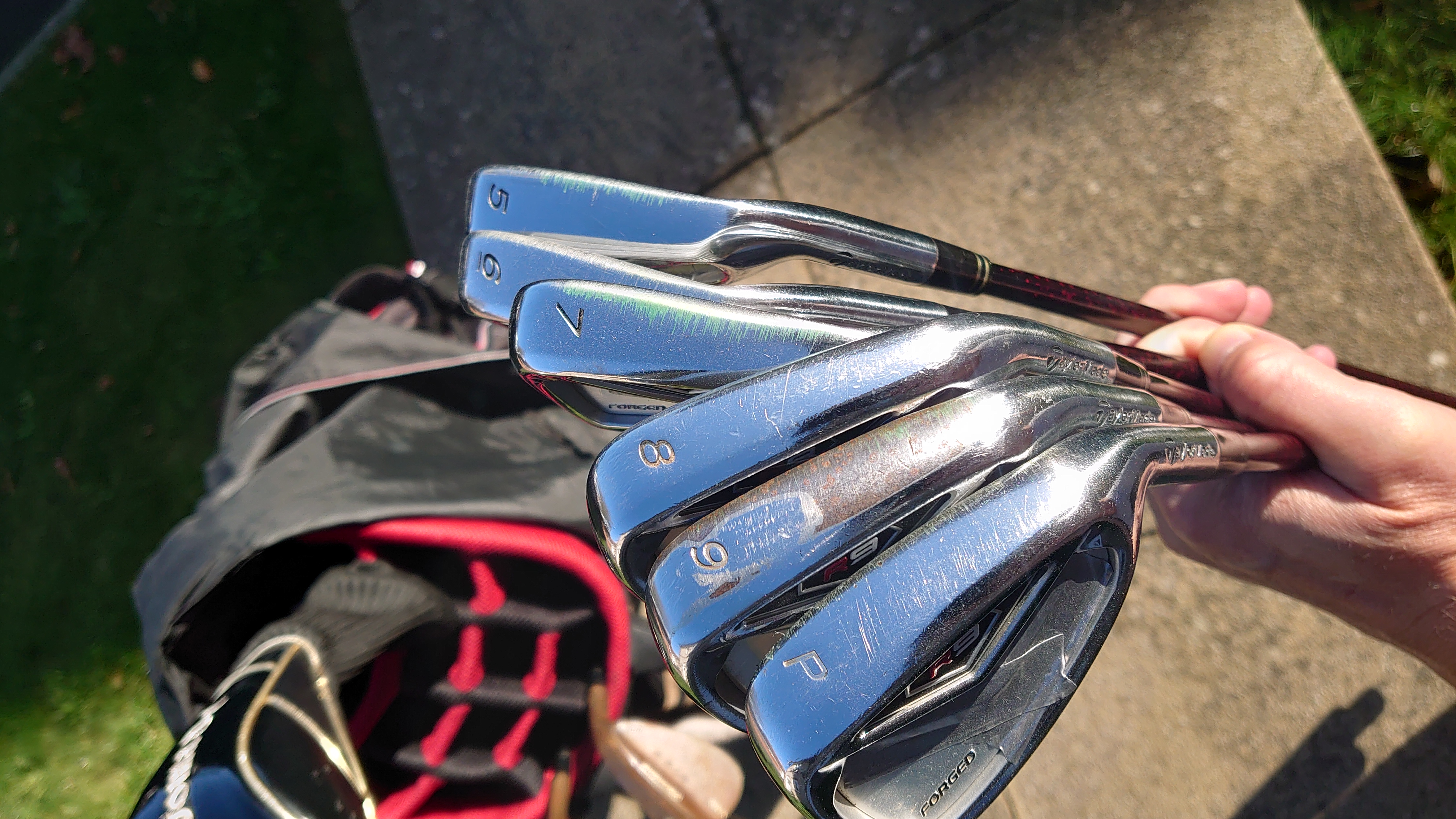
I been doing a little research but found it confusing wihich model was which. Seems to be about 4 different NanoV and nextage models.
-
Some of the Yonex Nano V irons?
-
-
Ian-500 replied to nobmontana's topic in Out of Bounds: Lifestyle, Luxury, Autos, Hobbies, High Tech GearI played really bad (first 18 holes in 6 months...no excuses..hahahahahahaha......) but loved it all the same 😍
-
Ian-500 replied to nobmontana's topic in Out of Bounds: Lifestyle, Luxury, Autos, Hobbies, High Tech GearIt was my birthday too 🎉
-
It's sad that companies prefer to throw stock away rather than give it away, at least to charity. Again this goes for most businesses, especially restaurants. The left over food should be given to the homeless and/or most needy.
-
There's people out there that can't afford jack sh*t, so it's very sad if the unsold stuff DOES get thrown, but no different from any other commodity I guess. needs to change.
-
Great info nob. Thanks. The TR500 is a stunning looking iron.
-
I can see that the lighting isn't great, but they do look soooo sexy. Can you compare them to your Ezone MB please Nob, usual things, size,shape, feel, sole etc....
-
-
Lovely stuff Hutchy.
-
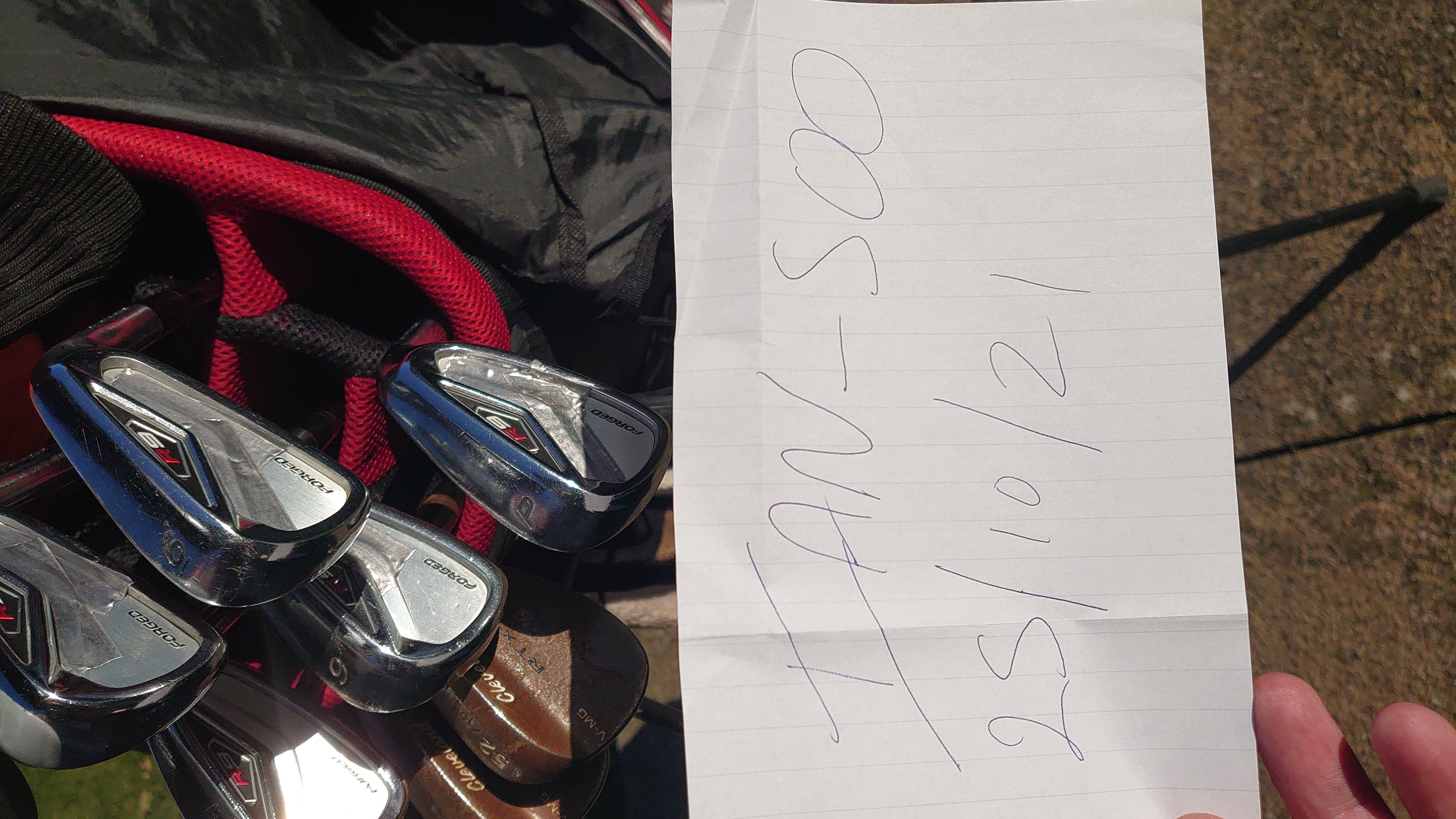
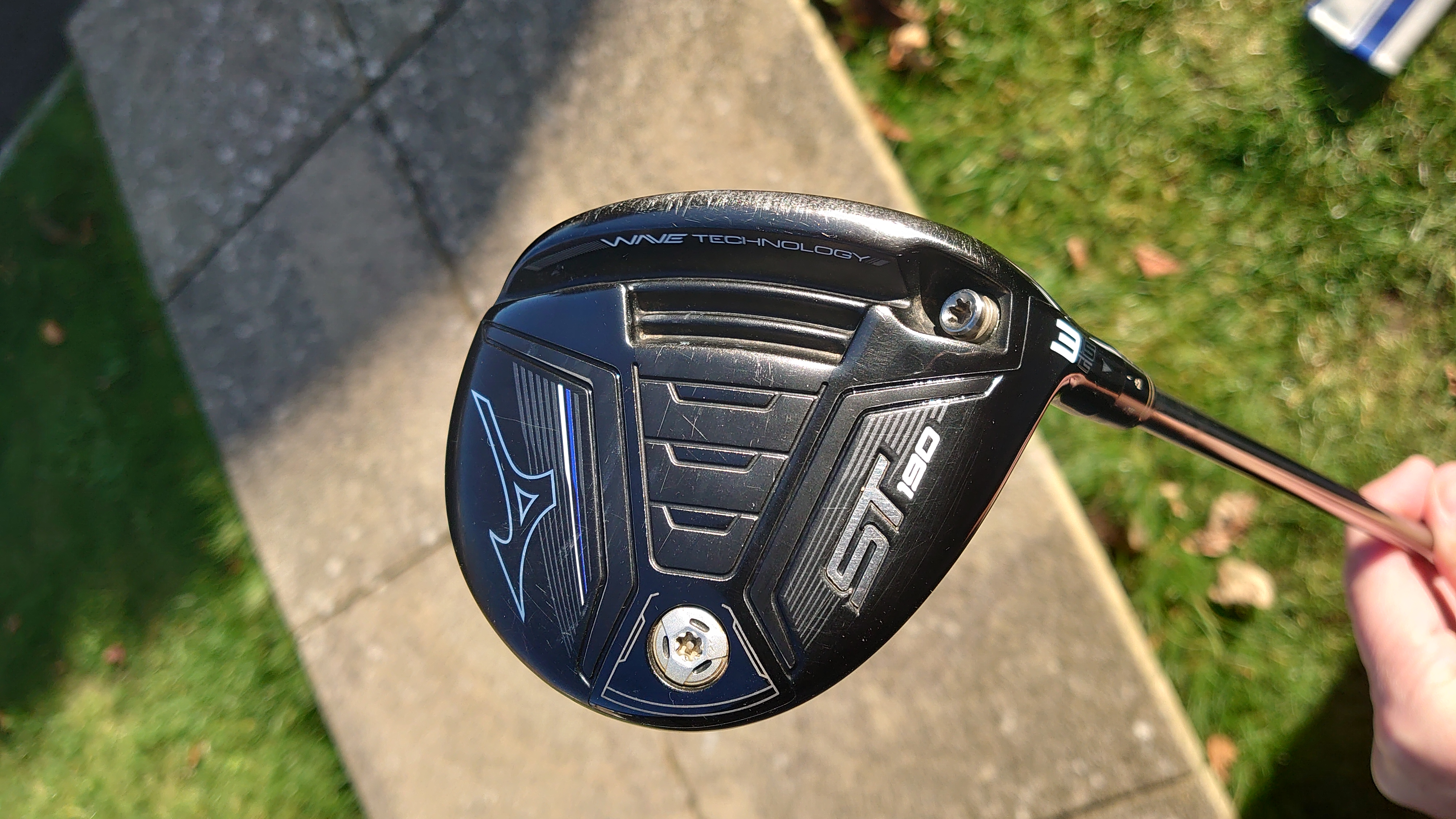
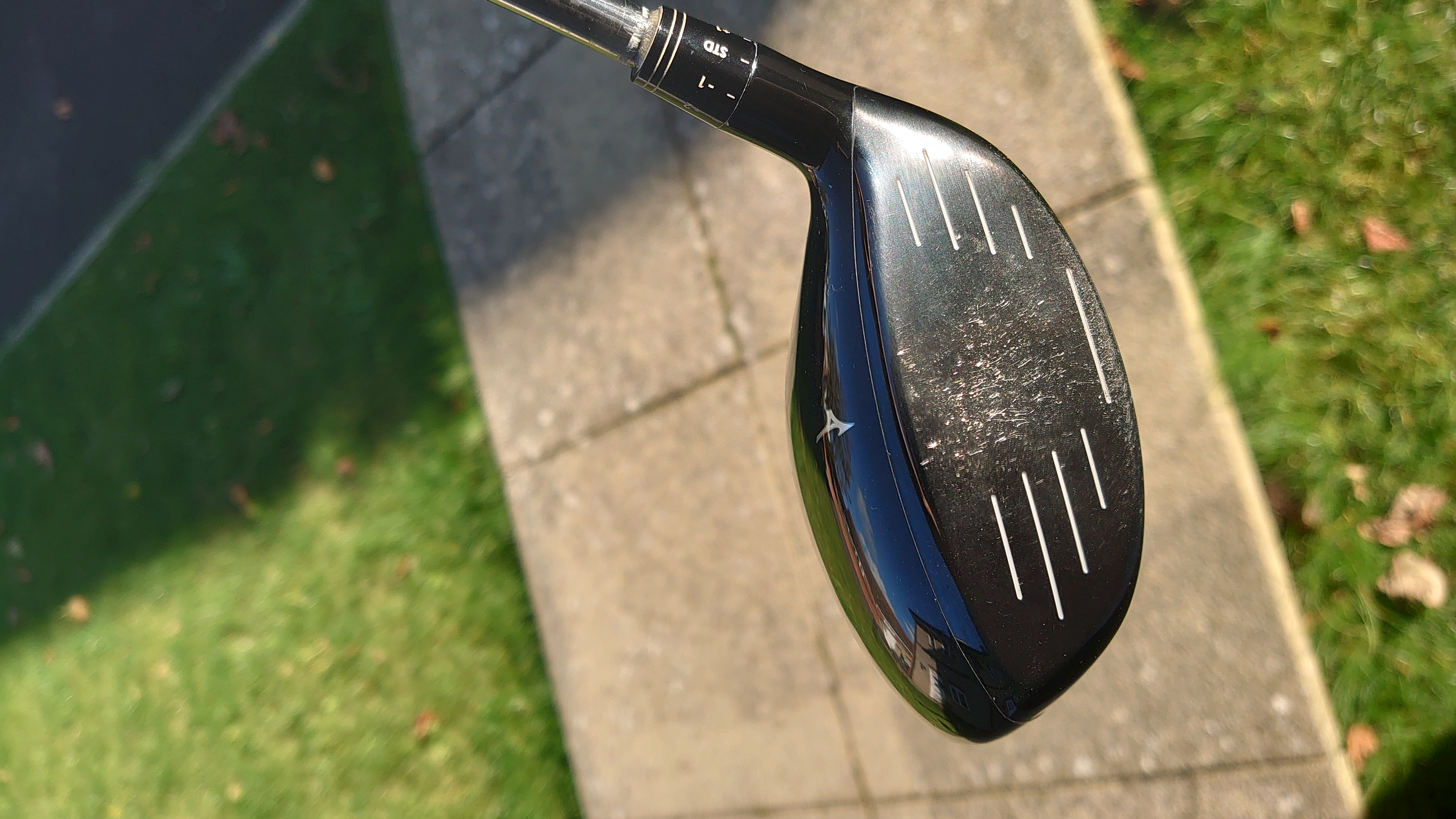
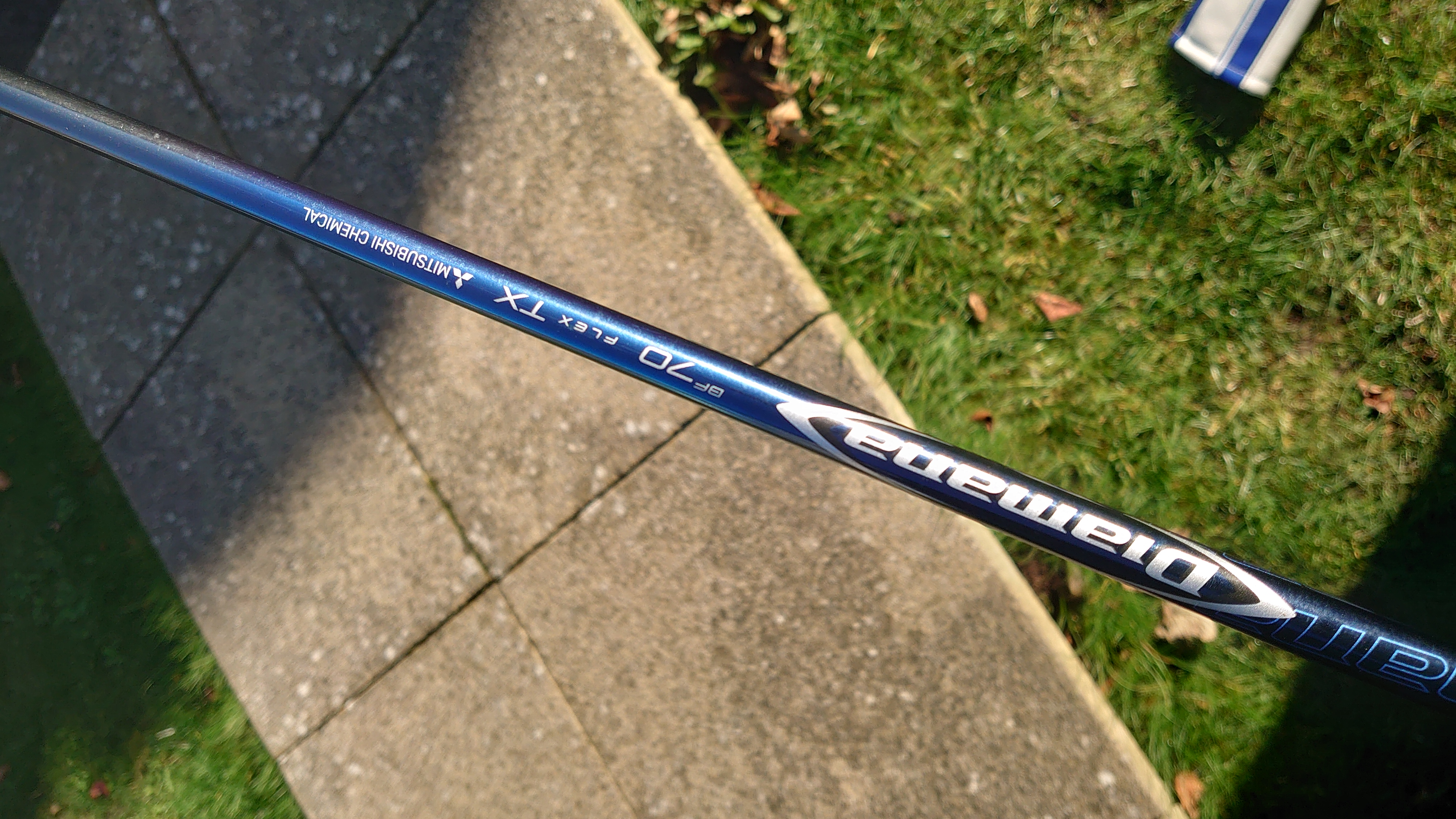
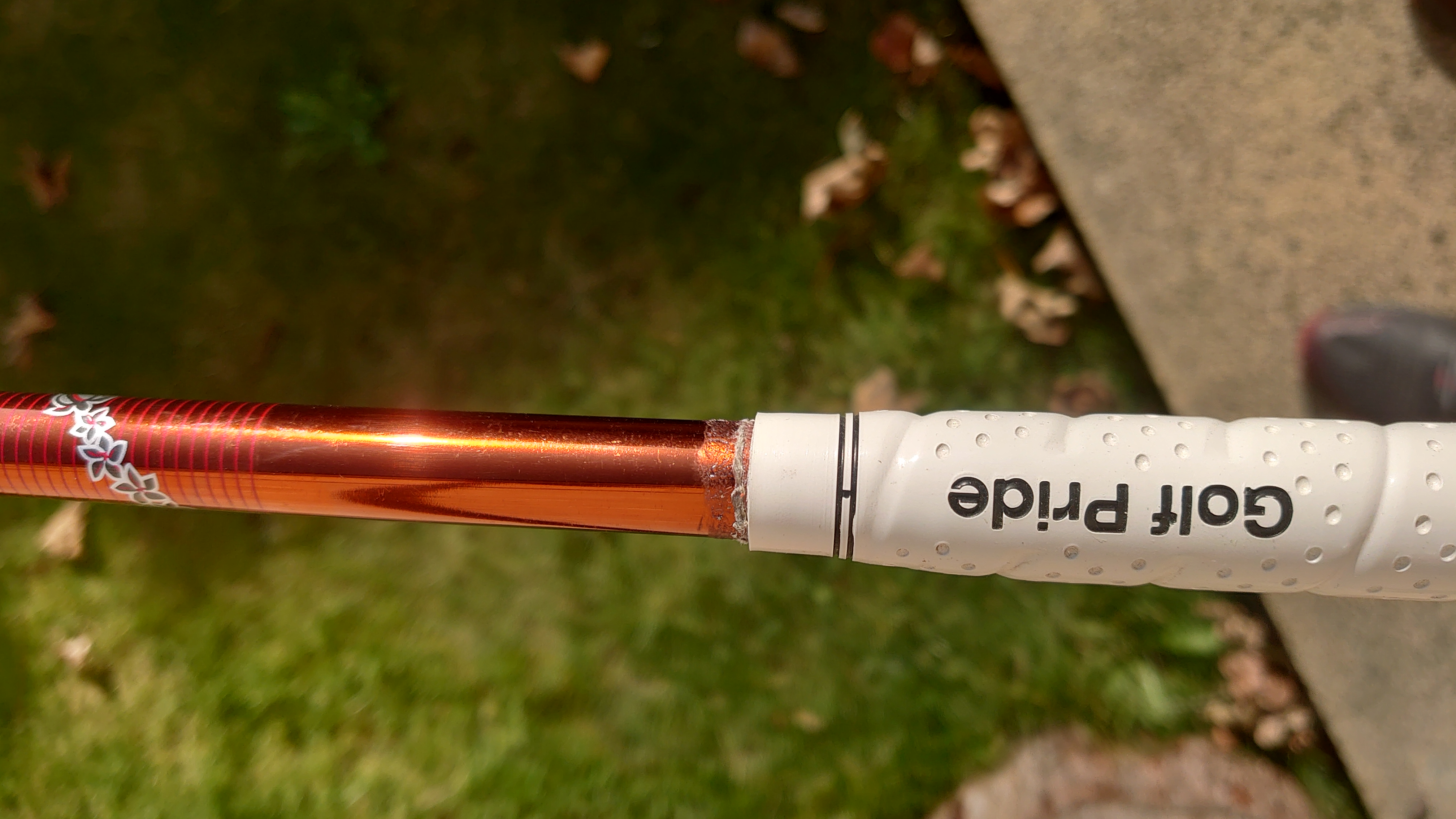
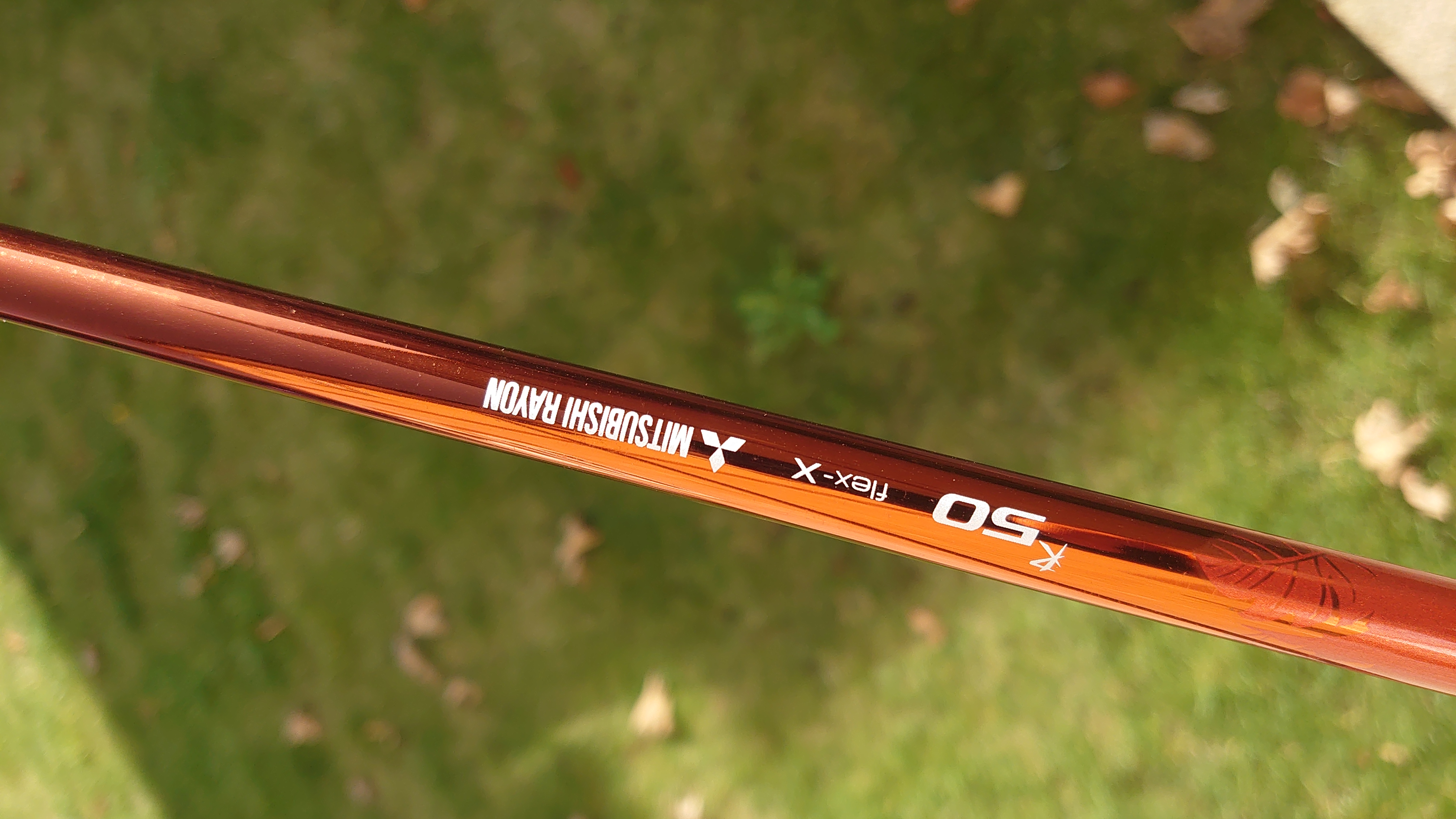
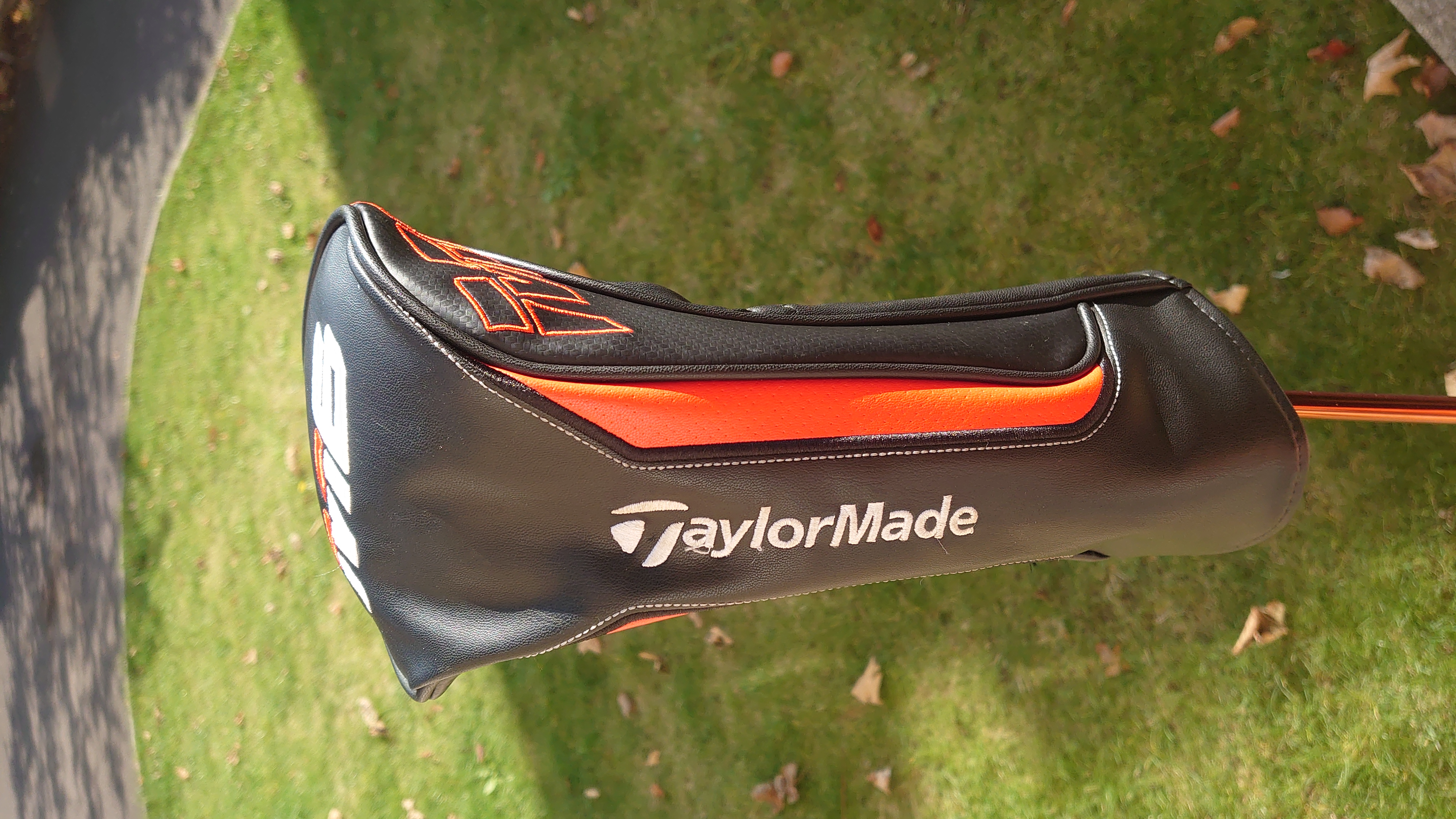
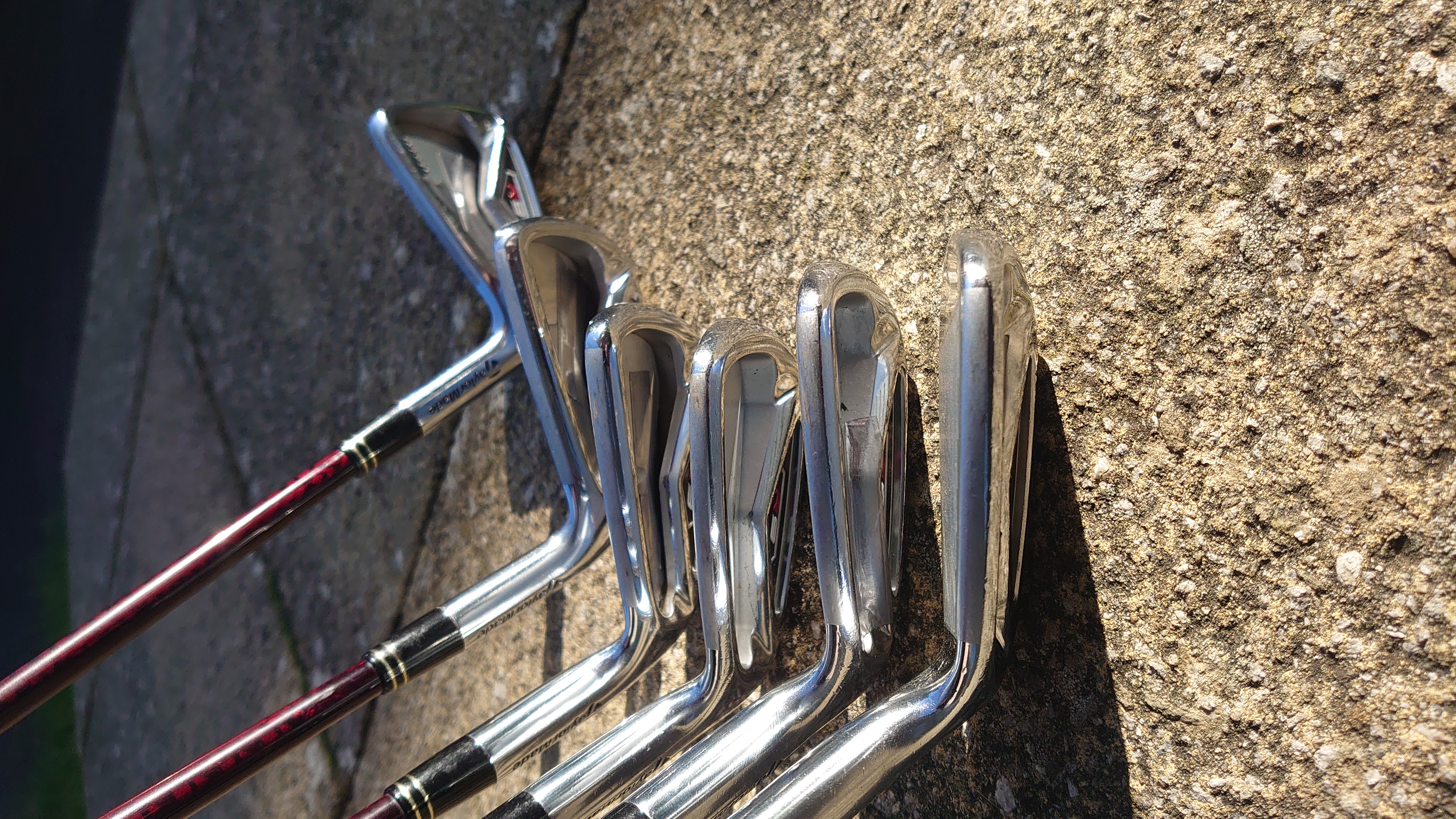
Ryoma SOLD.
-
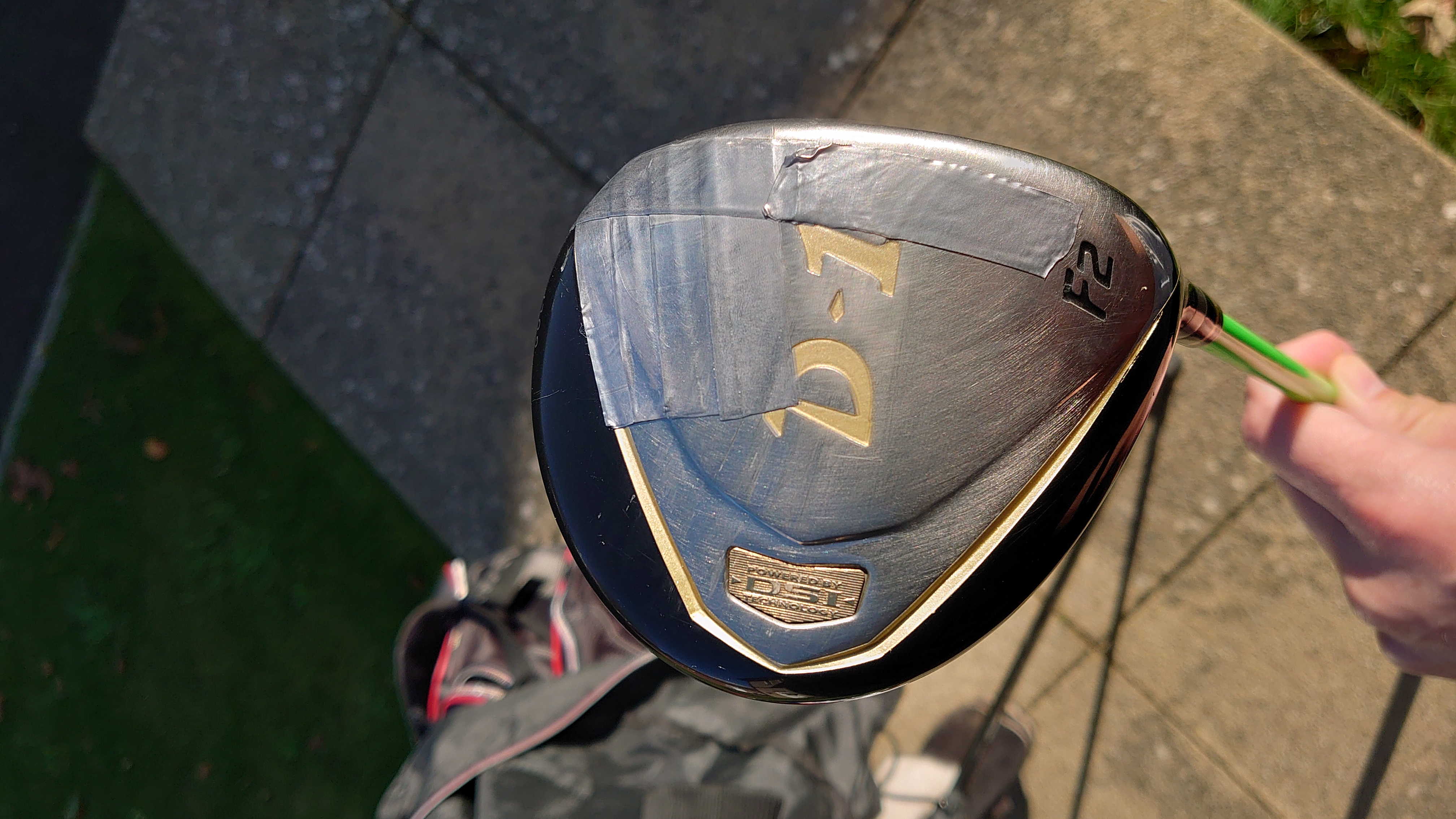
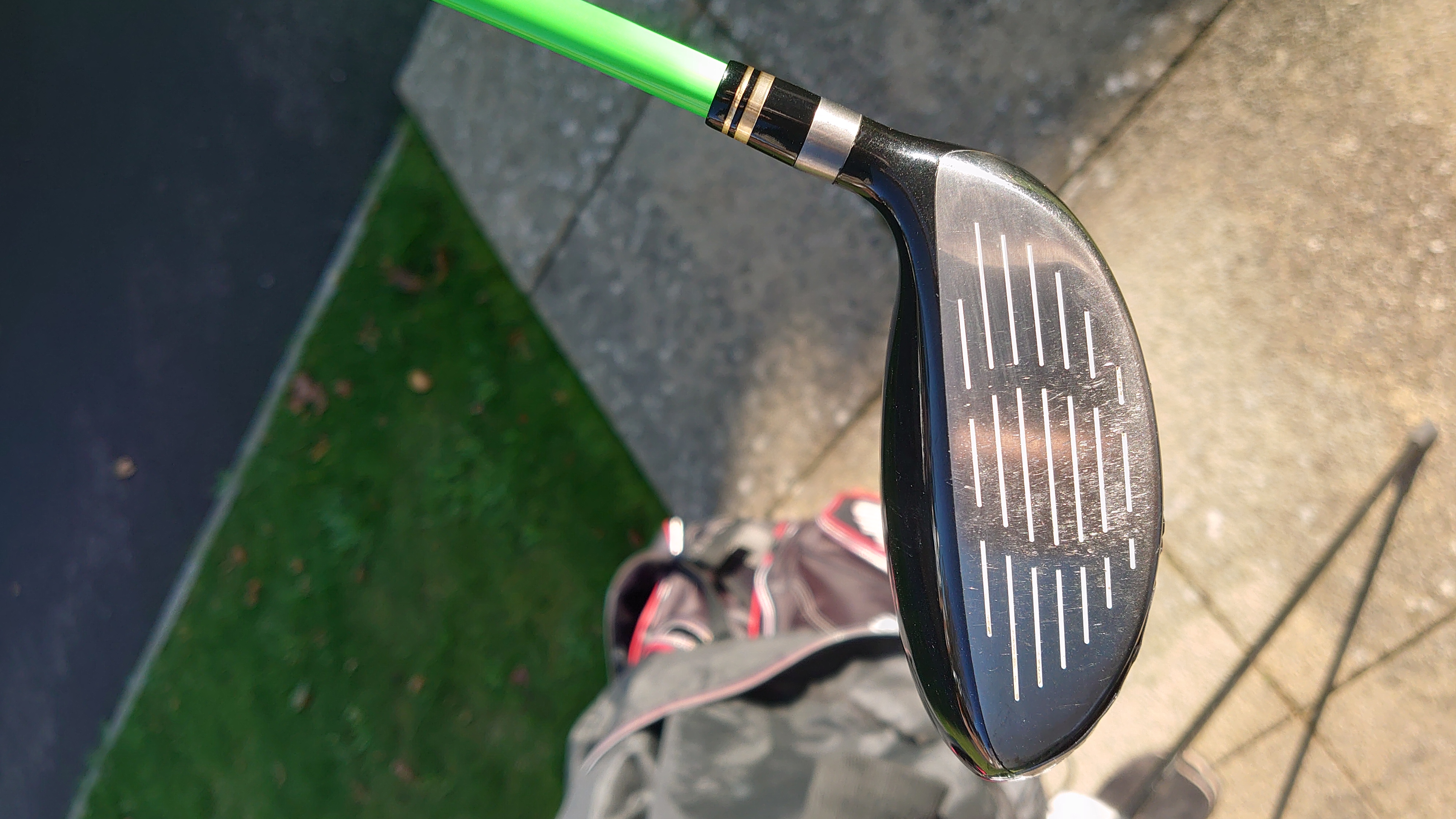
No offers on the F2?
-
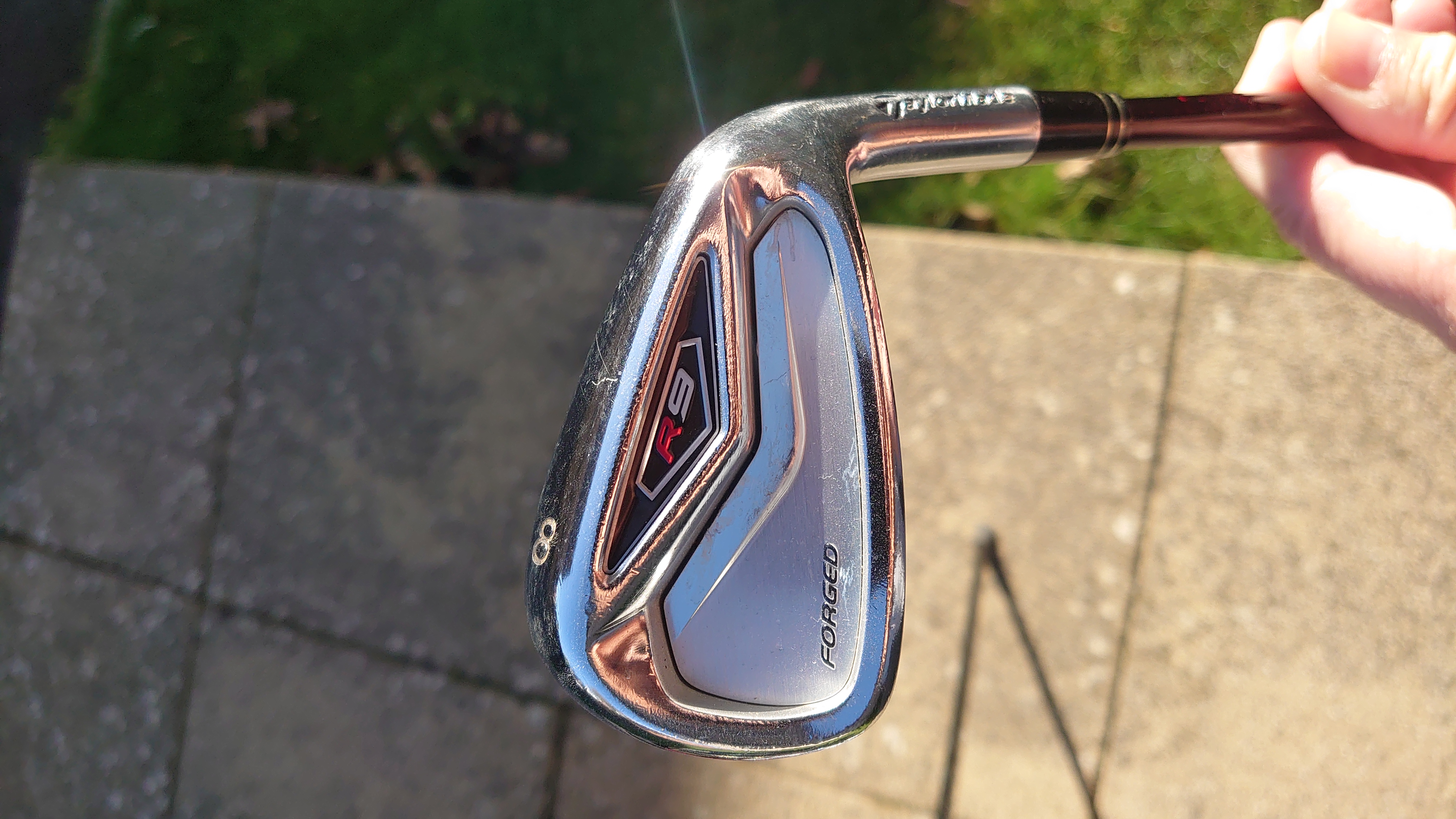
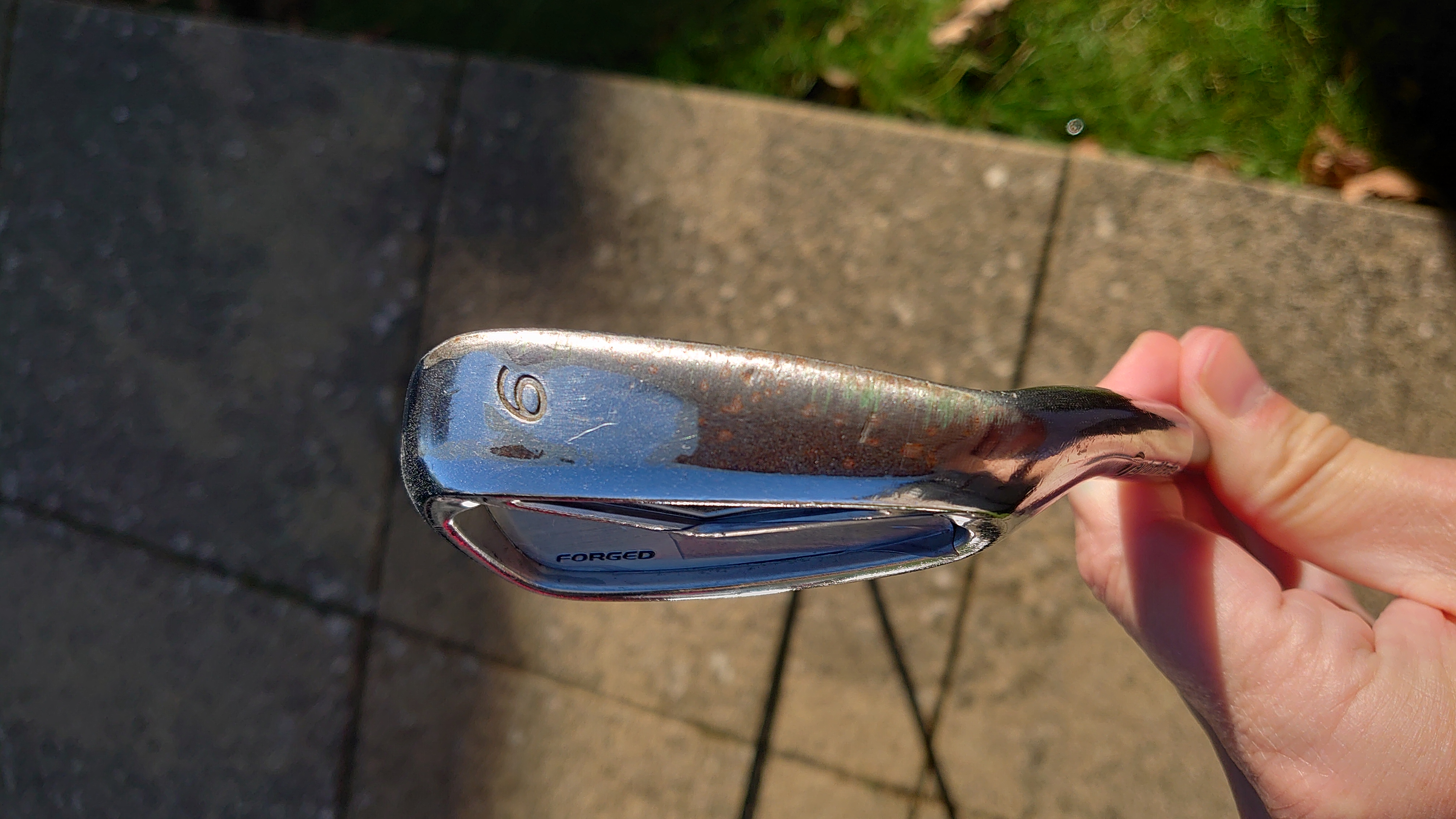
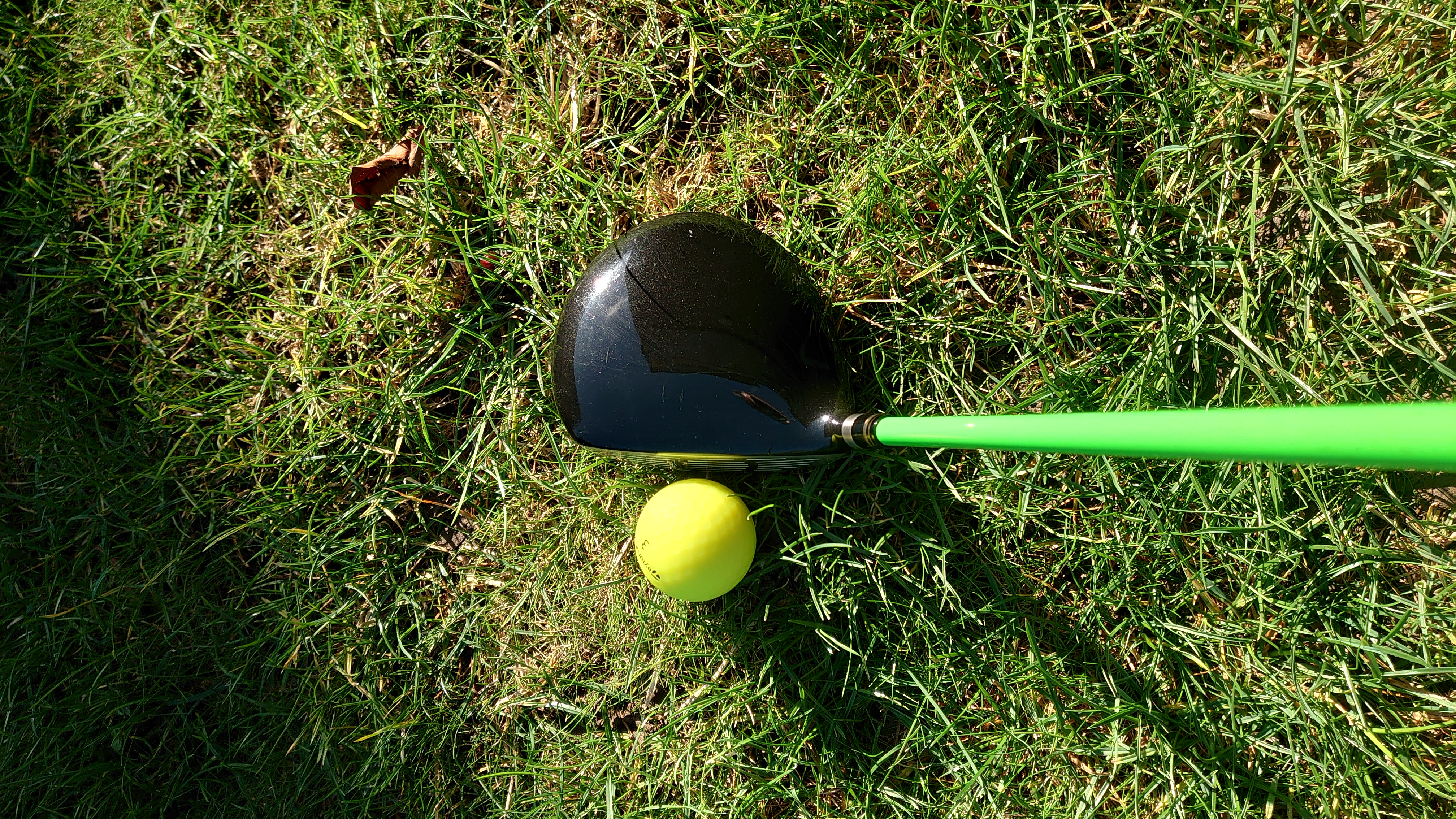
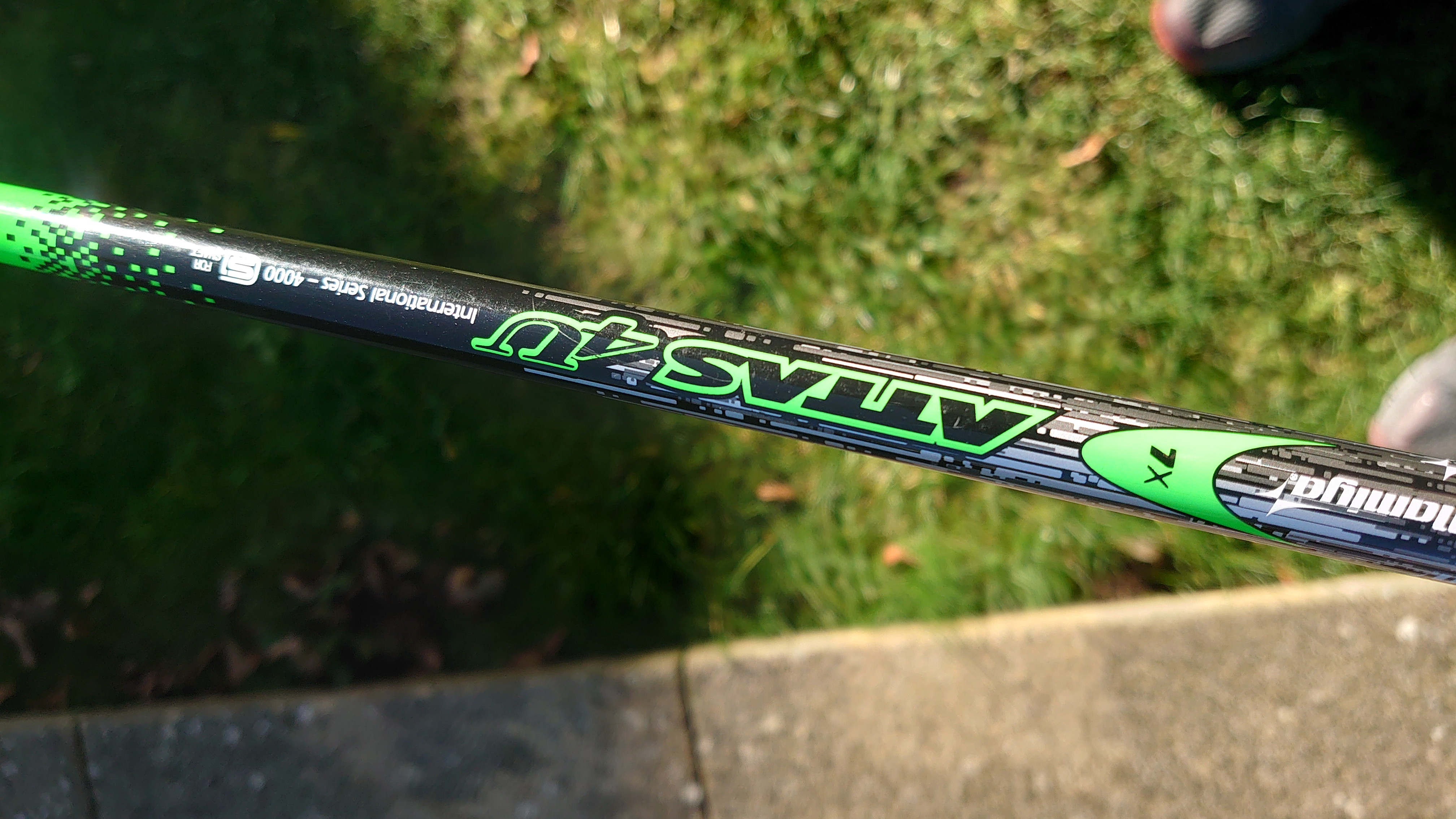
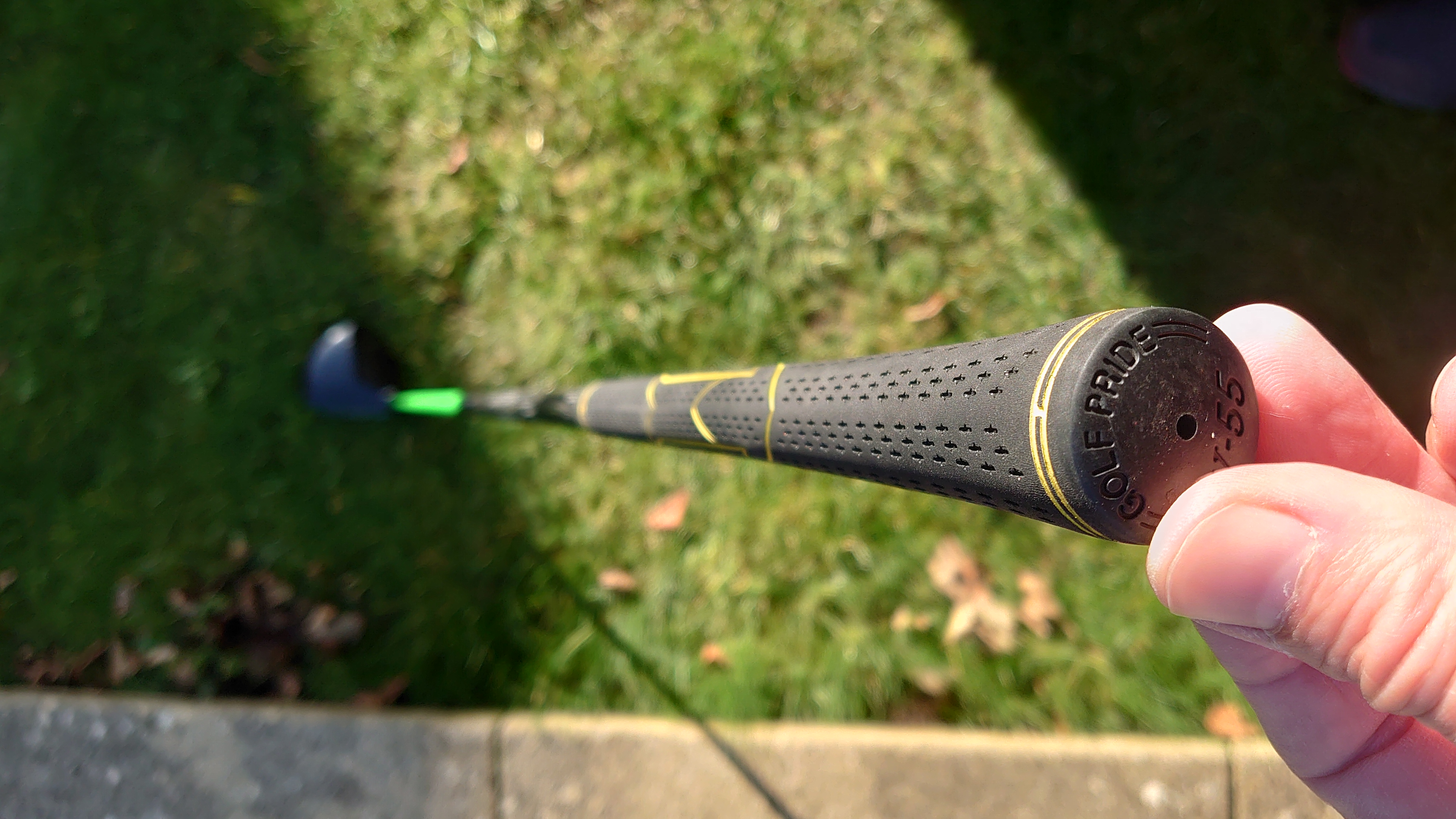
F2 $150. Irons $175.
-
Irons now at $200 + shipping.
-
SOLD!
-
F2 $175 + shipping. Irons $250 + shipping.
-







Account
Navigation
Search
Configure browser push notifications
Chrome (Android)
- Tap the lock icon next to the address bar.
- Tap Permissions → Notifications.
- Adjust your preference.
Chrome (Desktop)
- Click the padlock icon in the address bar.
- Select Site settings.
- Find Notifications and adjust your preference.
Safari (iOS 16.4+)
- Ensure the site is installed via Add to Home Screen.
- Open Settings App → Notifications.
- Find your app name and adjust your preference.
Safari (macOS)
- Go to Safari → Preferences.
- Click the Websites tab.
- Select Notifications in the sidebar.
- Find this website and adjust your preference.
Edge (Android)
- Tap the lock icon next to the address bar.
- Tap Permissions.
- Find Notifications and adjust your preference.
Edge (Desktop)
- Click the padlock icon in the address bar.
- Click Permissions for this site.
- Find Notifications and adjust your preference.
Firefox (Android)
- Go to Settings → Site permissions.
- Tap Notifications.
- Find this site in the list and adjust your preference.
Firefox (Desktop)
- Open Firefox Settings.
- Search for Notifications.
- Find this site in the list and adjust your preference.